


Refresh product images
Remove old prices, sale banners or labels from your own product photos so you can reuse them.
Upload your own photo or screenshot and the AI erases captions, date stamps, subtitles and labels, then rebuilds the background underneath so the picture looks untouched.
Example
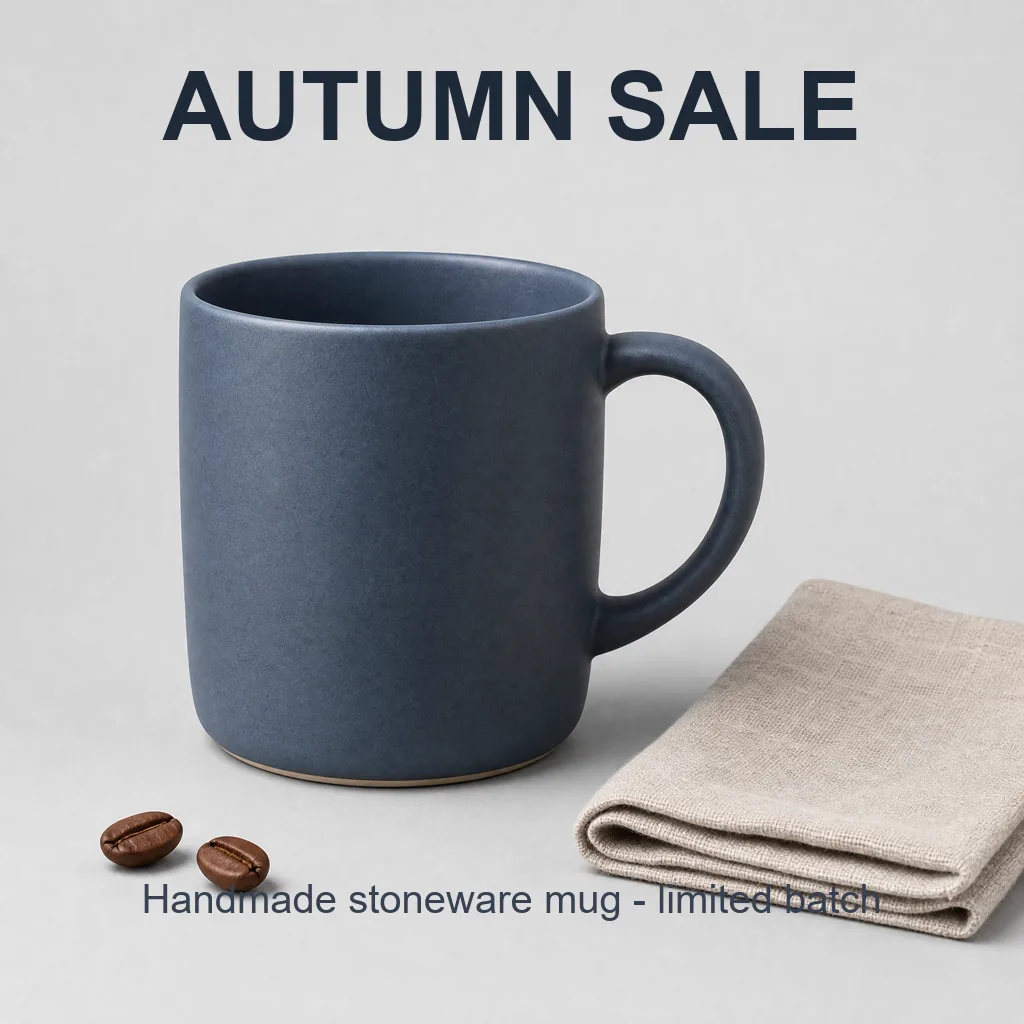 BeforeAfter
Your result will appear here
How it works
Add a photo, screenshot or graphic that you own or have permission to edit.
By default the AI removes all visible text. To keep some of it, say which text to keep or which to remove.
Compare before and after, download the result, or add new text in the free online editor.
Clear away words without cloning and patching by hand.
Removes typed captions, word stickers and promotional text you added on top of your photos.
Clears the orange date stamps that older cameras printed into the corner of your pictures.
Takes burned-in subtitles off stills from your own videos and presentations.
The area under the text is reconstructed to match the surrounding texture, color and lighting.
Describe what to keep or remove in the text box when you only want part of the text gone.
Open the clean image in the free online editor and type new headlines, prices or labels.
Remove old prices, sale banners or labels from your own product photos so you can reuse them.
Clear the original text from your designs and screenshots, then add translated text in the editor.
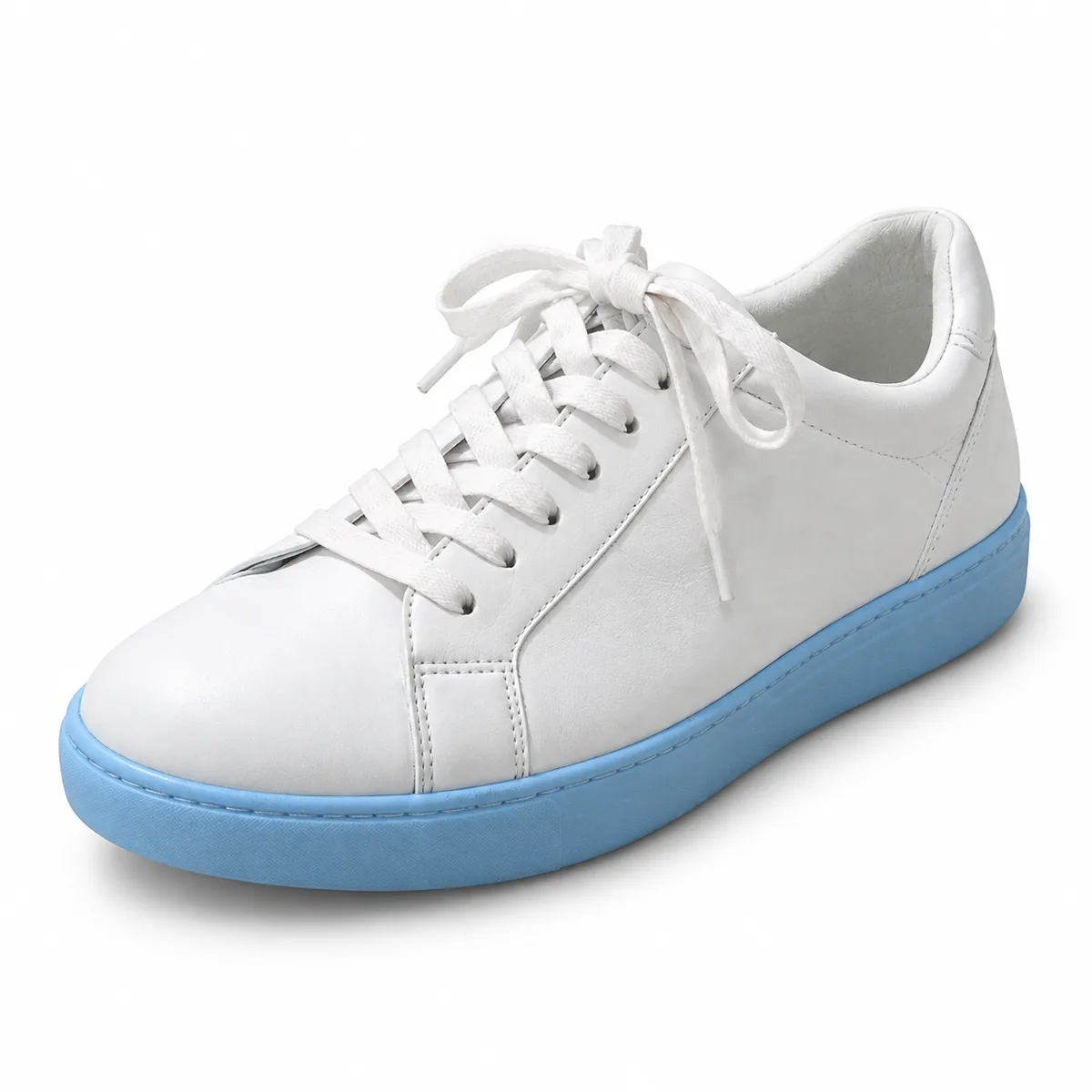
Remove date stamps, captions and stray text from your own pictures before printing or sharing them.
FAQ
Upload the image and click generate. The AI erases the visible text and fills the area with matching background. Add a note if you only want some of the text removed.
Captions, date stamps, subtitles, labels, price tags and other text overlays. Results are best on plain or evenly textured backgrounds; very busy areas may need a second run or a touch-up in the editor.
Yes. Describe it in the optional box, for example “remove only the caption at the bottom” or “keep the headline at the top”.
Use it on images you own or have permission to edit, such as your own photos, product shots, designs and screenshots. Removing text from an image does not change who owns it.
Each run uses credits because it runs on a cloud AI model, and the exact cost is shown on the button before you start. The online photo editor on this site is free.
Your image is uploaded to our storage and processed by our AI model provider to create the result. Results are saved in My Creations so you can download them later.
Keep going with the same photo. Every AI tool shares one credit balance.
Upload your photo or screenshot and let the AI remove captions, stamps and labels.