Free online photo editor + AI photo tools
Free AI Photoshop Online for Every Photo
AI PS Online, short for AI Photoshop Online, is a free online photo editor with layers, masks, filters and PSD support in your browser. Its AI tools remove backgrounds, erase objects, restore old photos and generate new images.
The photo editor is free with no sign-up. AI tools need a free account and show the credit cost before each run.
Powered by these AI models


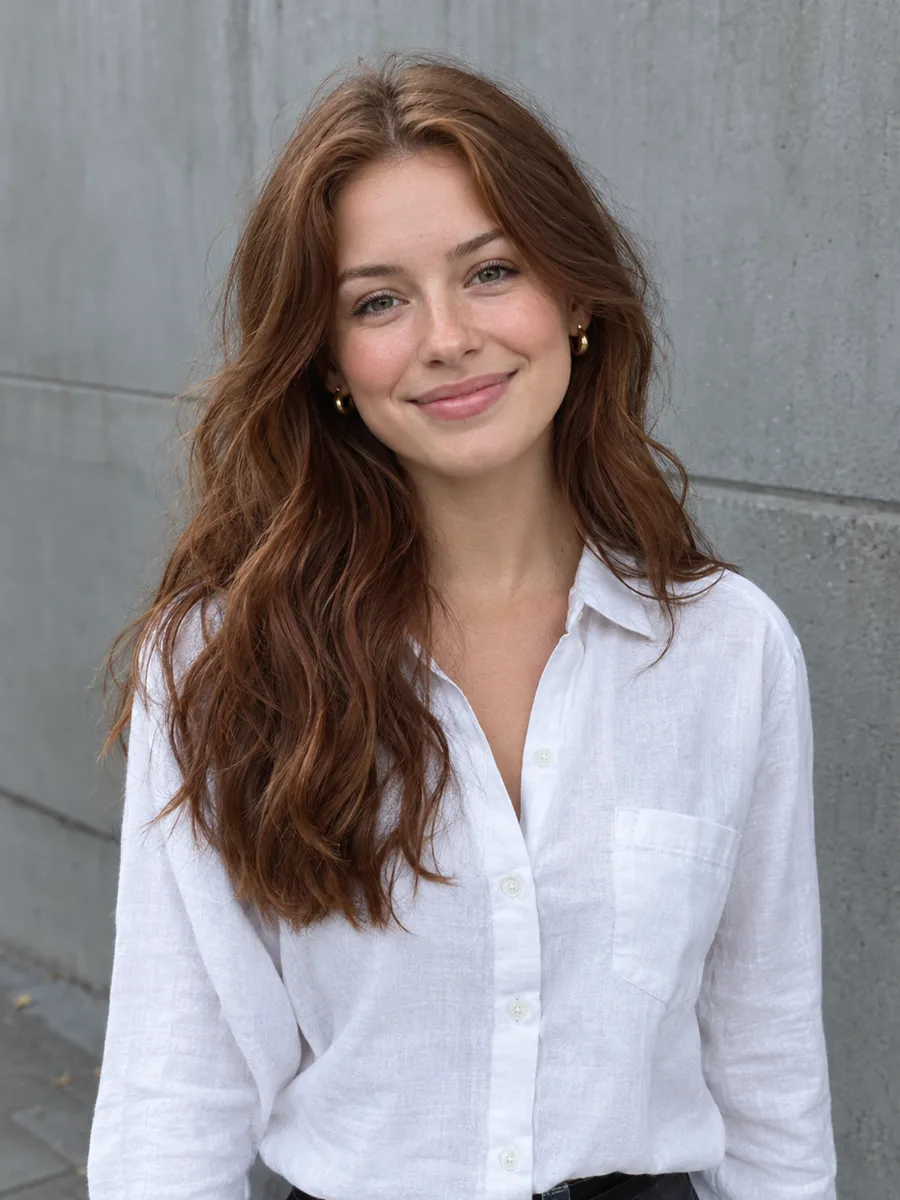 Before
 After
After
Try AI Photoshop Online
Edit Photos Online with the AI Photo Editor
AI Photoshop Online works two ways: upload a photo and tell an AI model such as Nano Banana 2 what to change, or switch to the free online photo editor and adjust every pixel by hand.
Example
BeforeAfterYour result will appear here
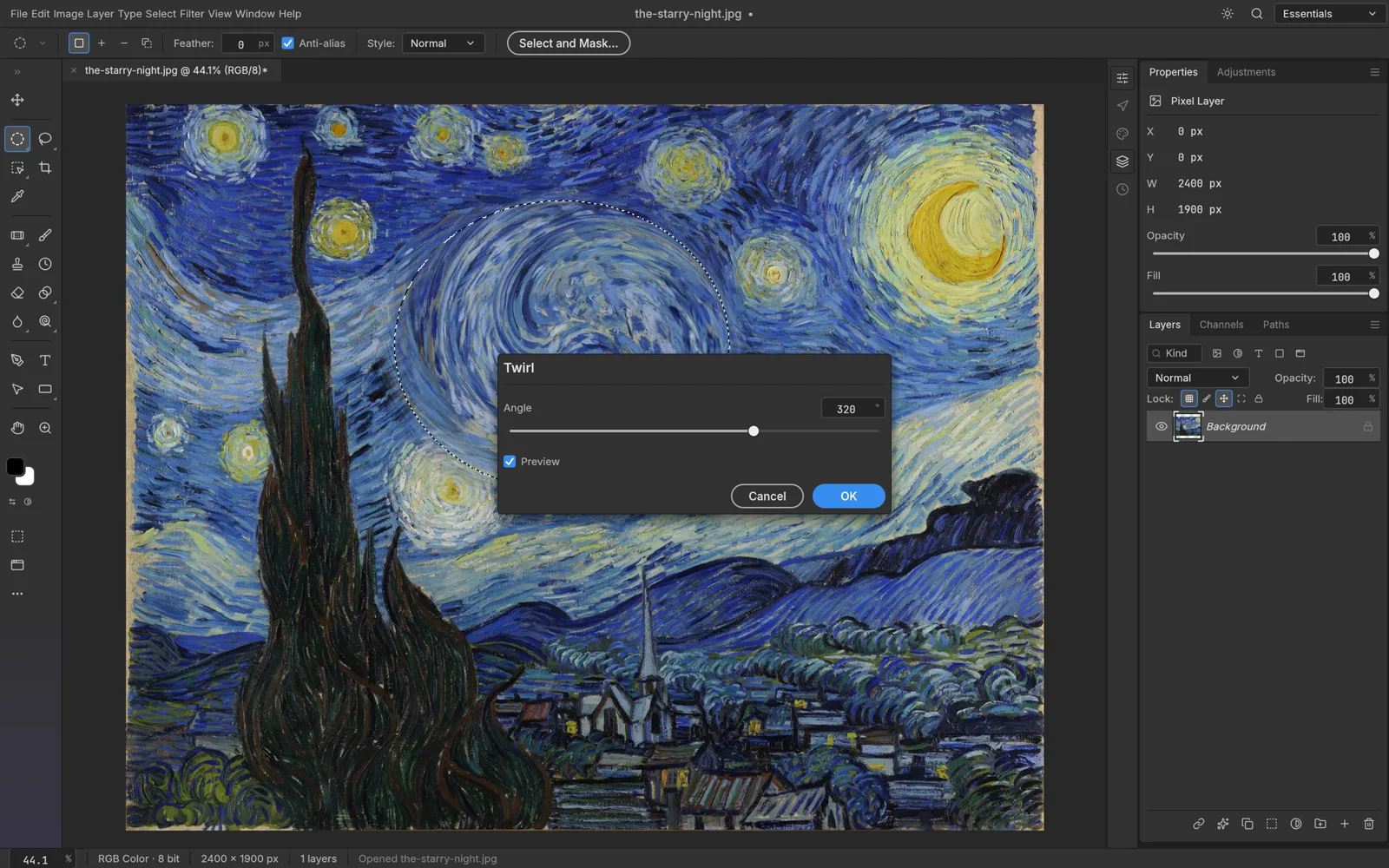
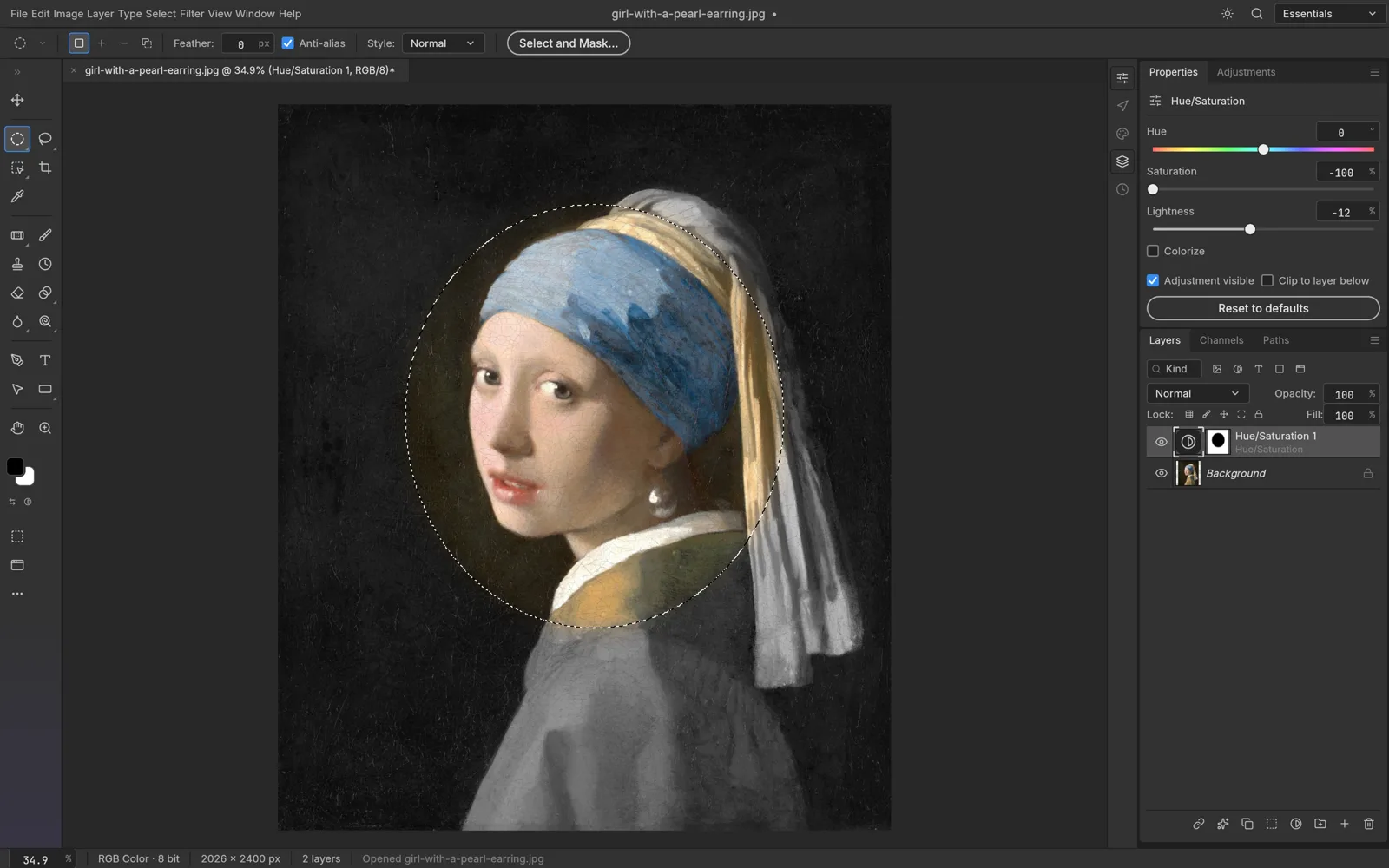
Photo Toolkit
Every AI Photo Editor Tool in One Place
AI Photoshop Online bundles 13 AI tools, from the background remover and object remover to photo restoration. Free browser tools need no account and no credits.
- BeforeAfterHot
AI Photo Editor
Edit any photo by describing the change
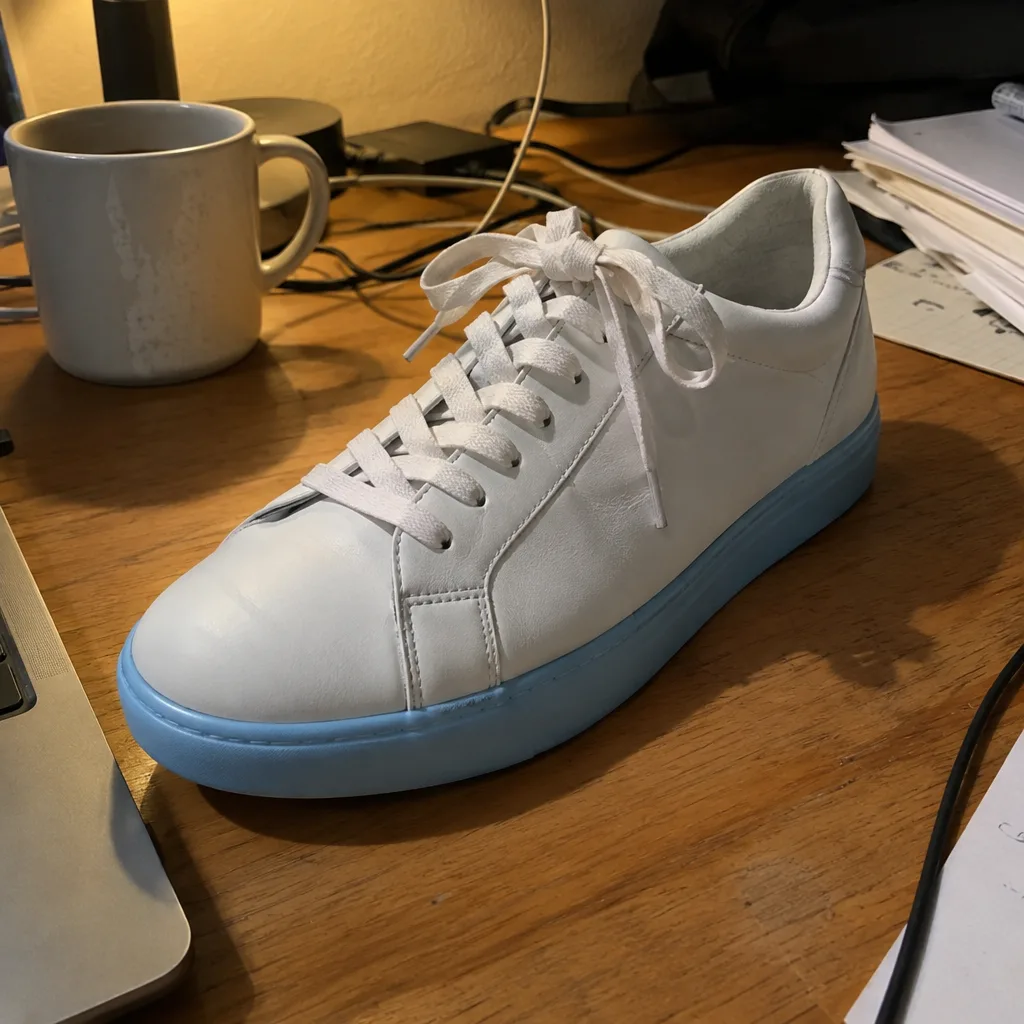 BeforeAfterHot
Background Remover
Cut out the subject as a transparent PNG
- Hot
AI Image Generator
Create images from a text prompt
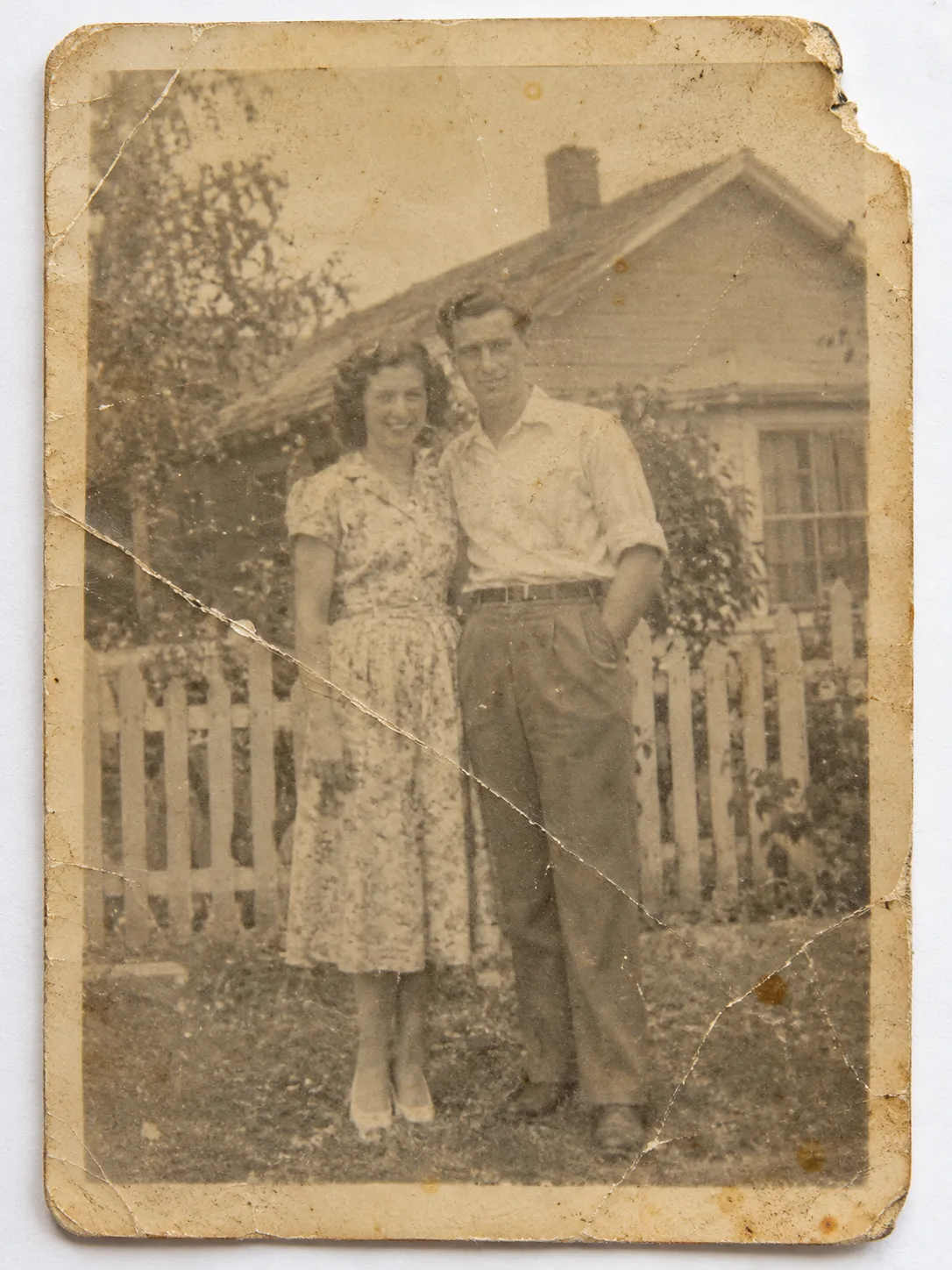 BeforeAfterNew
Photo Restoration
Repair and colorize old, damaged photos
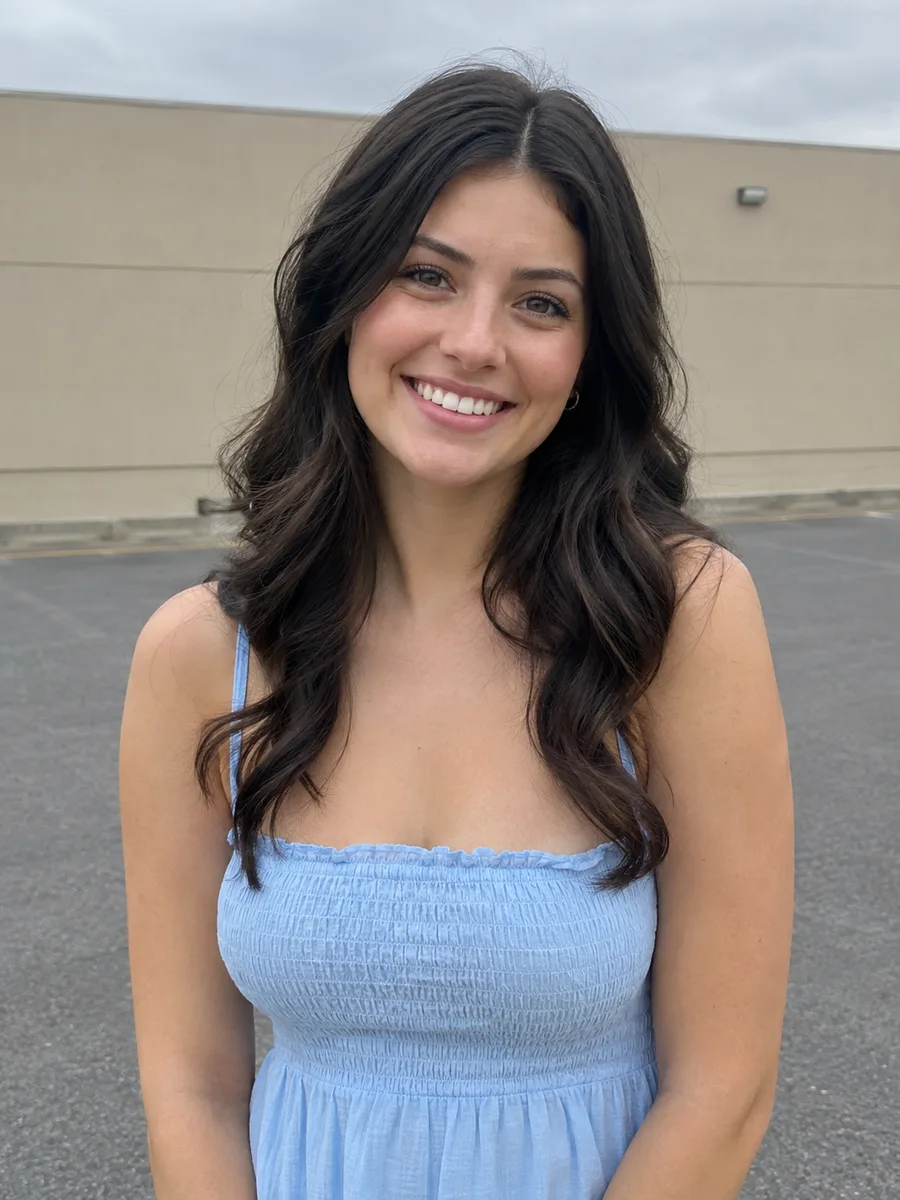 BeforeAfterNew
AI Clothes Changer
Dress a person in any garment photo
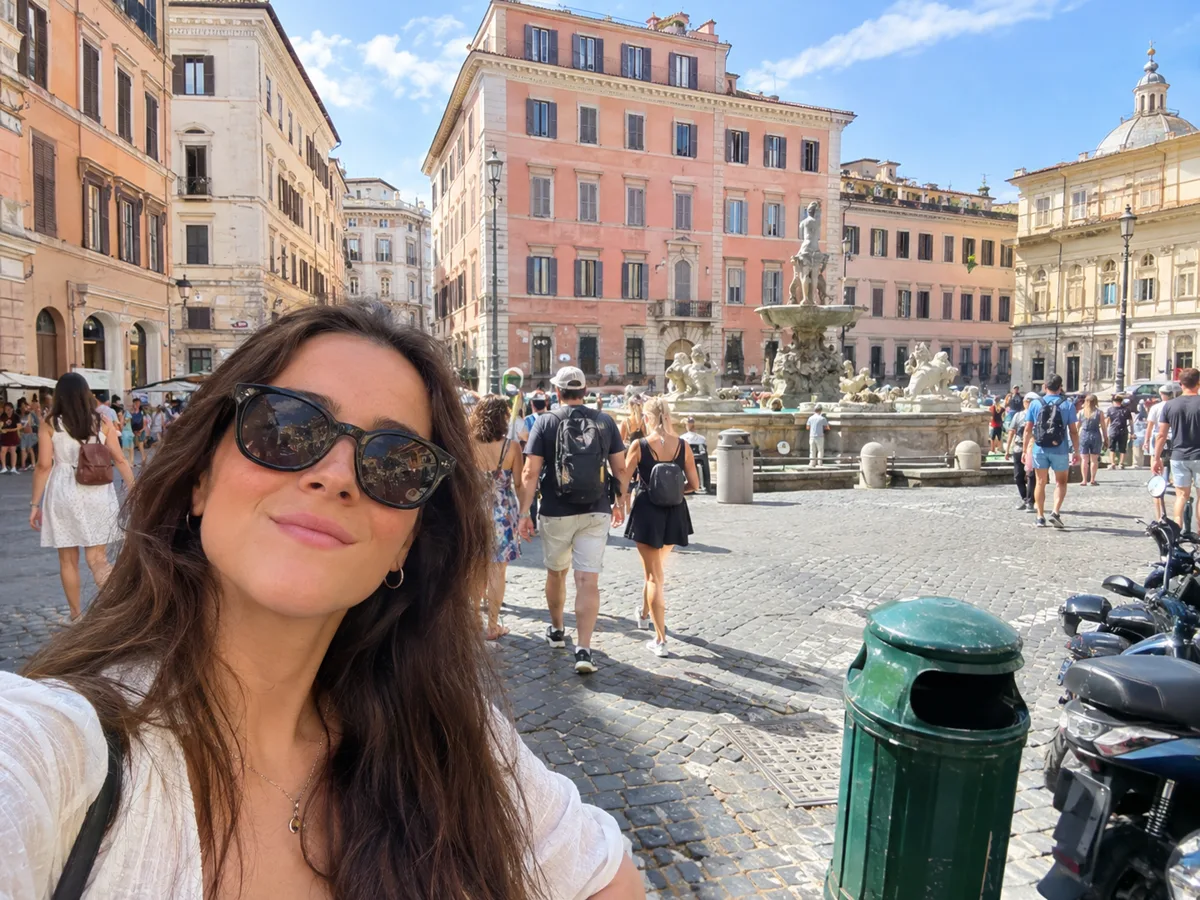 BeforeAfter
Object Remover
Erase people and clutter by describing them
 BeforeAfter
Image Upscaler
Make small or soft images larger and sharper
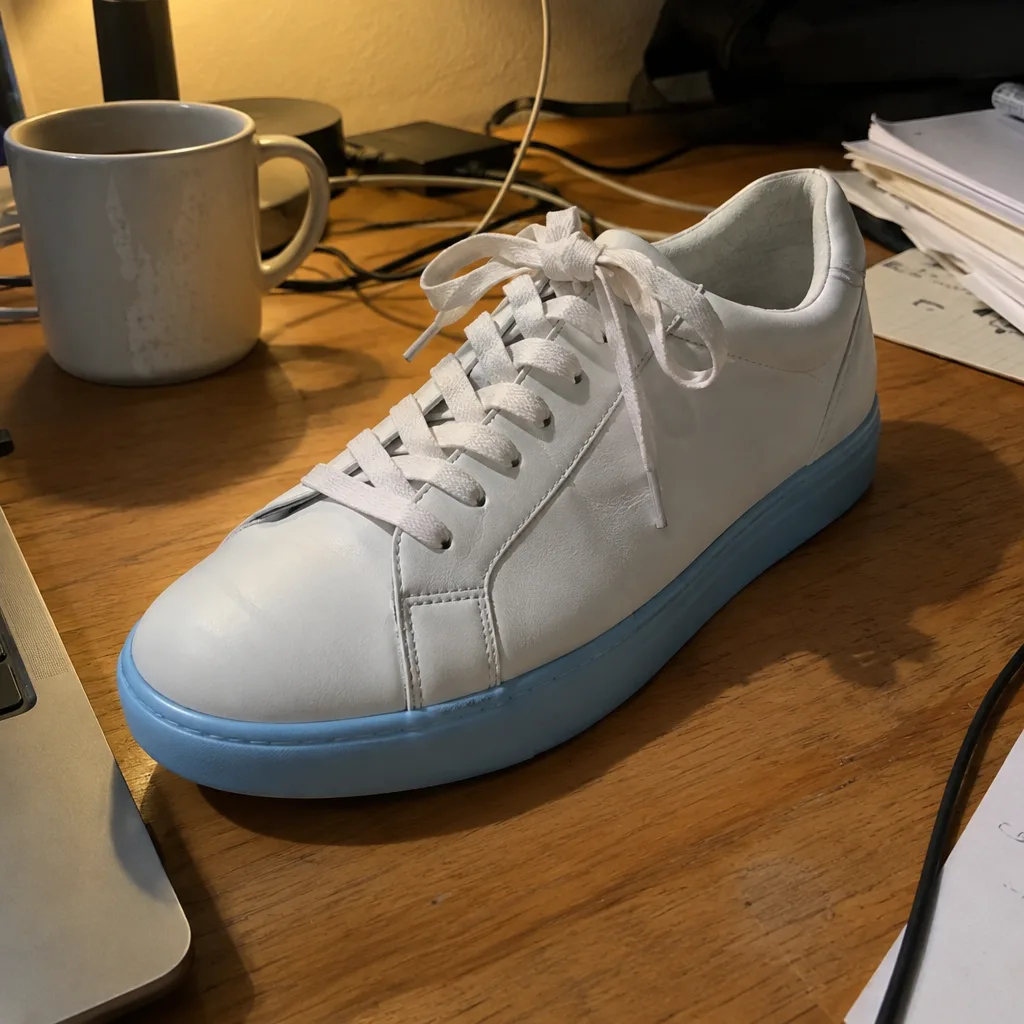 BeforeAfter
Photo Enhancer
Fix exposure, color and noise in one pass
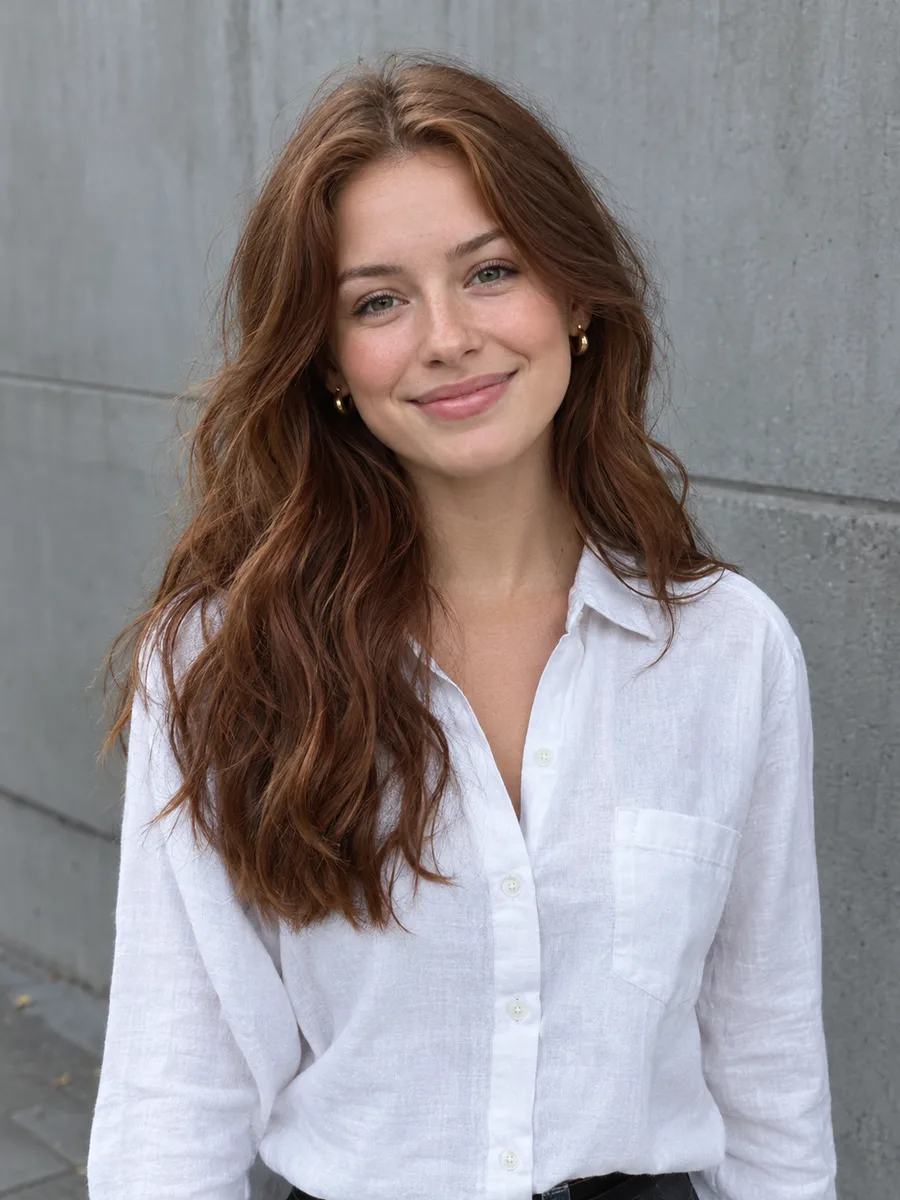
Image Extender
Expand a photo to a wider or taller frame
 BeforeAfter
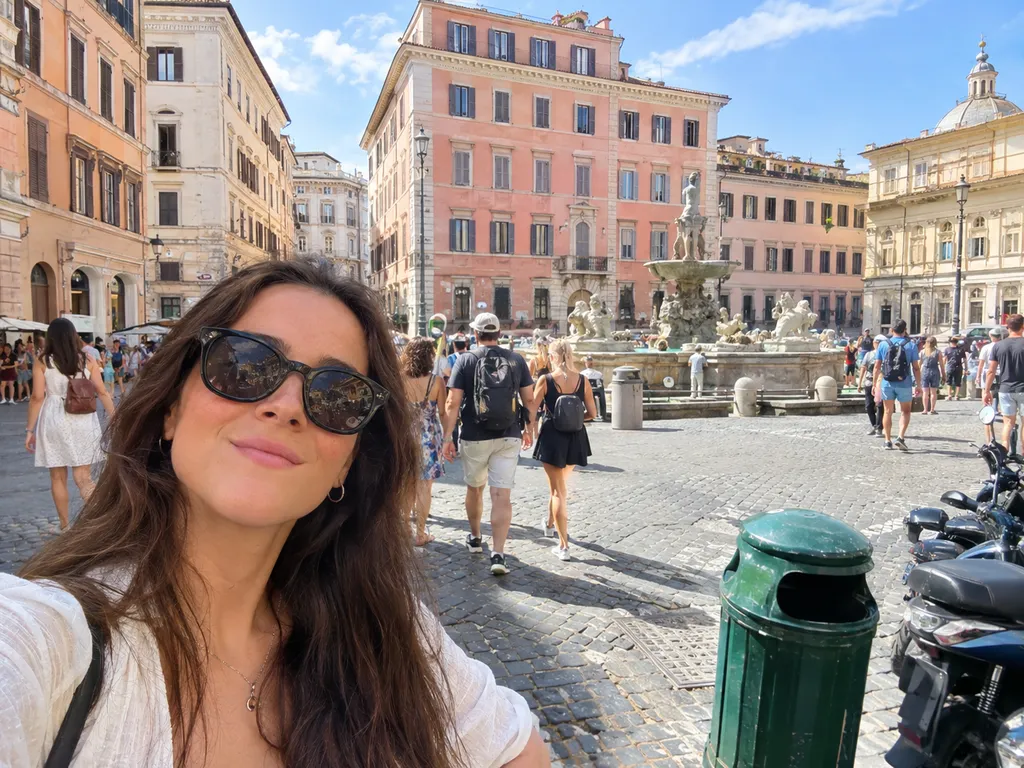
Background Changer
Put your subject in a brand-new scene
 BeforeAfter
Photo to Painting
Turn photos into oil, watercolor or anime art
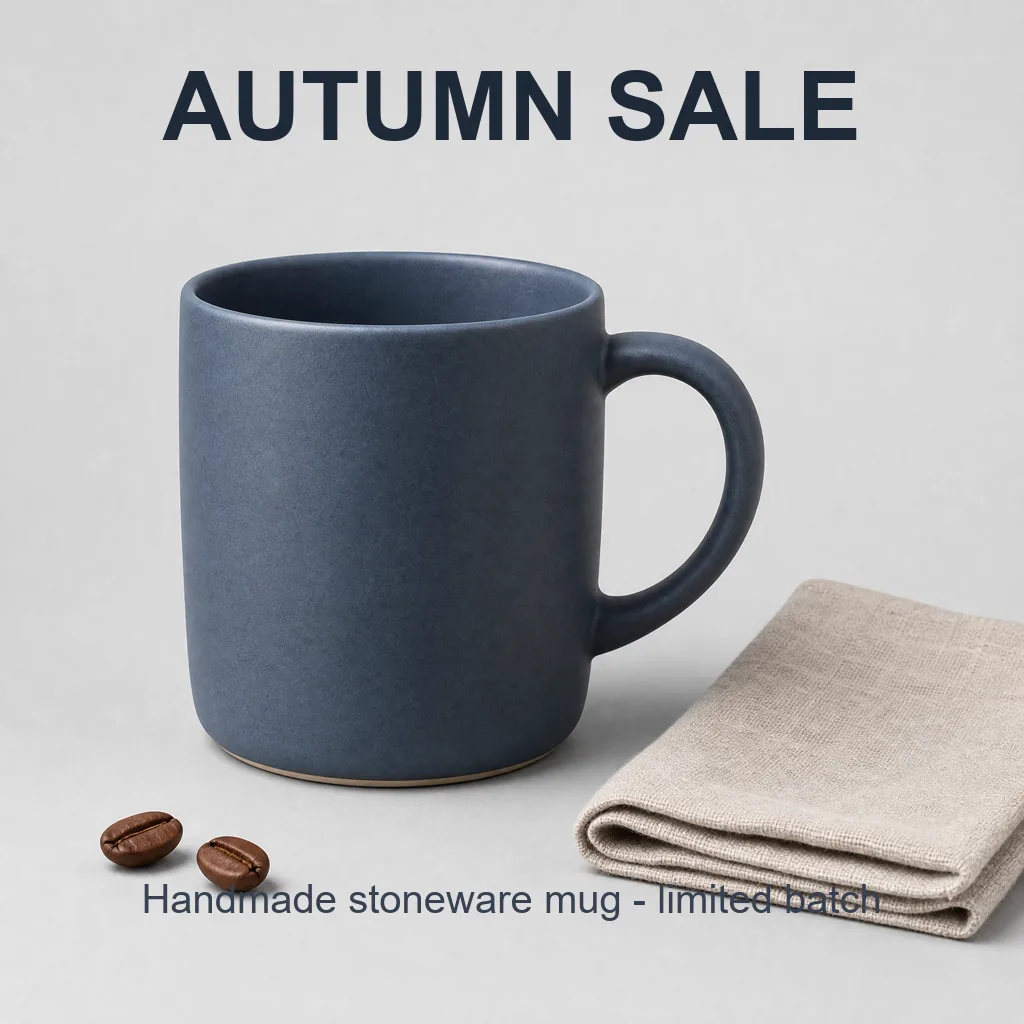
AI Headshot Generator
Professional headshots from a single selfie
 BeforeAfter
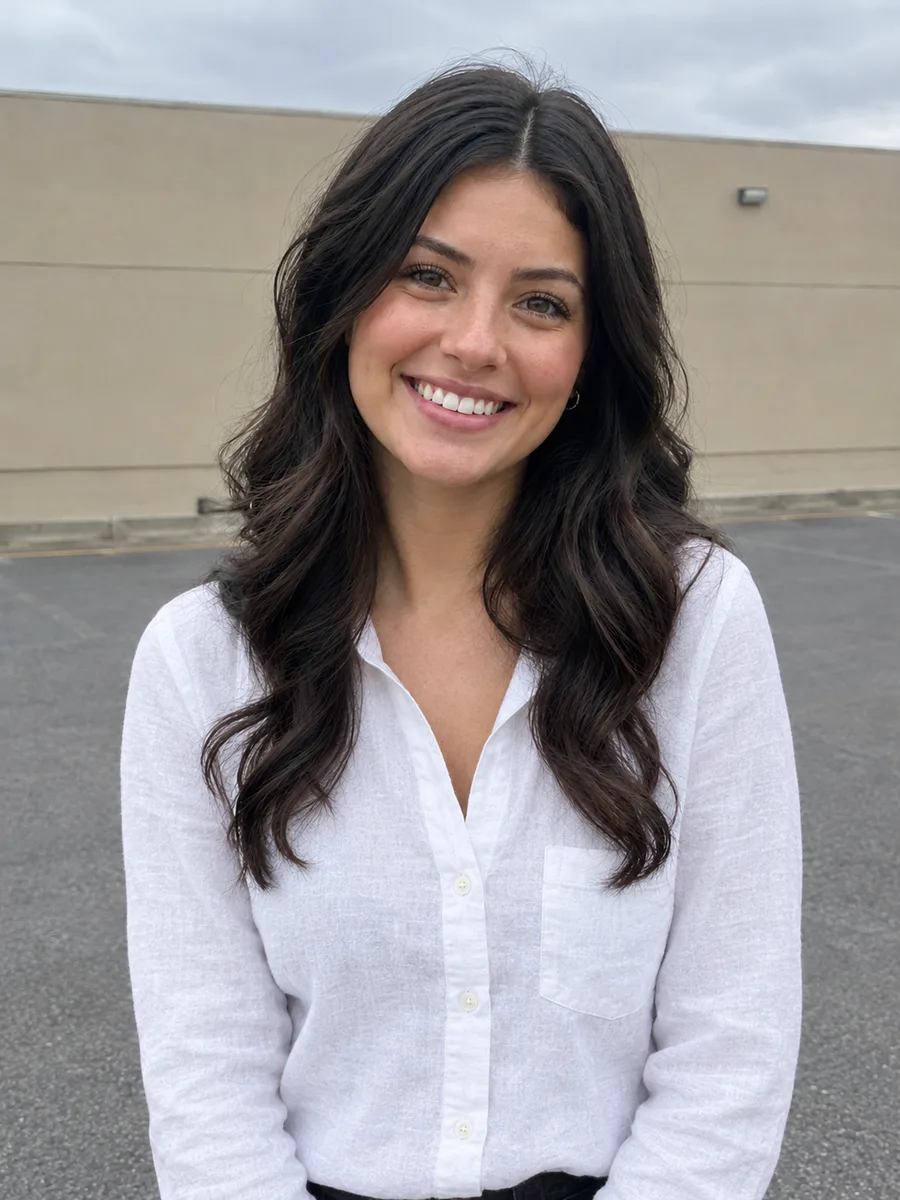
Text Remover
Remove captions and text from your images
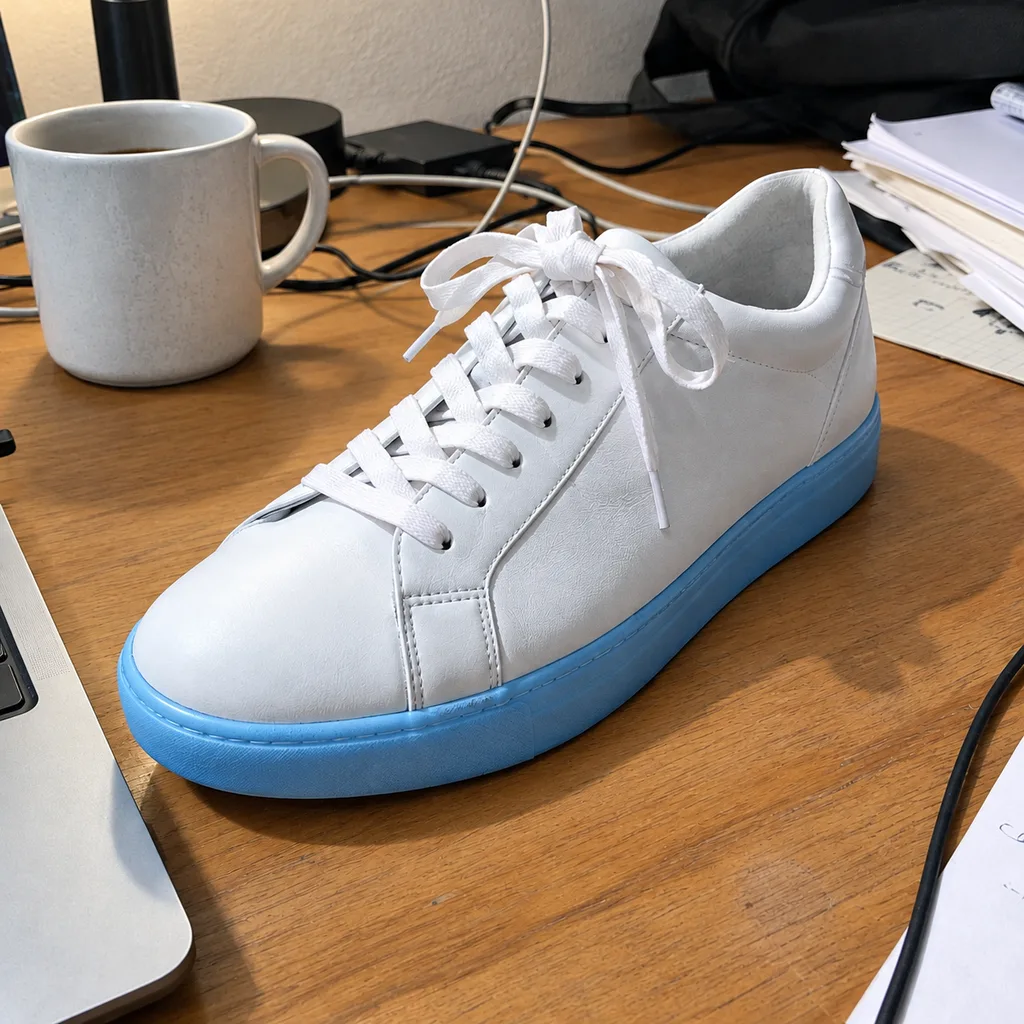

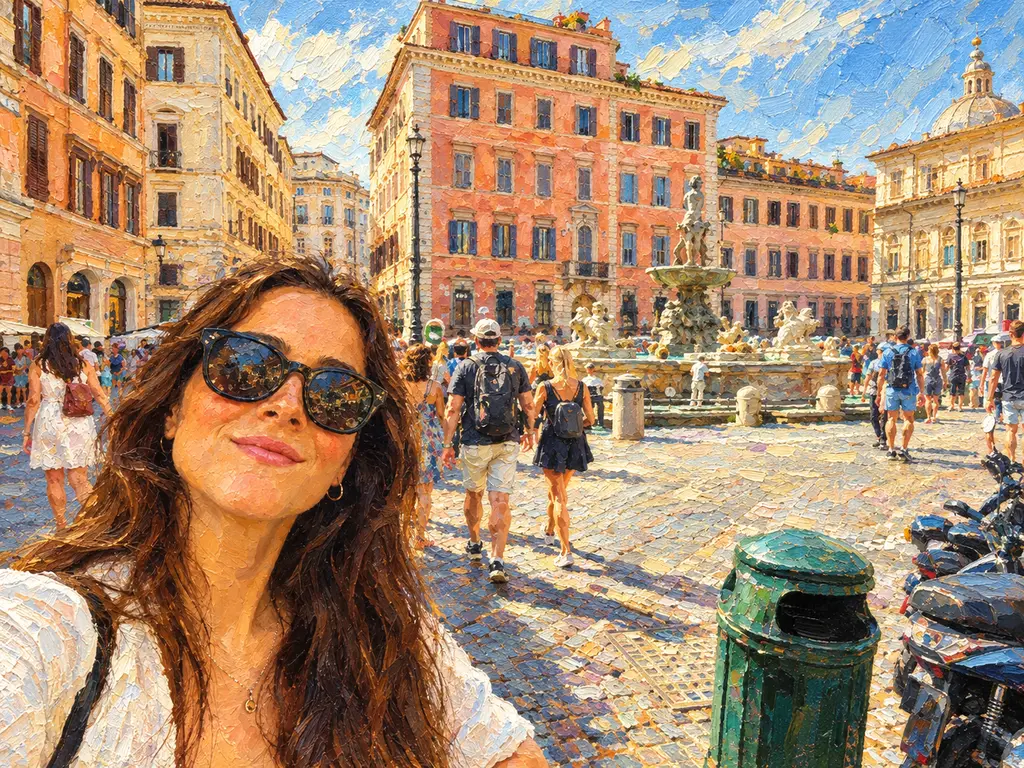

Workflows
Chain AI Photo Tools Step by Step
With AI Photoshop Online, one result feeds the next tool, and the online photo editor handles the final touches.
Cut out a product or person with the background remover, then place it on a studio or beach backdrop.
Repair scratches and fading with photo restoration, add natural color, then upscale it for print.
Erase tourists with the object remover, then widen the scene to fit a banner or story.
Describe the change in the AI photo editor, then finish with layers, masks and type in the online editor.
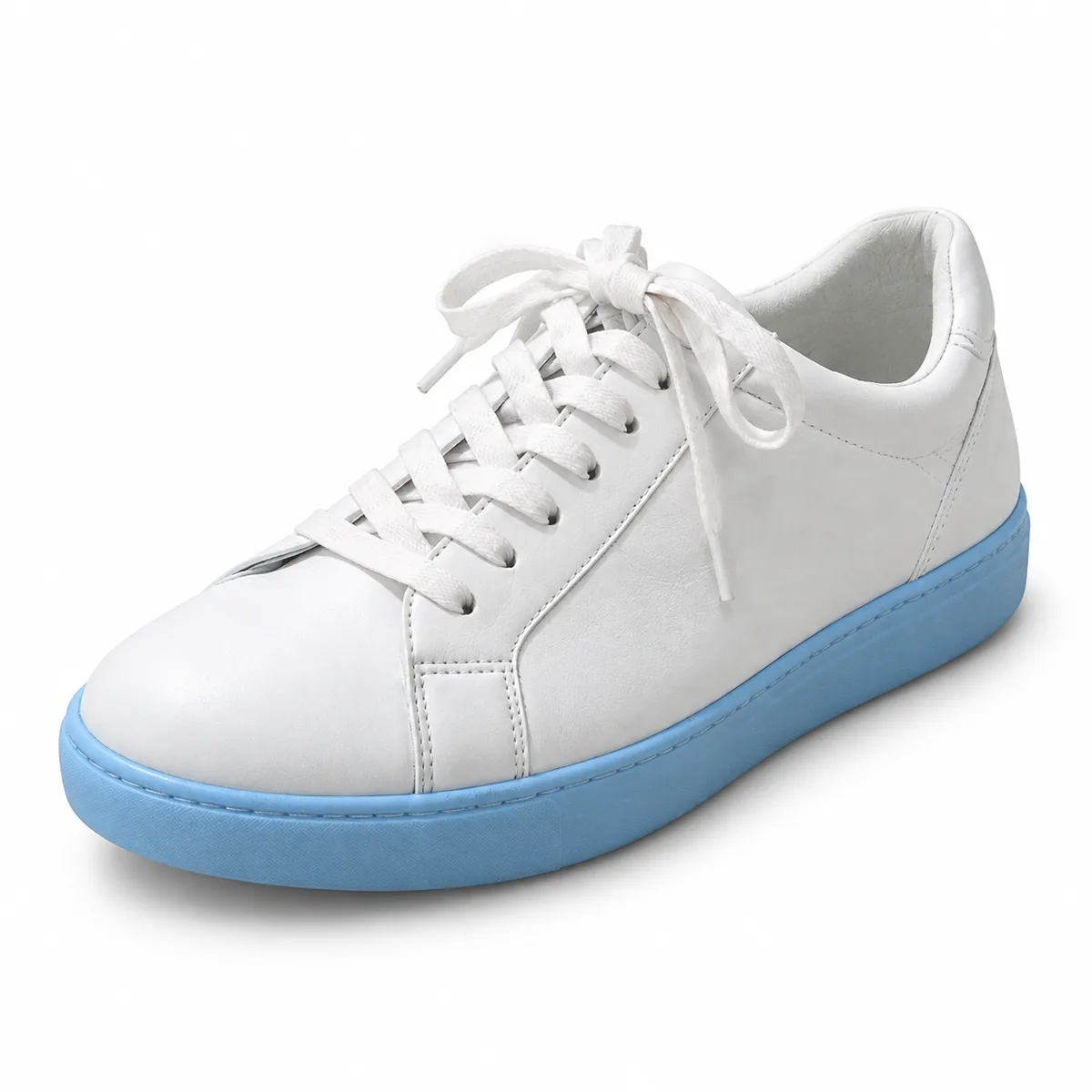 BeforeAfter
Download any result, or send it straight to the next tool.
Try it nowUse Cases
Everyday Photo Editing, Done in Your Browser
From client PSDs to product shots, AI Photoshop Online covers the jobs people usually open Photoshop for.
For designers
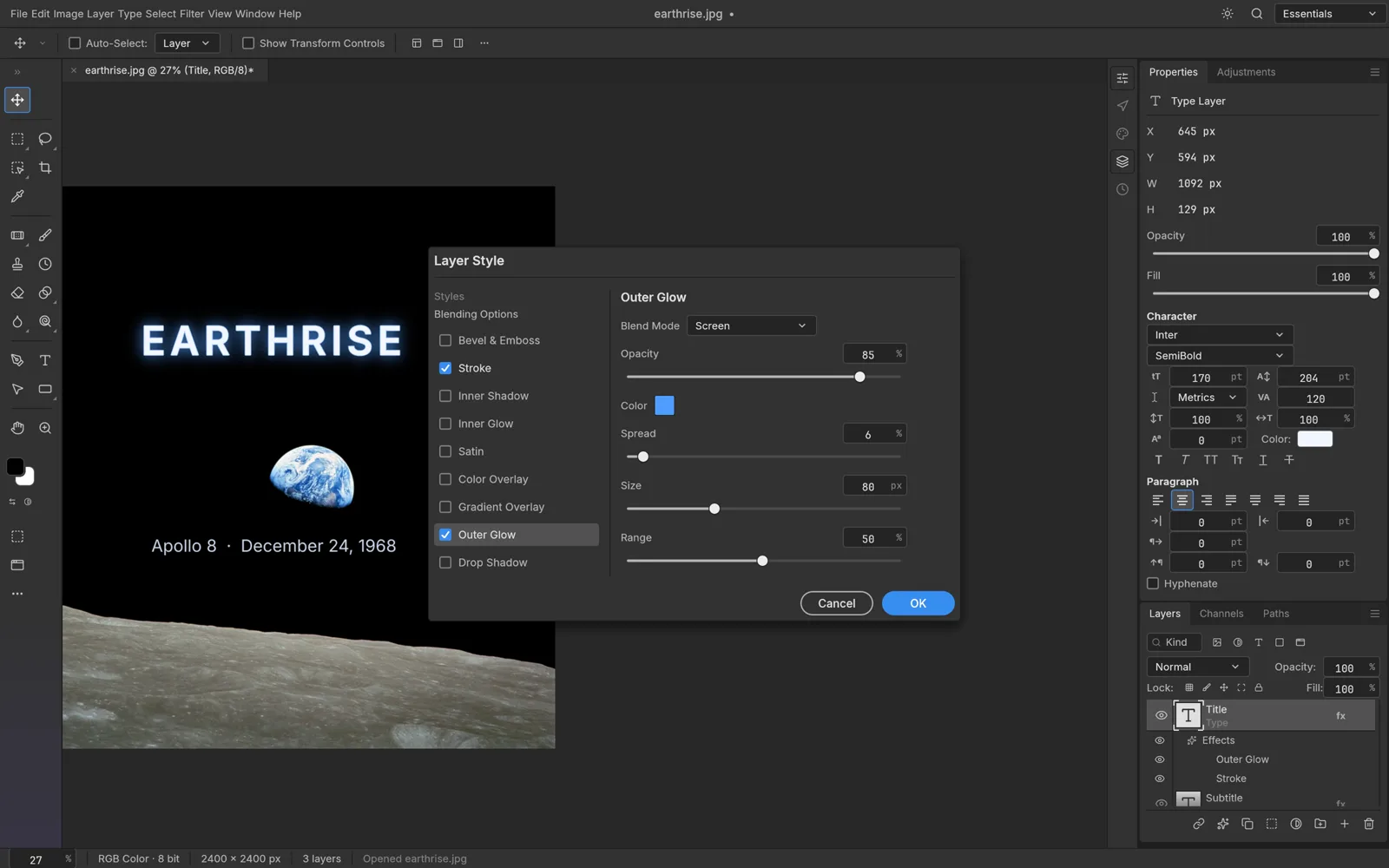
Open and Edit PSD Files Without Photoshop
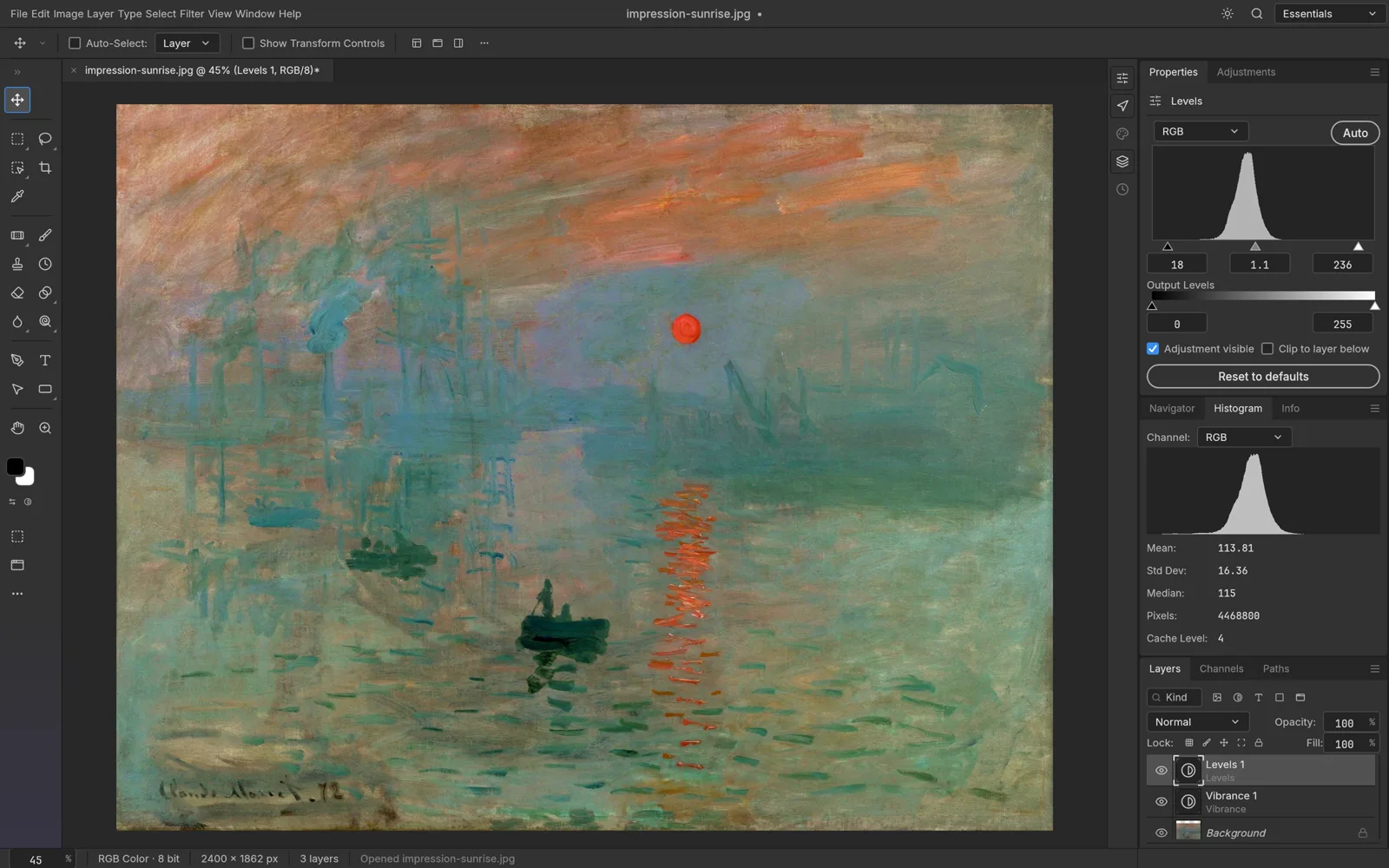
Got a layered PSD from a client? Open it in AI Photoshop Online and keep working: layers, masks, adjustment layers, layer styles and type stay editable. Then save back to PSD or export a PNG.
Open a PSD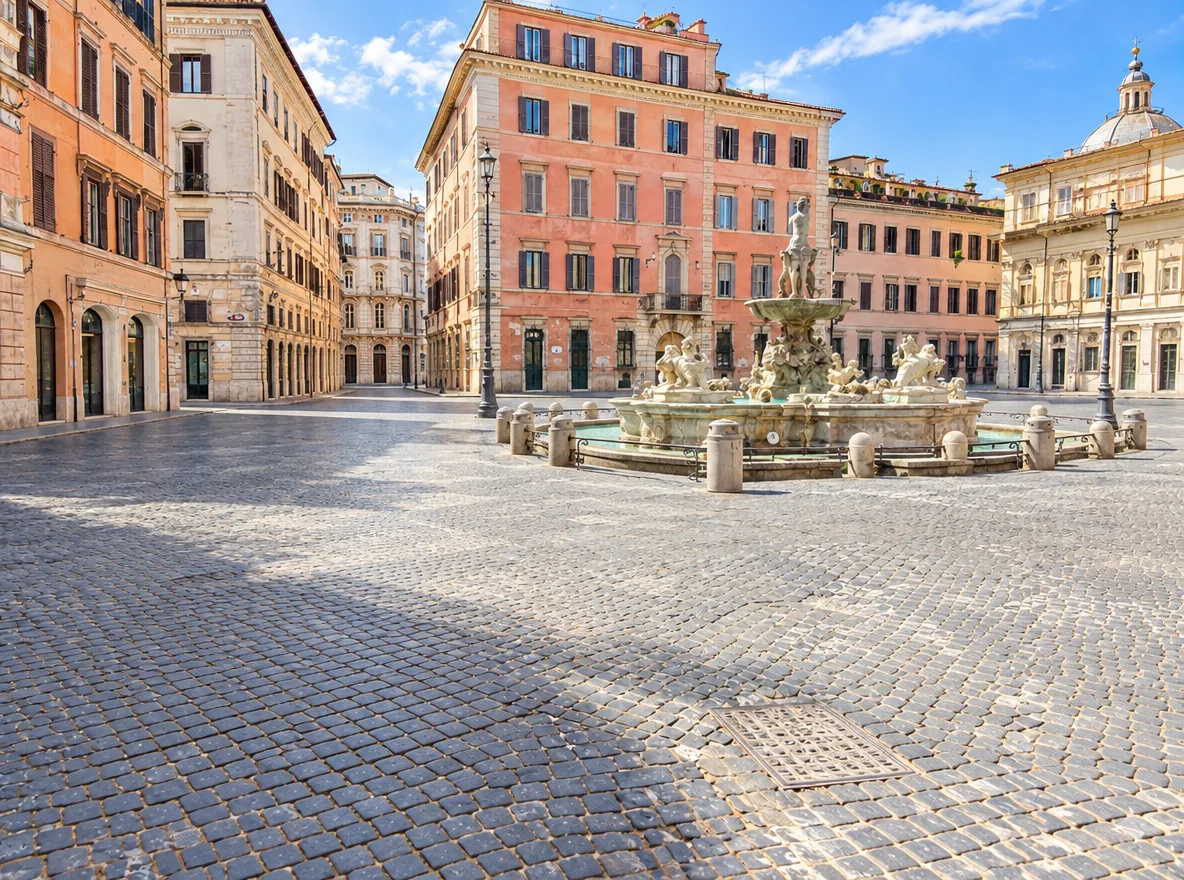 BeforeAfter
For travelers
Remove People and Objects from Photos with AI
Tourists in your travel shot or scooters blocking the view? Type what to remove and the AI fills the gap with matching detail, usually in seconds. For pixel-level control, refine it in the online photo editor.
Remove ObjectsBeforeAfterFor online sellers
Make Product Photos with a White Background
Turn phone snaps into listing-ready images. The background remover cuts the product out as a transparent PNG, and the background changer sets it on a white studio backdrop with even light for Shopify, Amazon or Etsy.
Remove a Background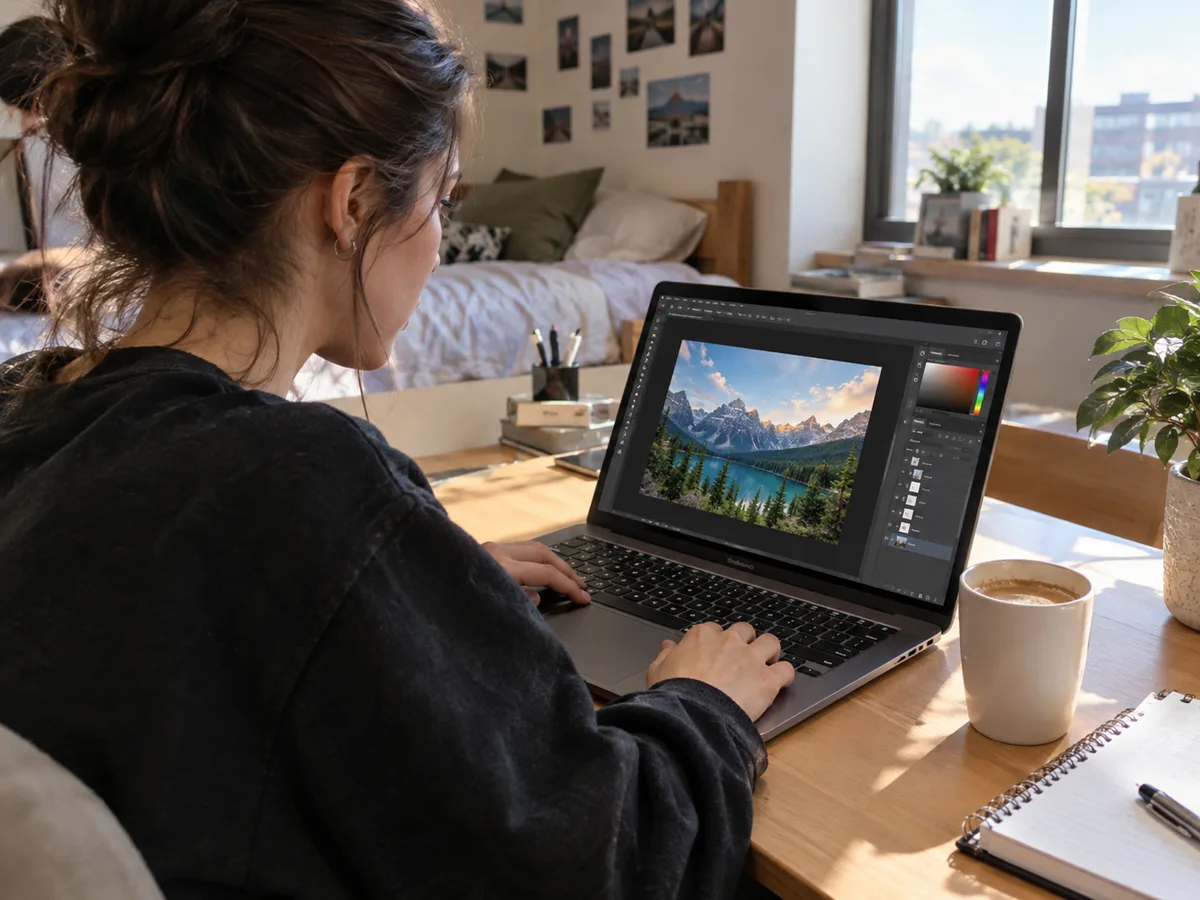
For students
Edit Photos on a Chromebook or Any Laptop
AI Photoshop Online runs in Chrome, Edge, Safari or Firefox on Windows, macOS, Linux and ChromeOS. Students, teachers and anyone on a locked-down laptop get Photoshop-style tools without admin rights, installs or a powerful machine.
Start Editing FreeAI Models
Top AI Image Models in One AI Photo Editor
In AI Photoshop Online you pick the model for the job: Nano Banana 2 for fast, faithful edits, GPT Image 2.5 for fine detail and Seedream 4.5 for precise reference-image edits. The credit cost shows before every run.
Also in the toolbox


How It Works
How to Use AI Photoshop Online
Editing with AI Photoshop Online takes three steps and no design experience.
- 1
Upload Your Photo
Add a JPG, PNG or WebP up to 10 MB, or open a layered PSD in the online photo editor.
- 2
Describe or Pick an Edit
Pick a one-click AI tool or tell AI Photoshop Online what to change, like “remove the people in the background”.
- 3
Refine and Download
Compare before and after, refine in the editor if needed, then download. Results are saved to My Creations.
Features
Everything You Need to Edit Photos Online
AI Photoshop Online pairs a familiar layer-based editor with AI tools for the slow jobs.
Open and Save PSD Files Online
Open layered PSD and PSB files, edit individual layers and save back to PSD. PNG, JPEG, WebP, TIFF and HEIC files open too.
Photoshop-Style Menus and Shortcuts
Photoshop habits carry over to AI Photoshop Online: menus sit where you expect, Ctrl/⌘ J copies to a new layer and Ctrl/⌘ T opens Free Transform.
Non-Destructive Layers and Masks
Adjustment layers, layer styles, masks and smart filters stay editable, so you can rework a Levels adjustment or a mask without touching the original pixels.
AI Background Remover and Photo Restoration
Thirteen AI tools handle background removal, photo restoration and text-to-image using Nano Banana 2, GPT Image 2.5, Recraft and more. Failed runs refund their credits.
Private Editing in Your Browser
The editor runs locally in your browser, so files you open stay on your device. Only photos you send to an AI tool are uploaded.
GPU-Accelerated Photo Editing
Rendering runs on WebGPU and falls back to WebGL2 where WebGPU is unavailable, so large images stay smooth in Chrome, Edge, Safari and Firefox.
Why AI PS Online
Why Use AI Photoshop Online Instead of Desktop Software?
With AI Photoshop Online there is no installer and no sign-up for the editor. Open a tab and start editing.
Desktop Software
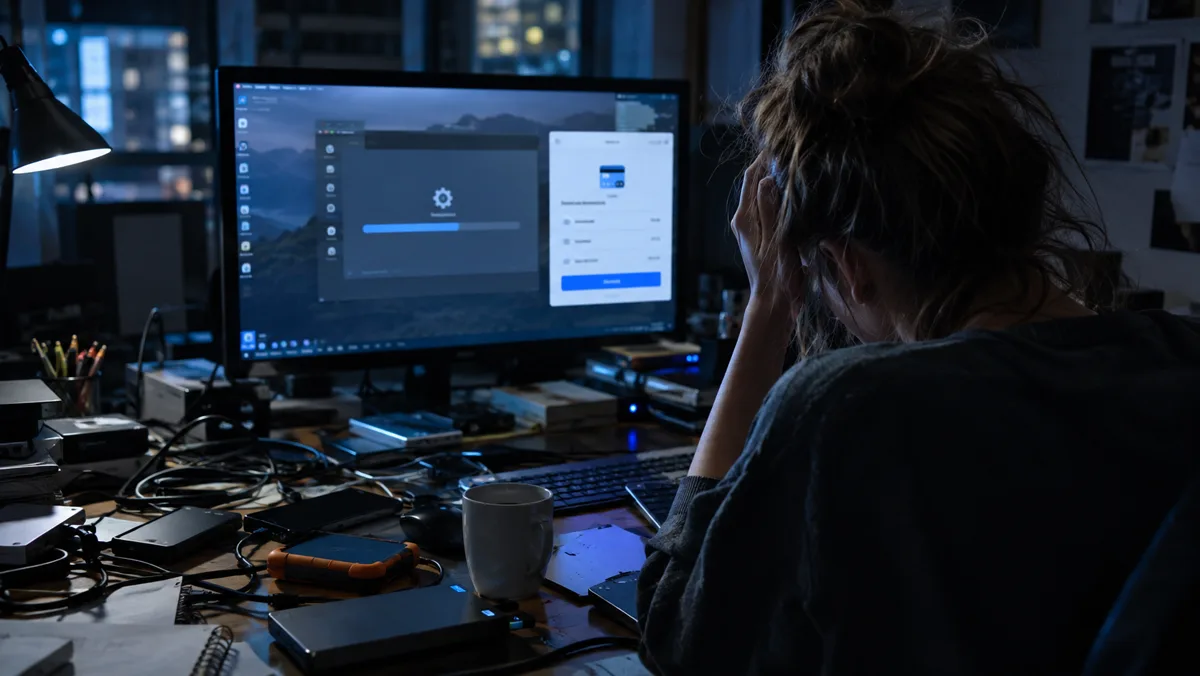
- Large download and installation
- Monthly subscription for full features
- Sign-in required before you start
- Steep learning curve for simple edits
- Manual cloning to remove objects
- Tied to one powerful computer
AI Photoshop Online
- Opens in any modern browser
- Free editor, AI edits use credits
- Start editing without an account
- Familiar tools plus one-click AI
- AI removes objects in seconds
- Works on Windows, Mac, Linux and Chromebook
Pricing
Simple AI photo editor pricing
The photo editor in AI Photoshop Online is free. Credits only pay for AI tools: choose a monthly or yearly plan, or top up once with no subscription.
Pay month to month. Your credits refresh every billing month.
Starter
For trying AI edits on a handful of photos.
Billed monthly. Cancel anytime.
400credits / month
Refreshed every billing month
Each month, about
| Model | Approximate number | Price per image |
|---|---|---|
| GPT Image 2.5 · 1K | ≈ 33 | $0.30 each |
| Nano Banana 2 · 1K | ≈ 25 | $0.40 each |
| Background removals | ≈ 200 | $0.05 each |
- All 13 AI photo tools
- Every AI model, including Nano Banana Pro
- Free online Photoshop-style editor
- Credits back automatically if a generation fails
- Commercial use of your images
- Cancel anytime, keep access until the period ends
Pro
For creators and online sellers who edit photos every week.
Billed monthly. Cancel anytime.
1,000credits / month
Refreshed every billing month
Each month, about
| Model | Approximate number | Price per image |
|---|---|---|
| GPT Image 2.5 · 1K | ≈ 83 | $0.24 each |
| Nano Banana 2 · 1K | ≈ 62 | $0.32 each |
| Background removals | ≈ 500 | $0.04 each |
- All 13 AI photo tools
- Every AI model, including Nano Banana Pro
- Free online Photoshop-style editor
- Credits back automatically if a generation fails
- Commercial use of your images
- Cancel anytime, keep access until the period ends
Max
For high-volume editing at the lowest price per image.
Billed monthly. Cancel anytime.
2,800credits / month
Refreshed every billing month
Each month, about
Lowest price per image| Model | Approximate number | Price per image |
|---|---|---|
| GPT Image 2.5 · 1K | ≈ 233 | $0.22 each |
| Nano Banana 2 · 1K | ≈ 175 | $0.29 each |
| Background removals | ≈ 1,400 | $0.036 each |
- All 13 AI photo tools
- Every AI model, including Nano Banana Pro
- Free online Photoshop-style editor
- Credits back automatically if a generation fails
- Commercial use of your images
- Cancel anytime, keep access until the period ends
- Prices are in US dollars; taxes may be added at checkout. Payments are processed securely by Stripe.
- Monthly credits are valid until the end of each billing month; unused credits don't roll over.
- Cancel anytime in Settings → Billing. You won't be charged again, and your plan and credits stay active until the end of the period you paid for.
- Image counts are estimates at each model's lowest quality setting; higher resolutions use more credits.
FAQ
AI Photoshop Online: Frequently Asked Questions
Answers about the free editor, PSD files, AI tools, credits, privacy and plans.
AI PS Online is short for AI Photoshop Online: a free photo editor that runs in your browser tab, with Photoshop-style layers, masks and real PSD files, plus 13 AI tools for cutouts, object removal, photo restoration and image generation.
Yes. Its online photo editor and four browser tools cost nothing and need no account. AI tools such as the background remover use credits, since each run is processed on cloud GPUs.
Yes. AI Photoshop Online opens layered PSD and PSB files in your browser, free and without an account. Keep editing layers, masks, adjustment layers and type, then save back to PSD or export PNG, JPEG or WebP.
Not for the photo editor or the free browser tools; just open them and start. The AI tools need a free account, so your credits and every result stay together in My Creations.
No. AI Photoshop Online runs in a browser tab, so there is nothing to download, install or update. Any current Chrome, Edge, Safari or Firefox with WebGPU or WebGL2 support works.
The full Adobe Photoshop needs a paid subscription, but AI Photoshop Online is a free browser-based alternative. It has Photoshop-style menus and shortcuts such as Ctrl/⌘ J, and it opens and saves real PSD files.
No. AI PS Online is an independent product, not affiliated with or endorsed by Adobe; Photoshop is Adobe's trademark. Our editor is built on PhotoCraft, open-source software from the ArtCraft team (MIT / Apache-2.0).
AI Photoshop Online includes 13 AI tools. The AI Photo Editor makes any change you describe in words; others remove or replace backgrounds, erase objects and text, restore, enhance and upscale photos, extend images, change outfits, create headshots and generate images from text.
Open the Background Remover in AI Photoshop Online, upload your photo and press Generate. The AI detects the subject, keeps soft edges like hair, and returns a transparent PNG. No manual masking is needed.
Yes. Upload a scan or phone photo of the print to Photo Restoration in AI Photoshop Online. The AI repairs scratches, creases and stains, fixes fading, then adds natural color or keeps the original black and white.
Upload the photo to the Object Remover and type what should go, such as “the tourists behind her”. The AI erases them and fills the gap to match the surrounding scene. No mask is needed.
The AI tools run on Google Nano Banana 2 and Nano Banana Pro, OpenAI GPT Image 2.5, ByteDance Seedream 4.5, Ideogram V3 and Recraft. Each tool lists the models it supports, with output up to 4K where available.
Each AI run uses credits; the cost depends on the model and output size and is shown before you start. Credits come with a monthly or yearly plan or a one-time pack. The photo editor never uses them.
You get your credits back automatically. Whether a run fails, times out or returns no image, the full charge returns to your balance, and you can retry or switch models.
Not in the editor, which runs entirely in your browser and keeps files on your device. AI tools send your photo to our AI processing service to create the result; we don't use it to train AI models.
No. The editor has no cloud autosave, so save a PSD or export an image before closing the tab. AI results are different: they stay in My Creations, ready to download again.
The editor opens PSD, PSB, PNG, JPEG, WebP, TIFF and HEIC files, saves to PSD and exports PNG, JPEG or WebP. AI tools accept JPG, PNG or WebP uploads up to 10 MB.
Yes. AI Photoshop Online runs in the browser on Windows PCs, Macs, Linux and Chromebooks. On a phone, the AI tools work in your mobile browser, though large layered PSD files are easier to edit on a computer.
Yes. Images you edit or create with AI Photoshop Online can go into personal and commercial work, such as product listings, ads or client projects, as long as you have the rights to your source photos.
Yes. Cancel from your billing settings whenever you like. The plan won't renew, and it stays active with its remaining credits until the period you already paid for ends.
Free to start, nothing to install
Try Free AI Photoshop Online Today
Open the free online photo editor and work by hand, or upload a photo and let AI Photoshop Online do the retouching for you.