

LinkedIn and resumes
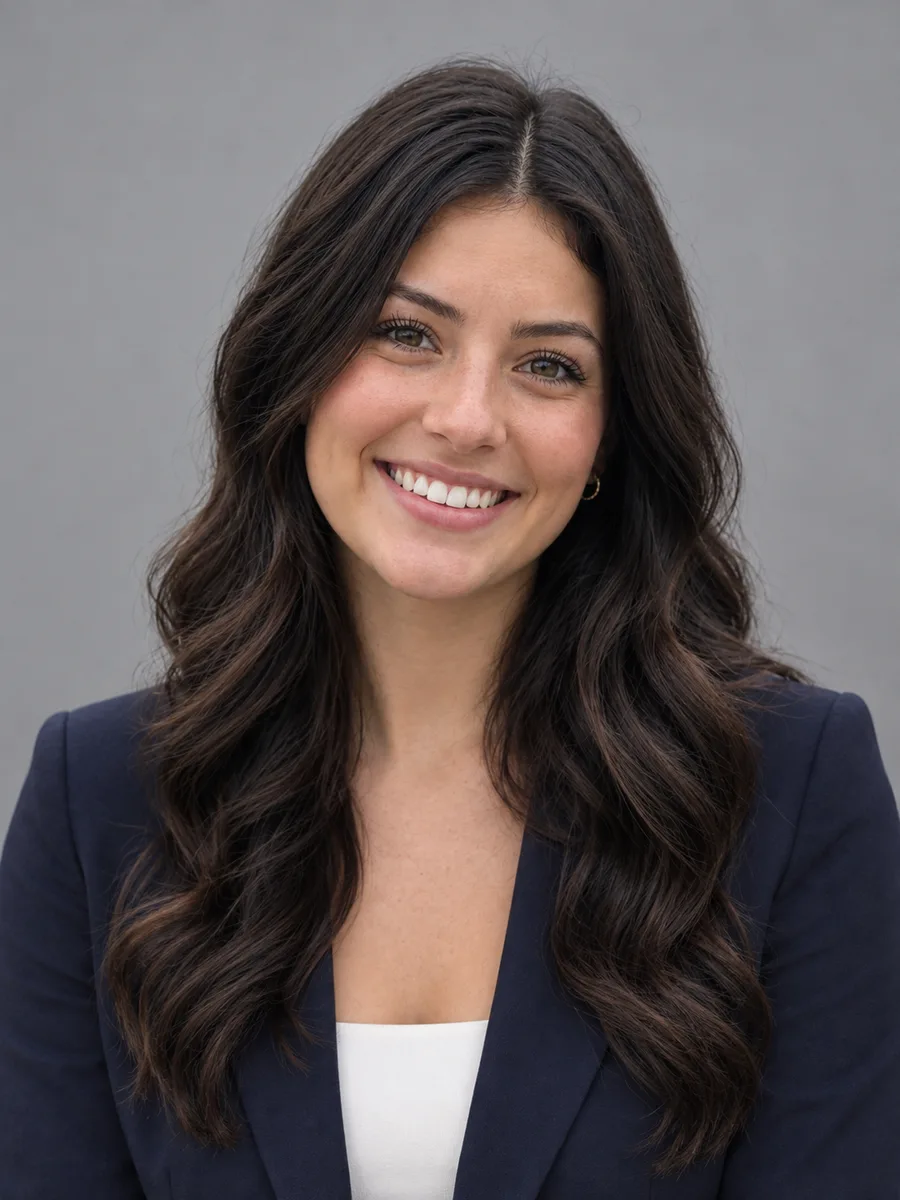
Present a consistent, professional photo on LinkedIn, CVs and job applications.
Upload a clear selfie, pick a style and get a polished head-and-shoulders headshot with business attire, a clean backdrop and flattering light, while your face and identity stay the same.
Example
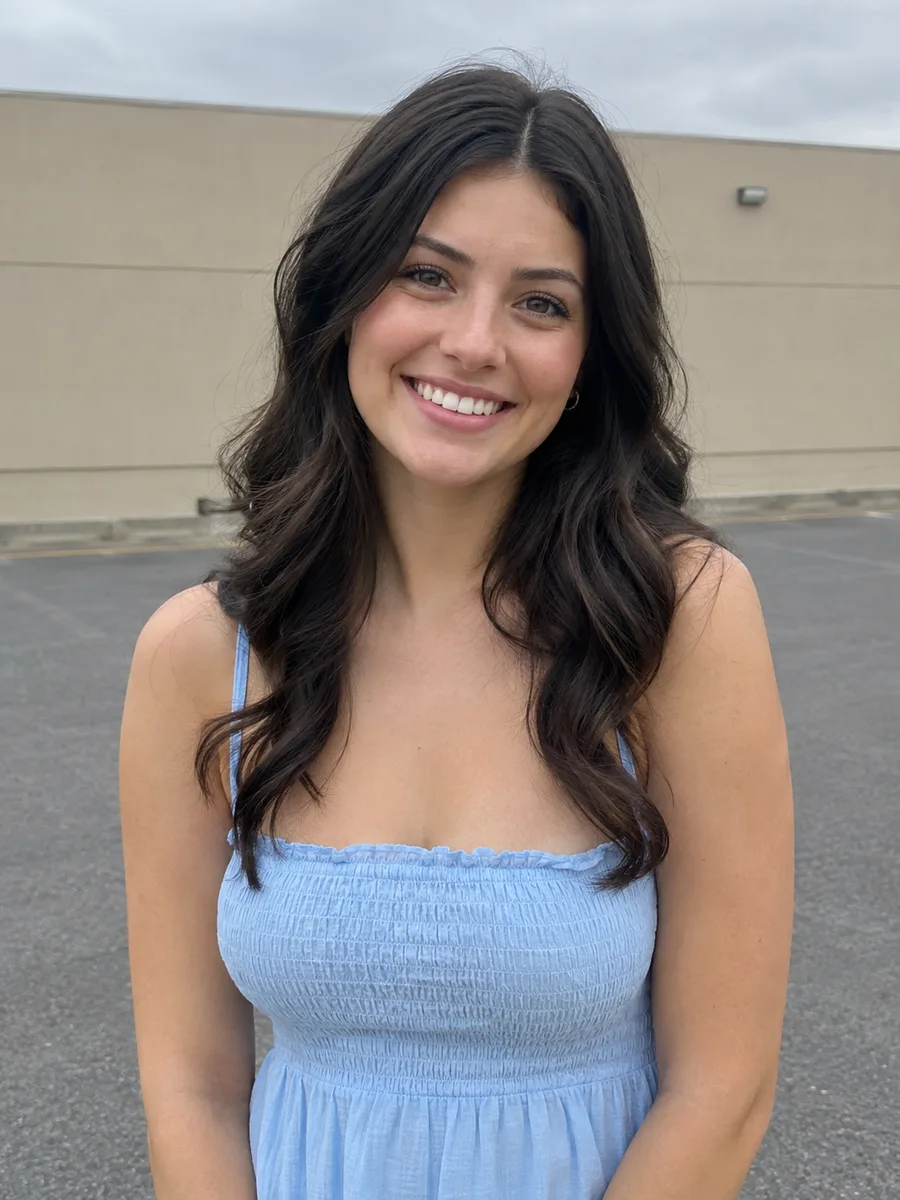 BeforeAfter
Your result will appear here
How it works
Use a front-facing photo with your face clearly visible, good light and no sunglasses. One photo is enough.
Pick corporate gray, bright office, outdoor city or dark studio, and add details like a tie color if you want.
Compare it with your original, download it, and generate another style if you'd like options.
A professional-looking portrait without booking a studio.
No need to upload a whole set of selfies or wait for a model to train. Start from a single clear picture.
The AI is asked to keep your face and identity exactly the same, with natural skin texture.
Suits, smart casual blazers and office, outdoor or studio backdrops suited to professional profiles.
Soft key light, sharp focus on the eyes and clean backdrops give the look of a studio session.
Use the text box to adjust details such as tie color, glasses or a softer smile.
Crop to a circle or square, adjust color or add a name card in the free online editor.
Present a consistent, professional photo on LinkedIn, CVs and job applications.
Give team members matching headshots for the website, staff directory or email signatures.
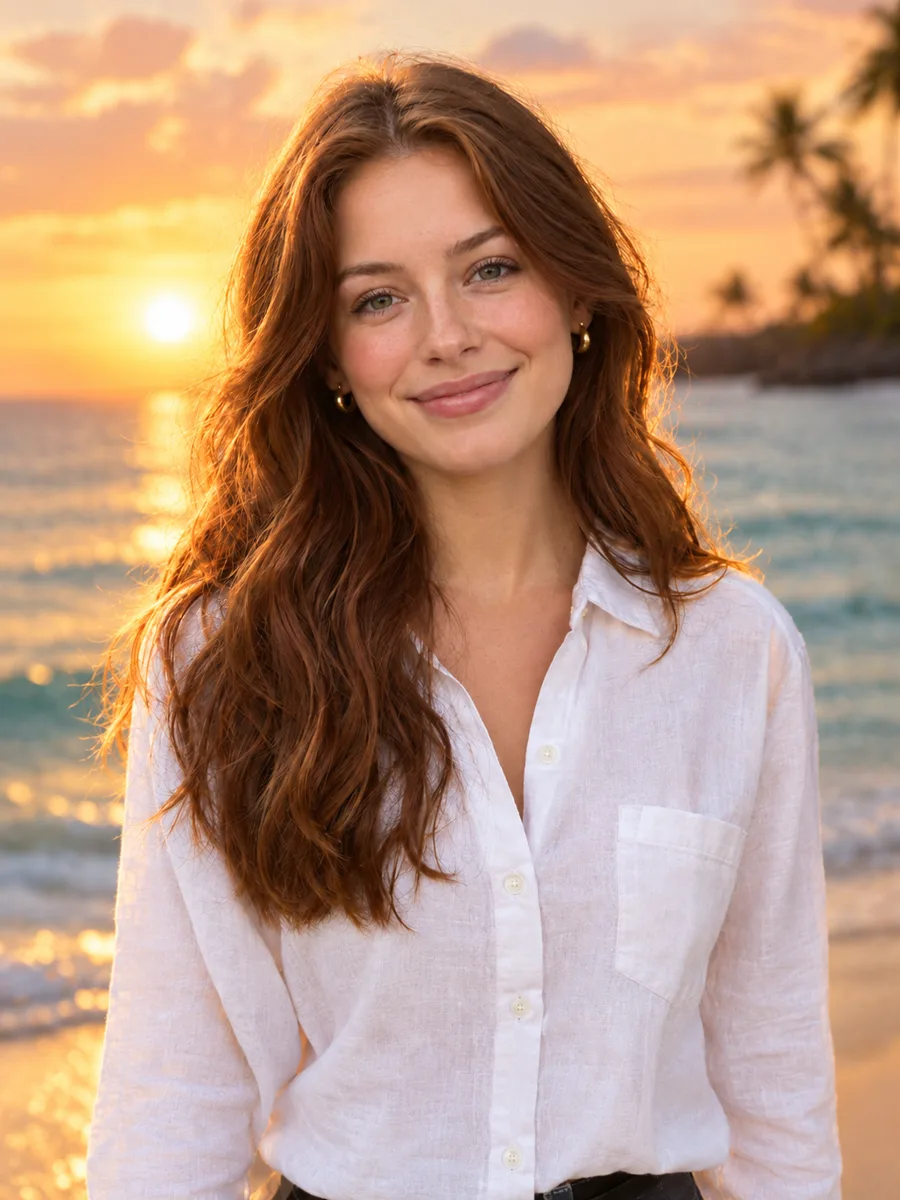
Use a polished portrait for conference programs, book jackets, podcasts and press kits.
FAQ
You upload one photo and choose a style. The AI creates a head-and-shoulders portrait of the same person with new attire, backdrop and lighting.
A sharp, front-facing photo in good light with your face fully visible. Avoid sunglasses, heavy filters, strong shadows and group photos.
The model is told to keep your face and identity exactly the same, and results usually stay close to your real likeness. If a detail looks off, try another photo or generate again.
Many people do. Make sure the photo represents you honestly and follows the rules of the platform or employer where you use it.
Each headshot uses credits, and the exact cost is shown on the button before you generate. The online photo editor on this site is free.
Your photo is uploaded to our storage and processed by our AI model provider to create the headshot. Results are saved in My Creations, where you can download them later.
Keep going with the same photo. Every AI tool shares one credit balance.
Upload a photo, pick a style and download a polished headshot for your profile.