

Product and listing photos
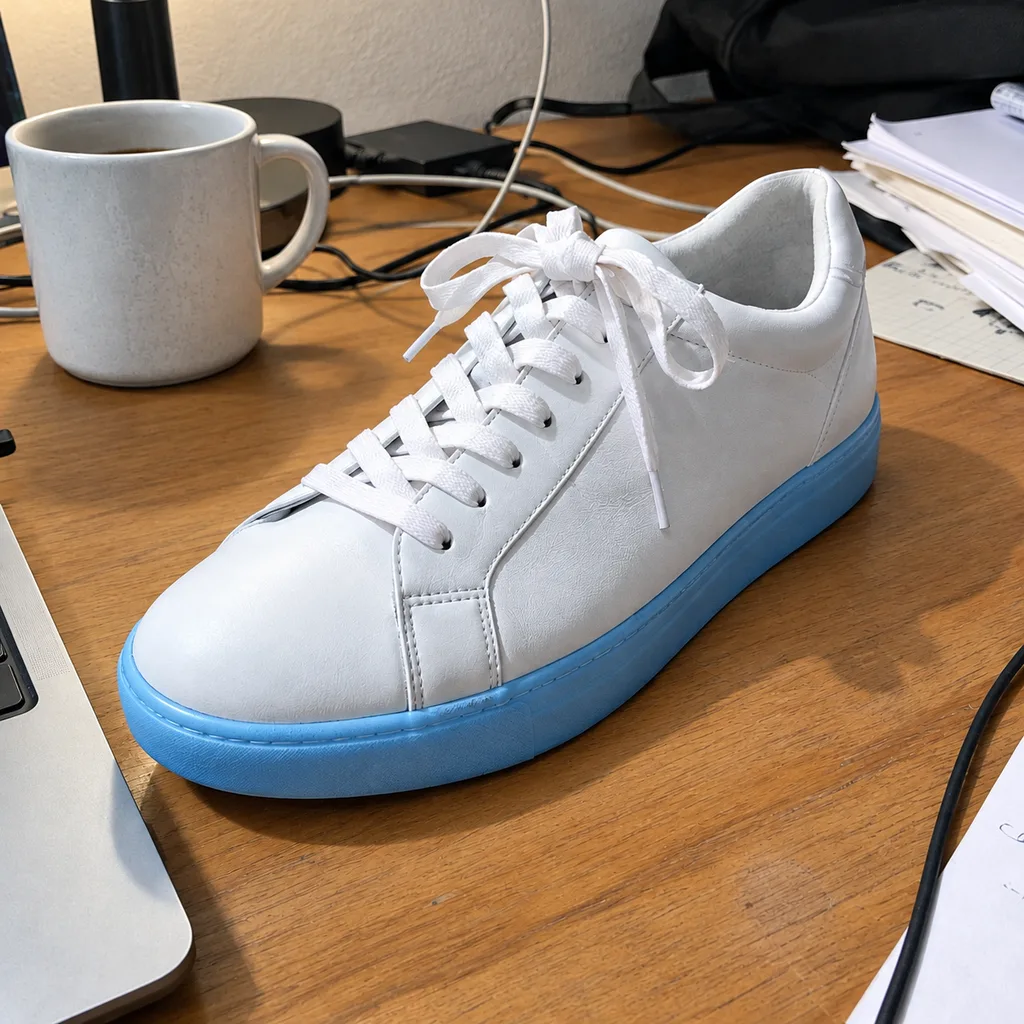
Turn snapshots taken under a desk lamp into clean, true-to-color images for your shop, marketplace listing or catalog.
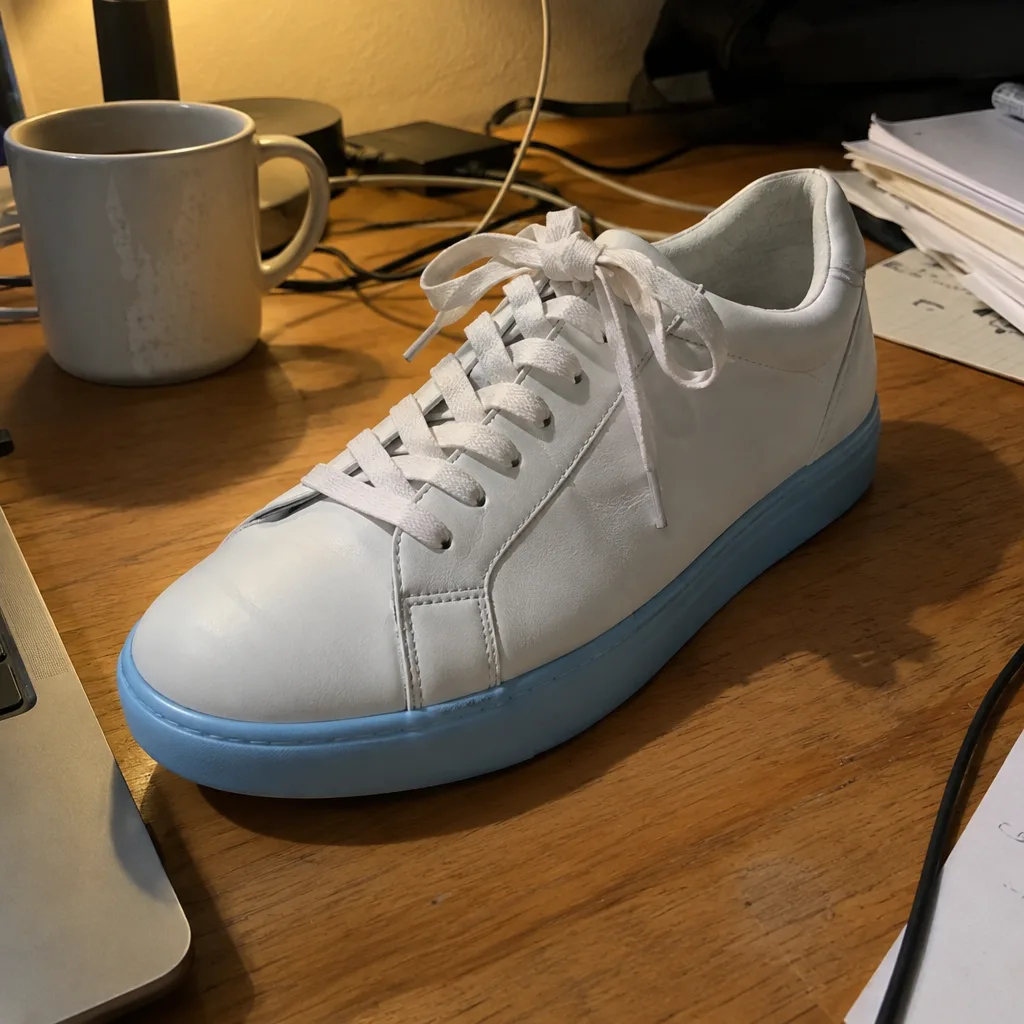
Upload a photo and the AI corrects exposure and white balance, lifts shadows, tames highlights, reduces noise and gently sharpens detail, while the people and framing stay exactly as they are.
Example
 BeforeAfter
Your result will appear here
How it works
Drop a JPG, PNG or WebP image into the tool above. Phone snapshots, scans and screenshots all work.
Leave the box empty for a balanced, natural fix, or tell the AI what matters to you, such as warmer tones or a brighter face. The credits for the run are shown on the button before you start.
Drag the slider to compare before and after, then download the result or open it in the free online editor for final touches.
One pass handles the problems that usually take several adjustment layers.
Brightens underexposed shots, calms overexposed areas and removes the yellow or blue cast of indoor and evening light.
Brings detail back out of dark corners and bright skies so the whole frame reads clearly.
Adds depth and pleasing color without the oversaturated, filtered look of one-tap presets.
Smooths the grain that low light and small phone sensors leave behind, while keeping texture in skin, fabric and hair.
Crisps up edges and fine detail so soft-looking photos feel clearer, without harsh halos.
The AI is instructed to keep faces, identity and composition unchanged, so the result still looks like your photo.
Turn snapshots taken under a desk lamp into clean, true-to-color images for your shop, marketplace listing or catalog.
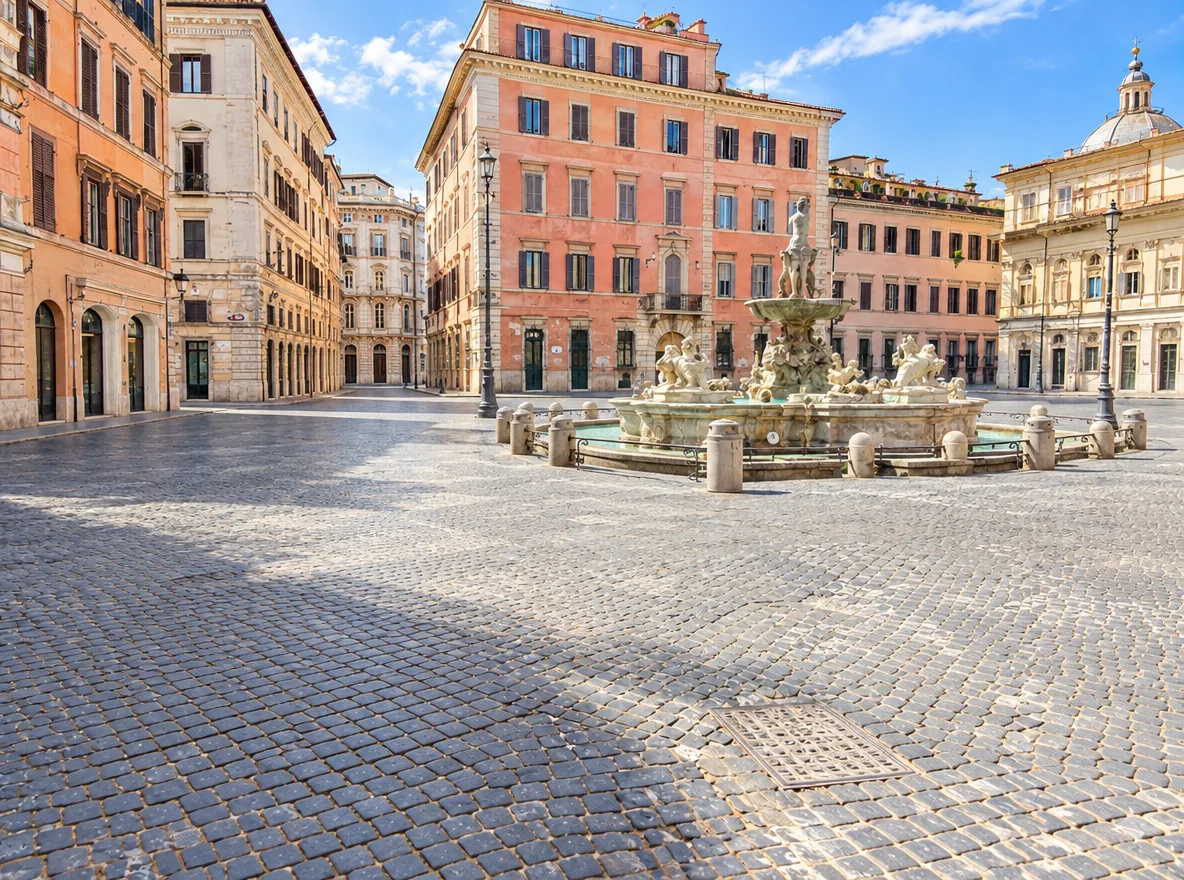
Rescue dim restaurant shots, backlit selfies and hazy vacation pictures before you share them.
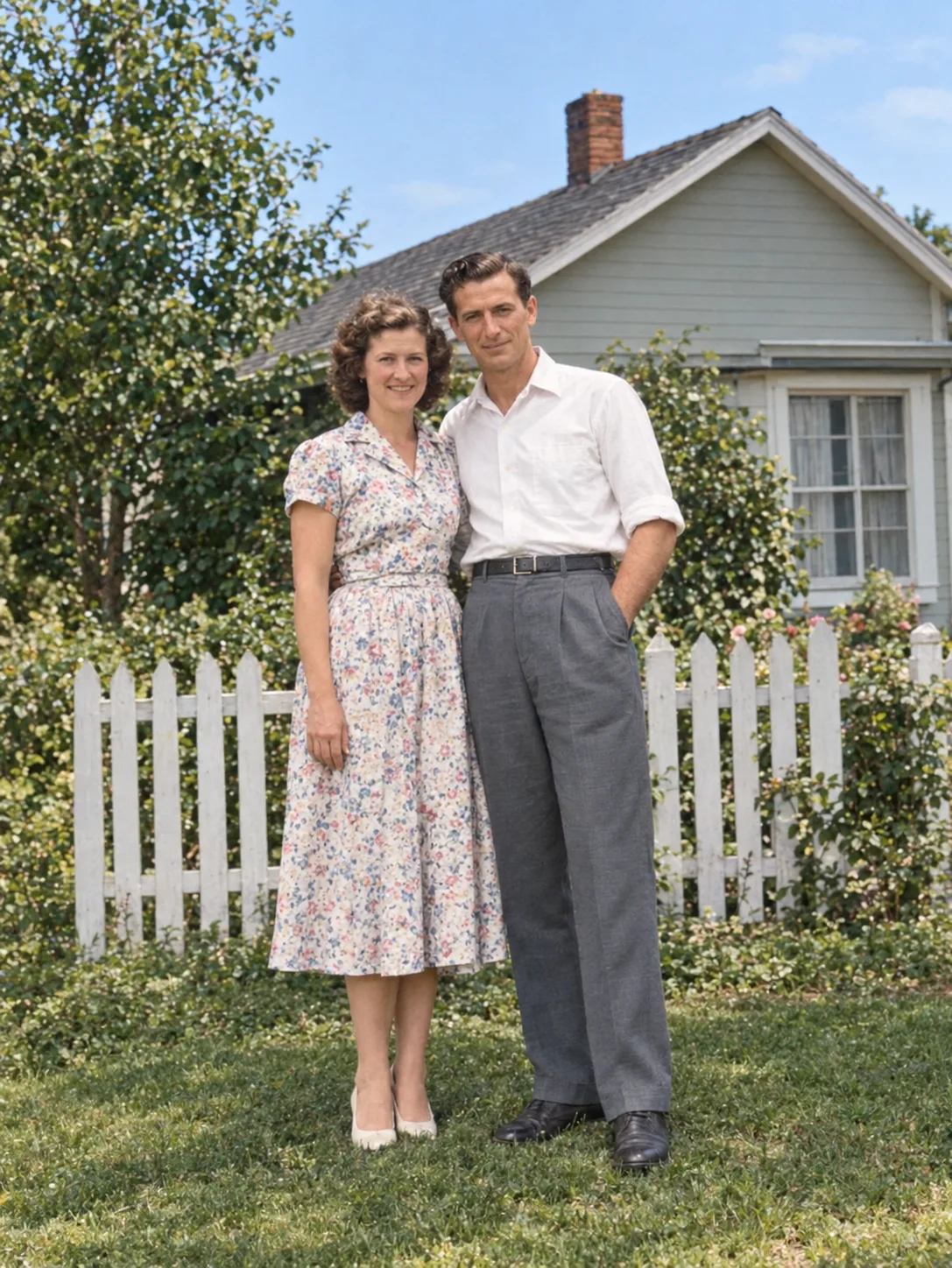
Give portraits even light and natural skin tones for social profiles, resumes and team pages.
FAQ
It corrects exposure and white balance, recovers shadows and highlights, improves color and contrast, reduces noise and gently sharpens detail. It is instructed to keep the people, faces and composition the same.
The online photo editor on this site is free. Each AI enhancement uses credits because it runs on a cloud AI model. The exact number of credits is shown on the button before you run it, and you can get more on the pricing page.
The model is told to keep identity, faces and framing unchanged, and results usually stay very close to the original. Generative AI can still alter small details, so check the comparison slider and run it again or adjust your note if something looks off.
It sharpens mildly soft photos and improves overall clarity. For photos that are very small or seriously blurred, run the AI image upscaler first, then enhance the result.
JPG, PNG and WebP images up to 10 MB work best. If your photo is larger, shrink it first with the free image resizer or image compressor on this site; they run in your browser.
Your photo is uploaded to our storage and processed by our AI model provider to create the result. Results are saved in My Creations so you can download them later. Only upload photos you have the right to edit.
Keep going with the same photo. Every AI tool shares one credit balance.
Upload a photo, let the AI fix light, color and detail, then fine-tune it in the free online editor.