


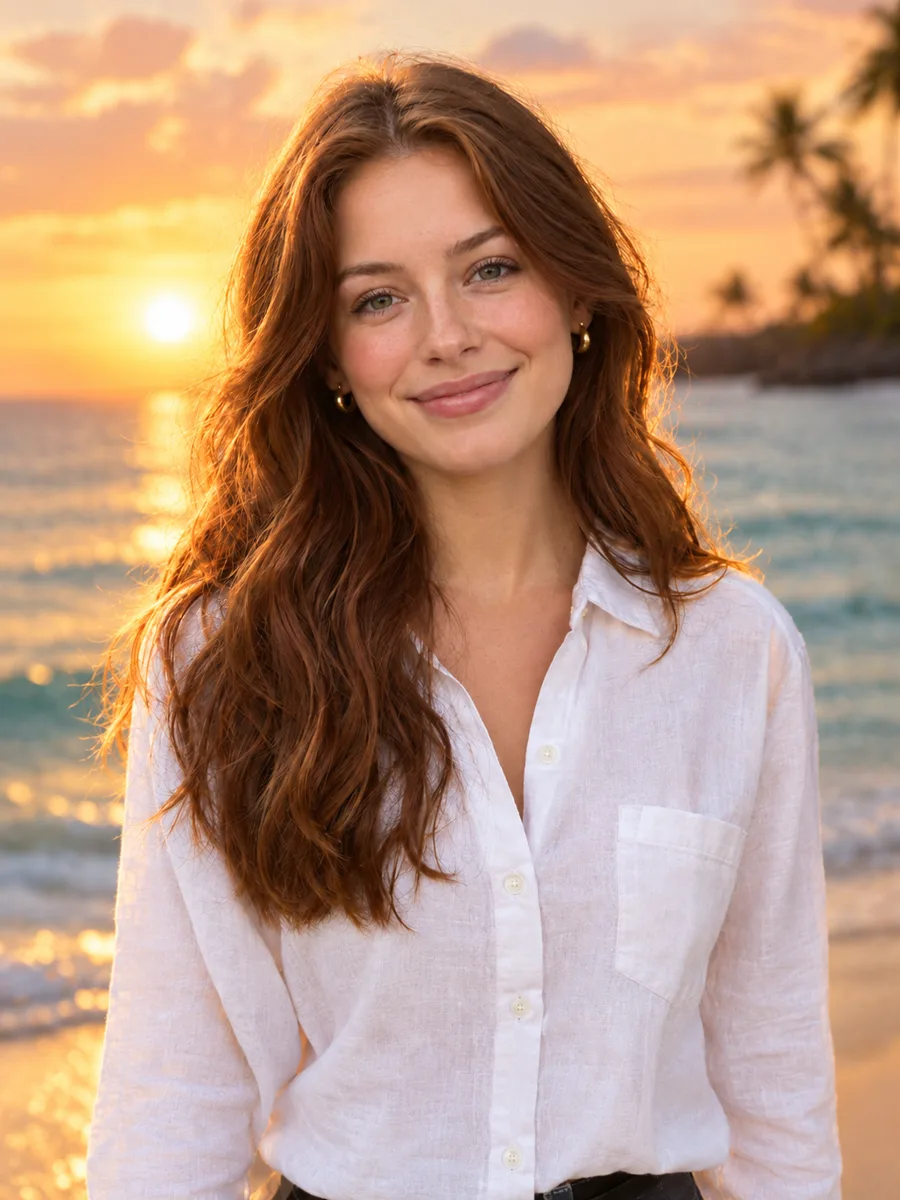
Social media and marketing visuals
Eye-catching images for posts, ads and blog headers, in the exact ratio each platform needs.
Describe a scene, a product shot or a poster and choose from six leading models. Pick the aspect ratio and resolution, see the cost before you start and download the result.
Example
ExampleYour result will appear here
How it works
Describe the subject, the setting, the style and the lighting. Specific details, such as the camera, the mood or the colors, give you more control.
Choose a model and an aspect ratio. Higher resolutions cost more credits, and the button always shows the exact cost.
Press Generate, then download the image, run it again for a new variation or send it to an edit tool.
Pick the model that suits the job instead of working around one model's weaknesses.
Nano Banana 2, GPT Image 2.5, Seedream 4.5, Ideogram V3 and Nano Banana Pro, all in one place with one credit balance.
Choose Ideogram V3 when your image needs a headline, a sign or a word that has to be spelled correctly.
Square for feeds, 9:16 for stories, 16:9 for banners and slides, and more, depending on the model.
Generate at 1K for drafts, then switch to 2K or 4K for the final image on models that support it.
Send a result to the AI photo editor, the background remover or the upscaler with one click, or open the free photo editor.
The credit cost is shown before every run, and failed generations are refunded to your balance.
Eye-catching images for posts, ads and blog headers, in the exact ratio each platform needs.
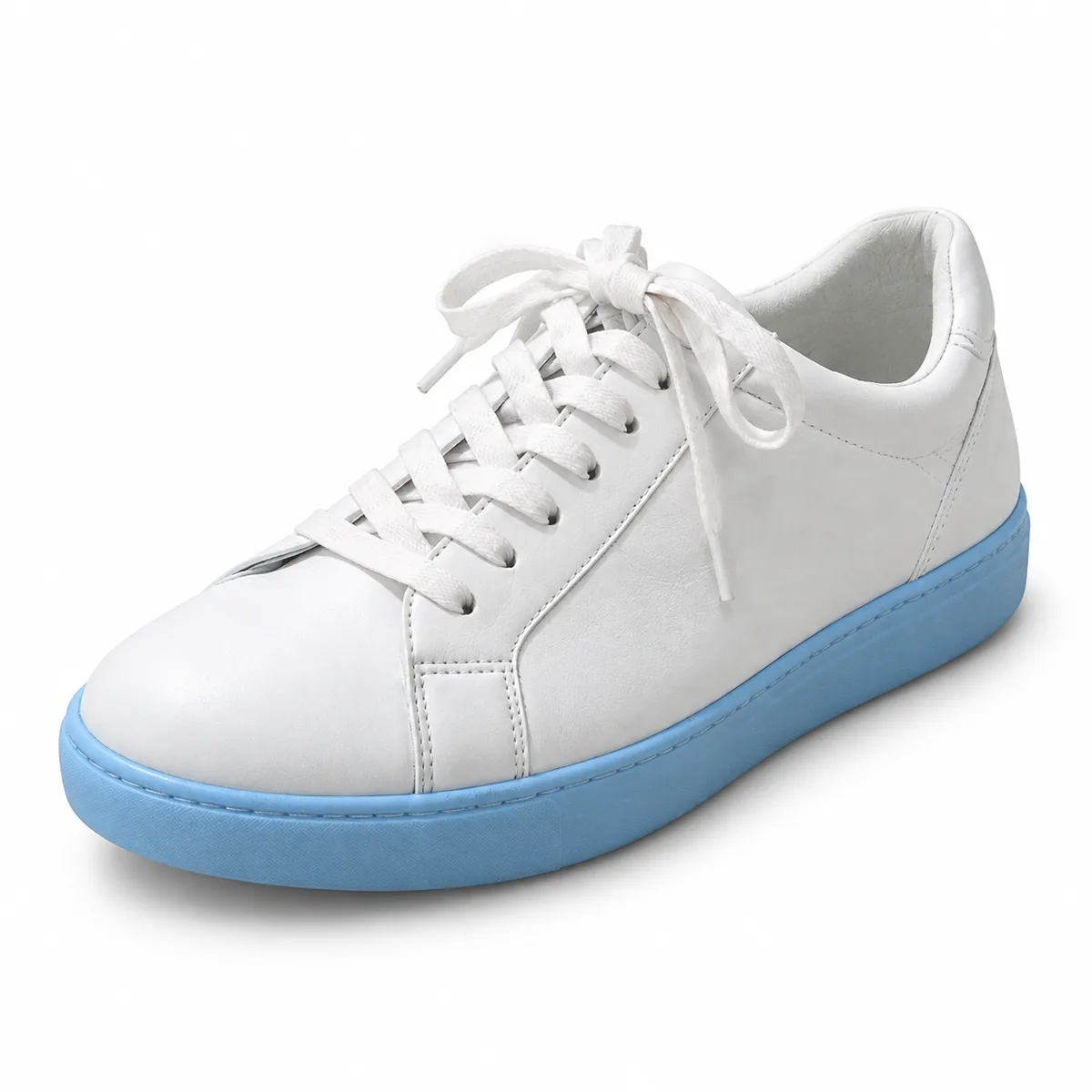
Explore packaging ideas, product shots and lifestyle scenes before you book a photo shoot.
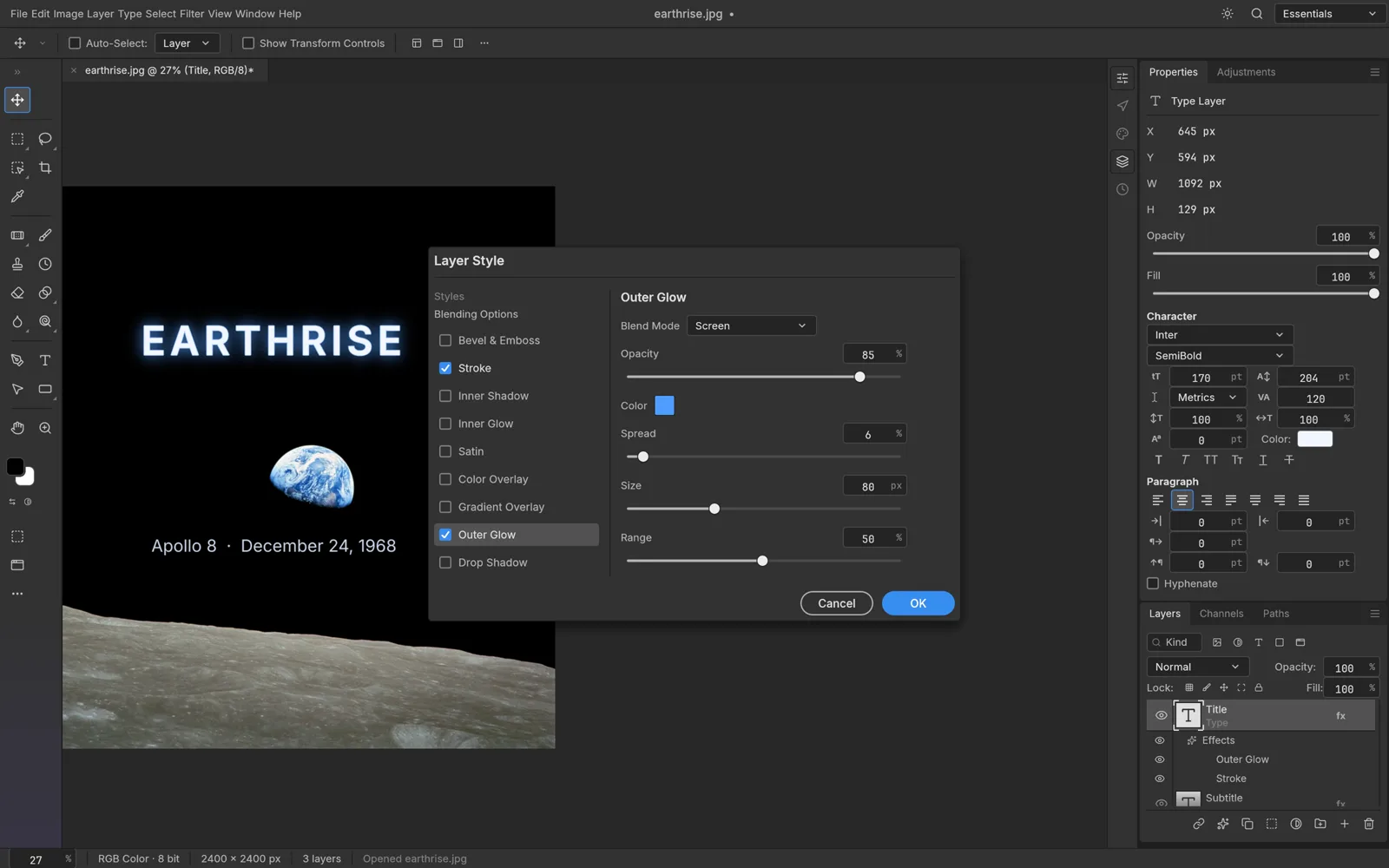
Backgrounds, illustrations and textures that you can finish in the free photo editor with layers and text.
FAQ
Start with the subject, then add the setting, style, lighting and camera or art medium, for example "a red vintage bicycle against a pastel wall, soft morning light, film photo". Describe what you want rather than what you don't want.
GPT Image 2.5 is the default, with natural light and rich texture. Nano Banana 2 is fast and versatile. Seedream 4.5 is vivid and detailed. Ideogram V3 is best for text in images. Nano Banana Pro is our highest-quality option, and Z-Image is a quick, lightweight choice for simple ideas.
Generating images uses credits because each image is rendered on cloud GPUs. The price depends on the model and resolution and is shown on the button before you start. Failed runs are refunded.
Yes. Use Next step to send a result to the AI photo editor, the background remover or the upscaler, or download it and open it in the free online photo editor.
Most models offer square, portrait and landscape ratios such as 1:1, 3:4, 4:3, 9:16 and 16:9. Nano Banana 2, GPT Image 2.5 and Nano Banana Pro go up to 4K, and Seedream 4.5 offers 2K and 4K.
Every result is saved to My Creations in your account, so you can download it again later. Your prompts and images are not published or shown to other users.
Keep going with the same photo. Every AI tool shares one credit balance.
Write a prompt, pick a model and see what the AI makes of it.