

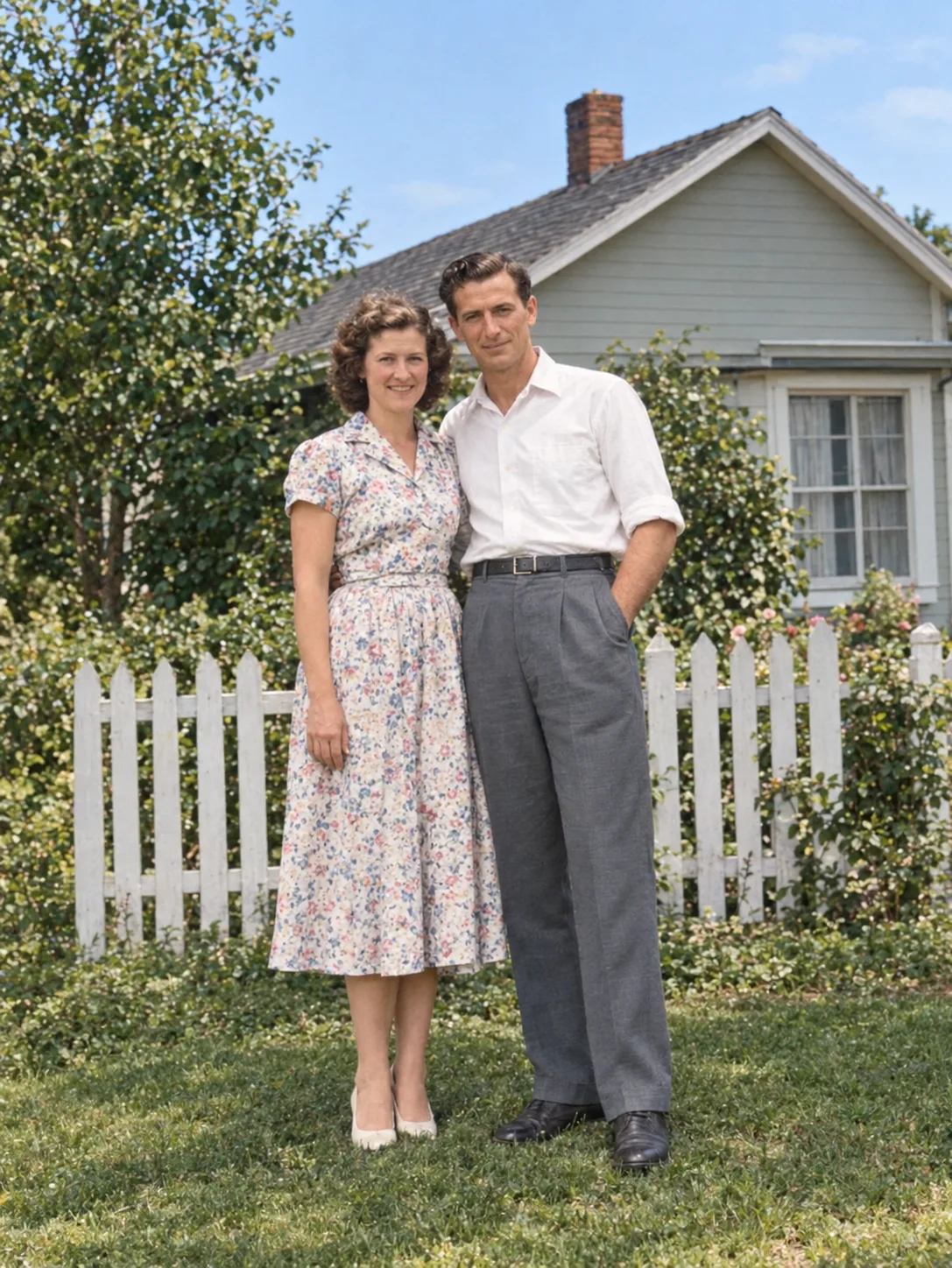
Family archives
Restore your grandparents' portraits, wedding photos and childhood snapshots so you can share and print them again.
Upload a scan or a phone photo of an old print. The AI removes scratches, dust, creases and stains, recovers faded contrast and gently sharpens faces, then adds natural color or keeps the original black and white.
Example
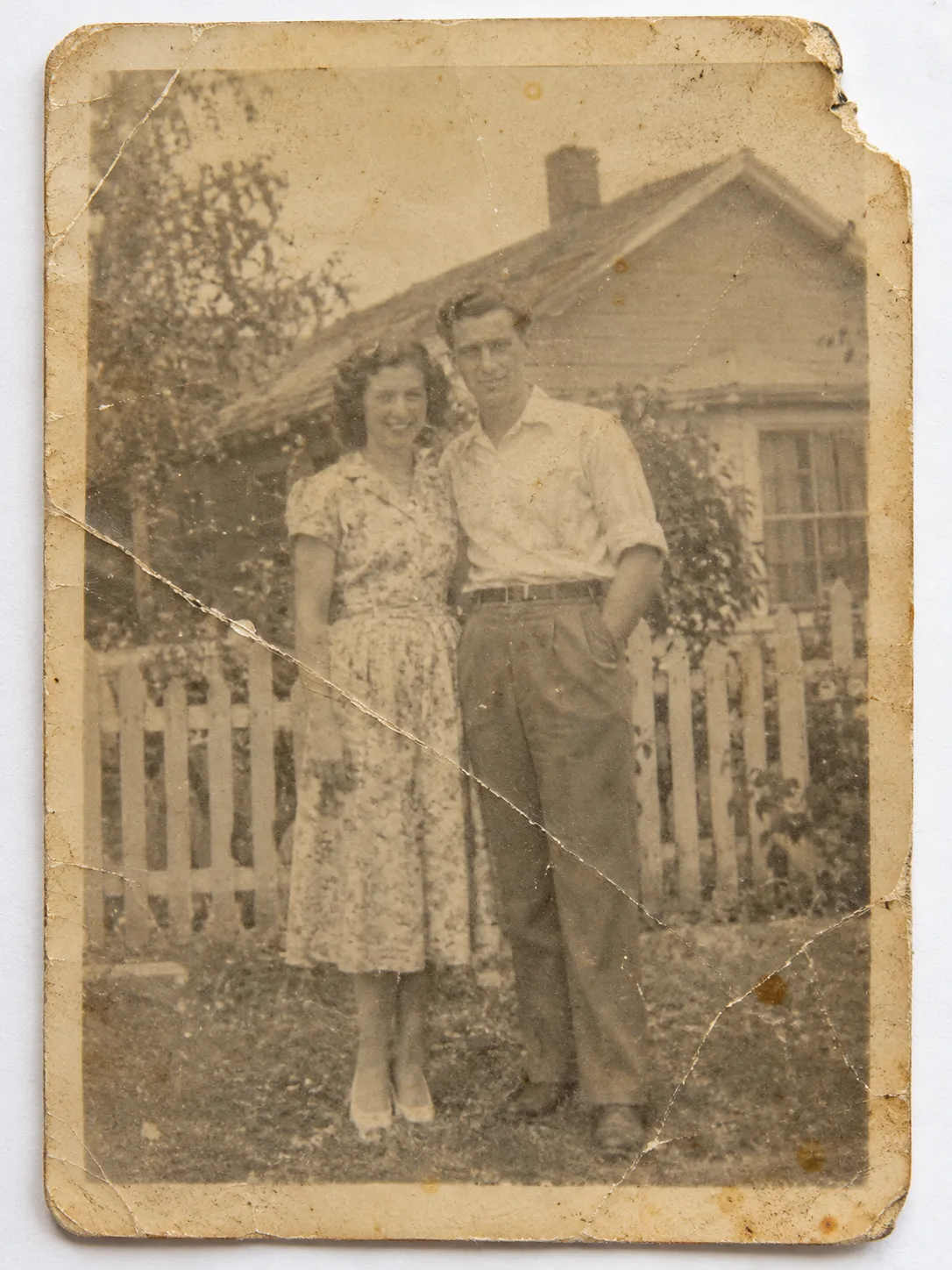 BeforeAfter
Your result will appear here
How it works
Use a flatbed scan if you can, or take a straight, glare-free phone photo in good light. Then upload the JPG, PNG or WebP.
Restore and colorize, or restore and keep the original black-and-white or sepia tone. Add notes, such as clothing colors, if you know them.
Drag the slider to compare with the original, then download the restored photo or run it again for another version.
Hours of manual retouching done in one pass, while the people stay who they are.
Surface damage, creases, cracks and spots are cleaned up, and missing areas are filled in to match.
Washed-out prints get their tonal range back, with deeper shadows and cleaner highlights.
Faces and fine details are gently sharpened without turning the photo into a plastic-looking portrait.
Black-and-white photos can be colorized with realistic, period-appropriate colors, or kept monochrome if you prefer.
Know the color of a dress or a car? Add it to the notes and the AI takes it into account.
Crop, straighten, adjust levels or add a caption in the free photo editor once the restoration is done.
Restore your grandparents' portraits, wedding photos and childhood snapshots so you can share and print them again.
Fix photos with cracks, water stains, tears or heavy fading that a simple filter can't handle.
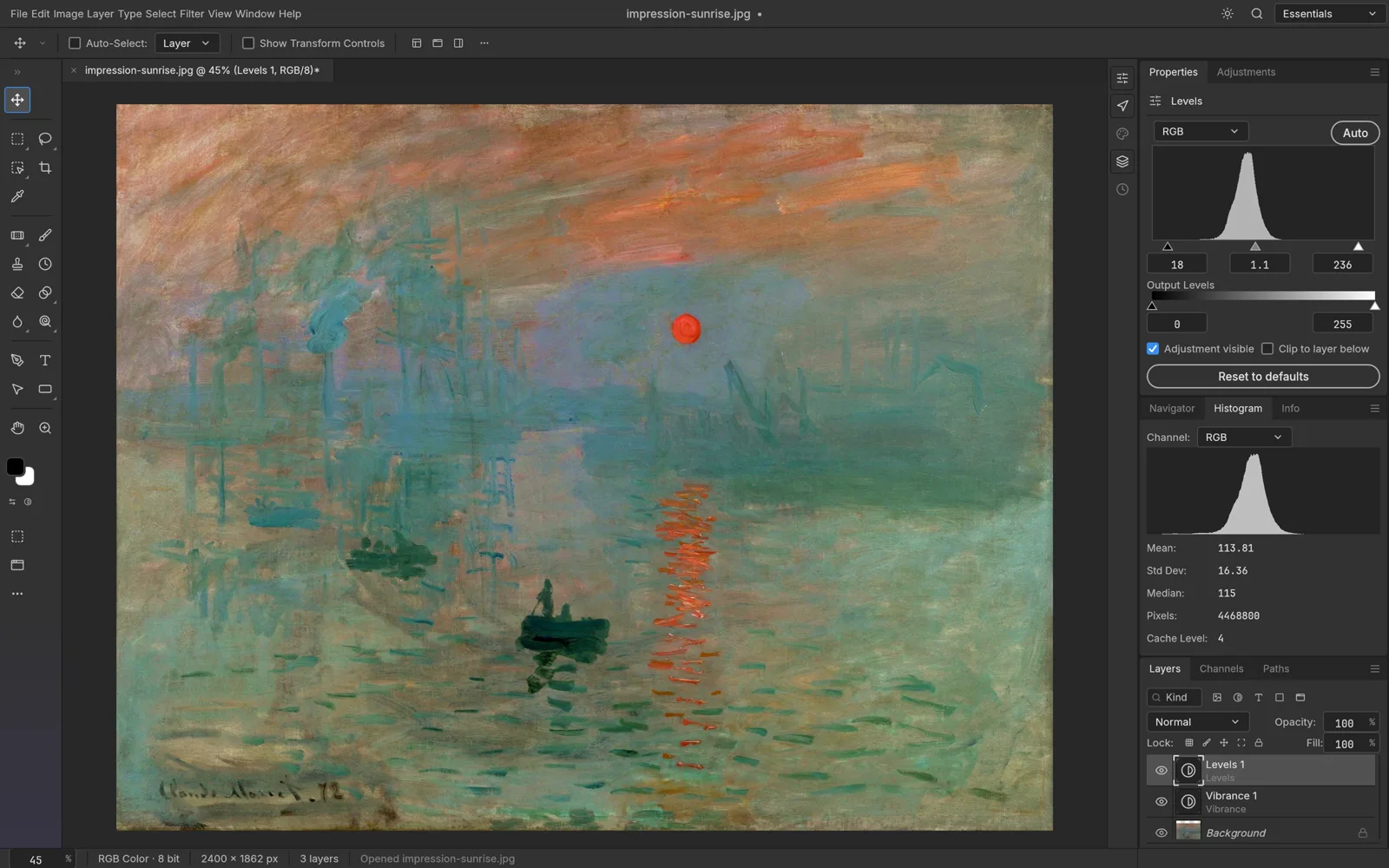
Adjust brightness, crop or add a caption in the free photo editor before you print or share.
FAQ
The AI model looks at the whole picture, removes damage such as scratches and stains, rebuilds missing areas, restores contrast and sharpens detail. If you choose colorize, it also adds natural colors.
Yes. Choose "Restore, keep B&W" to repair the damage while keeping the original black-and-white or sepia tone.
The model is instructed to keep faces and identity unchanged. Heavily damaged faces may need a second run, so compare the result carefully with the original.
A flatbed scan at 600 dpi gives the best starting point. With a phone, shoot straight on in soft daylight, without flash or glare, and crop to the print.
The colors are a realistic estimate, not a record of the original. If you know specific colors, add them in the notes field so the AI can use them.
Restoration uses credits per run because it runs on AI models in the cloud. The cost is shown before you start, and failed runs are refunded automatically.
Keep going with the same photo. Every AI tool shares one credit balance.
Upload a scan, choose restore or colorize, and compare the result with the original.