
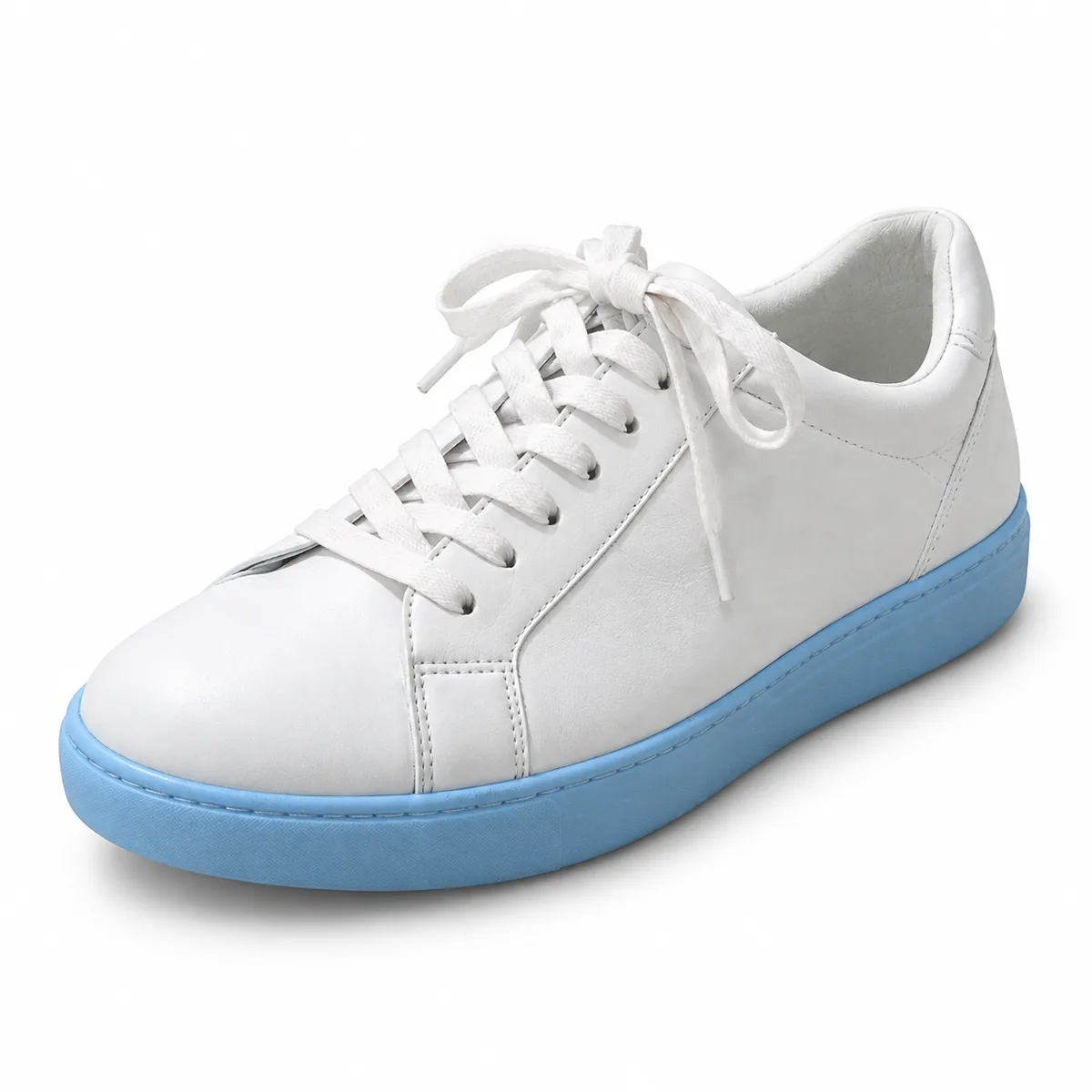
Online stores
Clean product cut-outs for marketplaces, shop pages and ads, ready to place on white or on your brand colors.
Upload a photo and the AI separates the subject from everything behind it. Preview the cut-out on transparent, white or dark, then download a PNG ready for stores, slides and designs.
Example
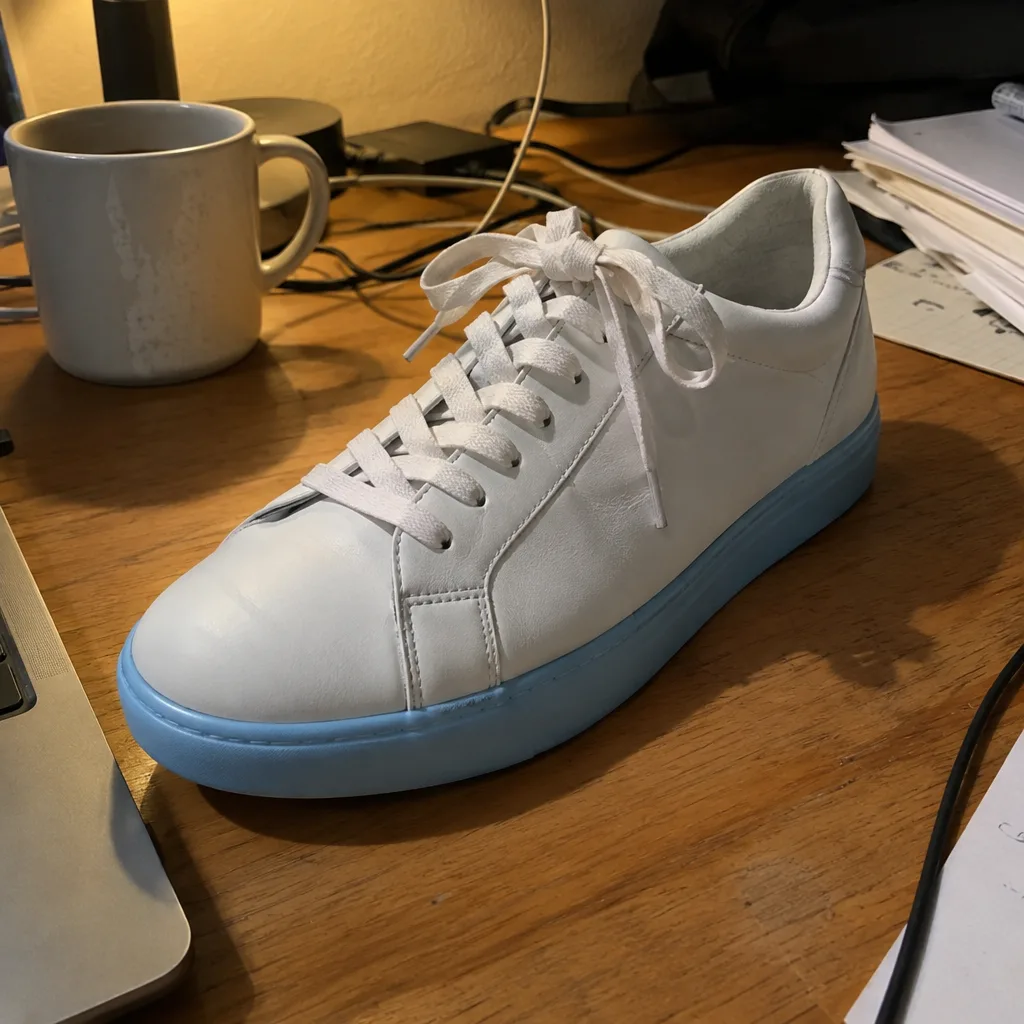 BeforeAfter
Your result will appear here
How it works
Drop, paste or choose a JPG, PNG or WebP up to 10 MB. People, products, pets and cars all work.
Press Generate. The AI finds the main subject and removes everything behind it, usually within seconds.
Compare before and after, preview the cut-out on white or dark to check the edges, and download a transparent PNG.
One click, no lasso and no masking: the model makes the selection for you.
There is no need to trace edges. The AI recognizes people, products and animals and keeps them in front.
Hair, fur and soft outlines are kept as smooth edges instead of a hard, jagged line, so the subject sits naturally on a new background.
The result keeps an alpha channel, so you can drop it into any design tool, slide deck or store listing.
Switch the preview between transparent, white and dark to inspect the edges before you download.
Send the cut-out to the Background Changer or the Image Upscaler, or finish it by hand in the free photo editor.
Background removal is one of our cheapest AI tools. The credit cost is shown before you start, and failed runs are refunded.
Clean product cut-outs for marketplaces, shop pages and ads, ready to place on white or on your brand colors.
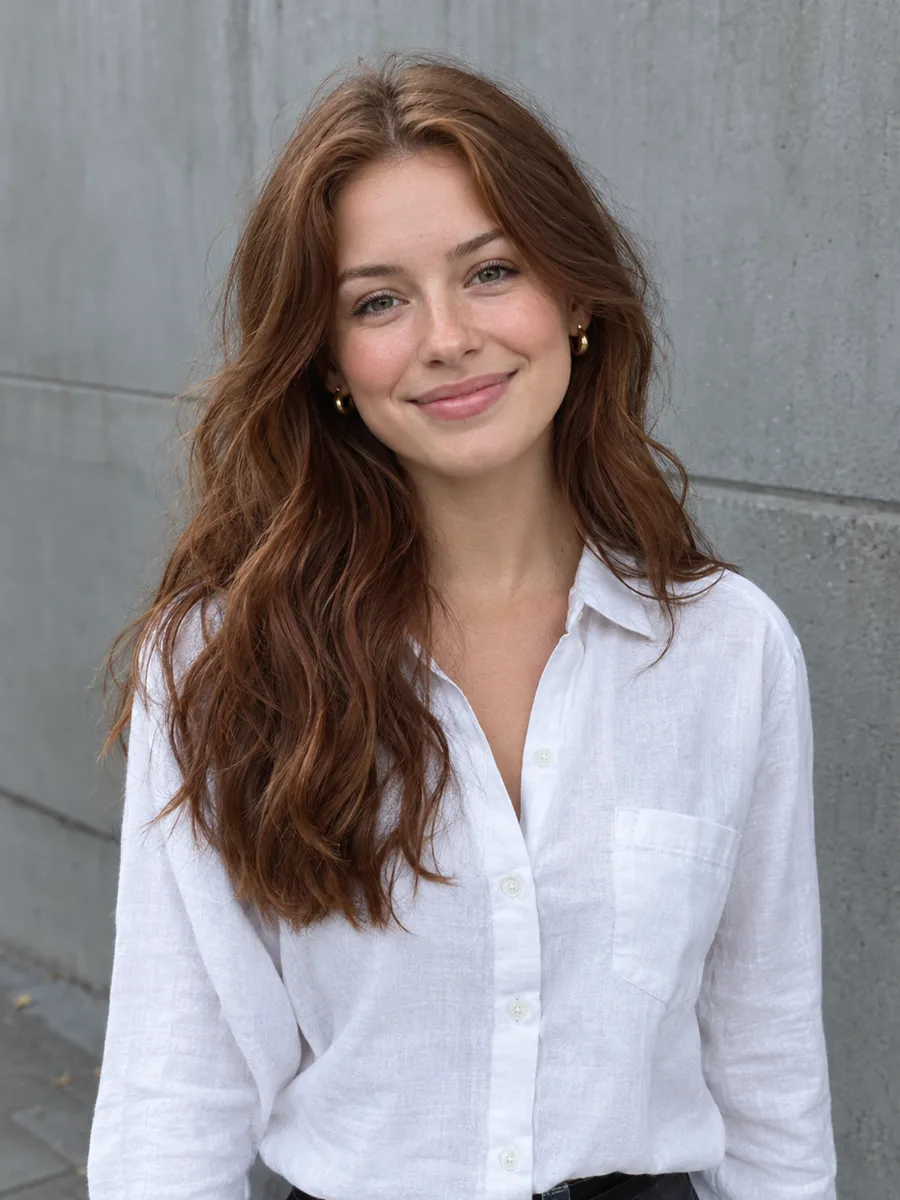
Cut out a portrait and put it on a plain color for LinkedIn, team pages or an ID-style photo.
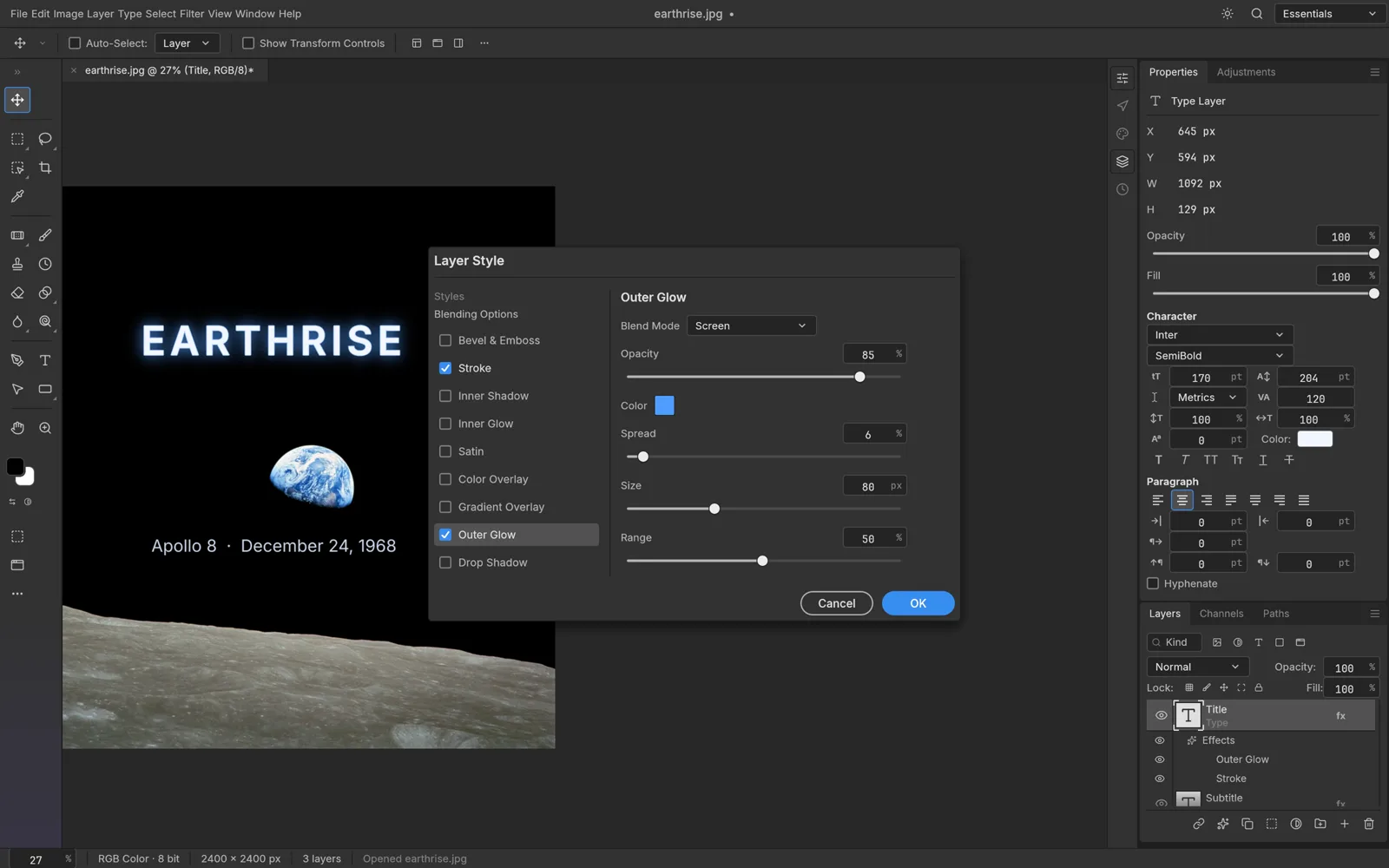
Transparent PNGs for slides, thumbnails, collages, posters and stickers, without opening a desktop editor.
FAQ
Upload the picture to the tool above and press Generate. The AI detects the subject, removes the background and gives you a transparent PNG to download. No selection or masking is needed.
Background removal uses a small number of credits per image because it runs on an AI model in the cloud. The exact cost is shown on the button, and if a run fails the credits are refunded. If you prefer to cut out by hand, the online photo editor is free.
A PNG with a transparent background. Keep it as PNG or WebP in your design tool; saving it as JPG fills the transparent area with a solid color.
Yes, the model is designed to keep soft edges such as hair and fur. Very fine strands against a busy background can lose a little detail; good contrast between the subject and the background gives the cleanest edge.
Glass, smoke, very sheer fabric and scenes with two equally important subjects. The tool keeps what looks like the main subject; for tricky cases you can refine the edge in the free photo editor.
Yes. Download the PNG and place it anywhere, or use Next step to send it to the Background Changer, which generates a new scene and relights the subject to match.
Keep going with the same photo. Every AI tool shares one credit balance.
Upload a photo and download a clean transparent PNG in moments.