

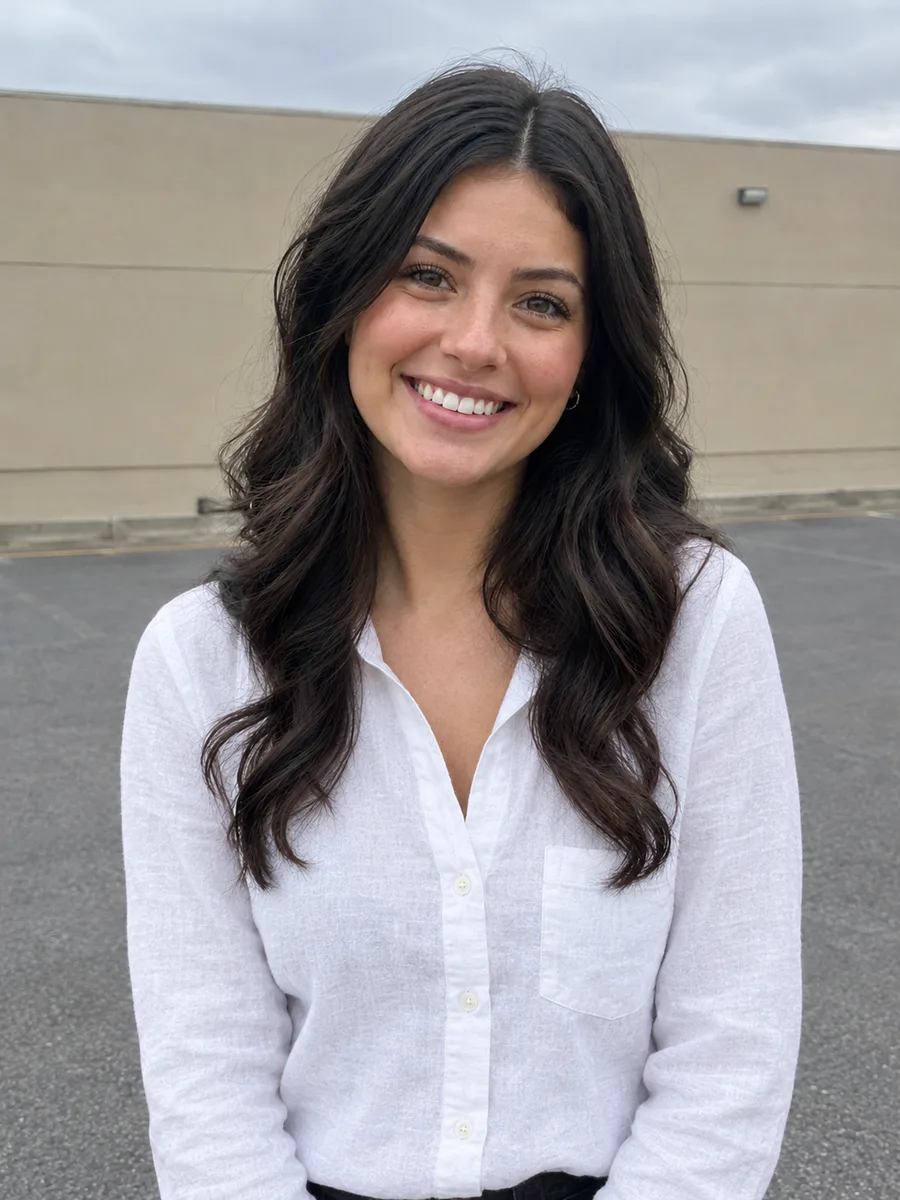
Online shoppers
Get a quick idea of how a jacket, dress or shirt might look on you before you buy.
Upload a photo of a person and a photo of a garment. The AI dresses the person in it, fitted to their body and pose with realistic fabric, folds and light, while their face, hair and background stay unchanged.
Example
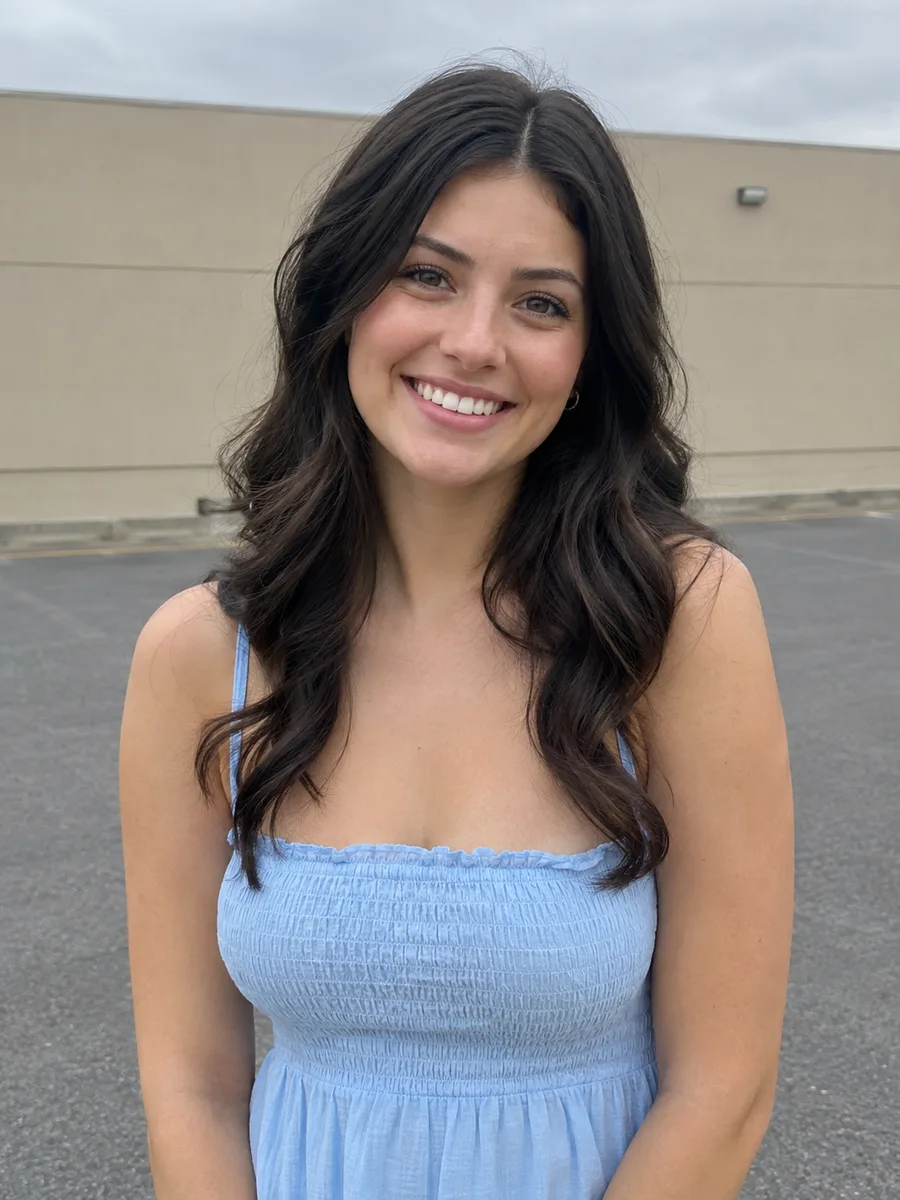 BeforeAfter
Your result will appear here
How it works
Use a clear photo where the person's body and pose are visible. Waist-up or full-length shots work best.
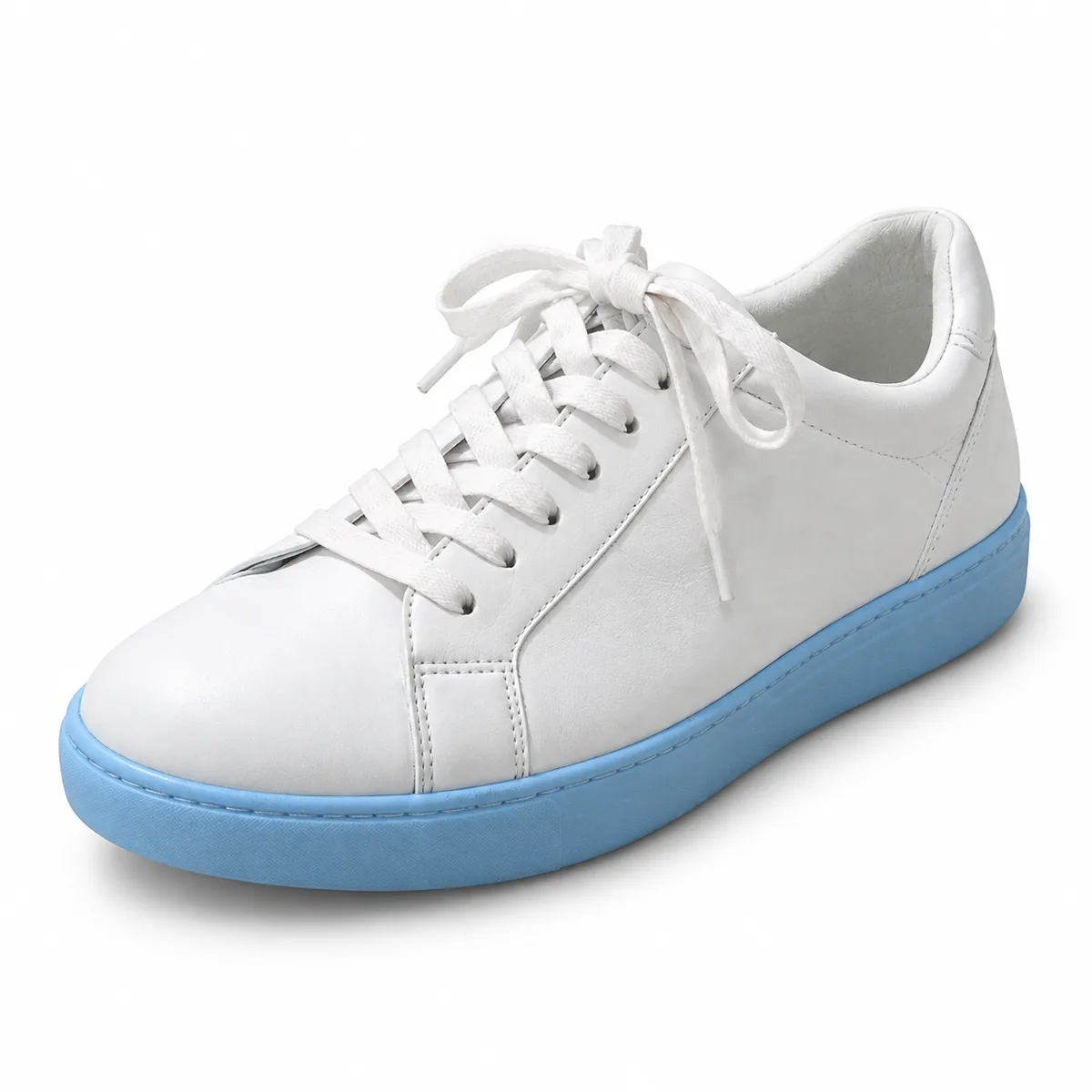
Add a photo of the clothing: a product shot, a flat lay or a photo of someone wearing it. Add styling notes if you like.
The AI dresses the person in the garment. Compare it with the original, download it or keep editing in the free online editor.
See how a piece looks on a real person without a photo shoot.
Use a product image, a flat lay or a picture of a model wearing the item.
The garment follows the person's body, posture and proportions instead of floating on top.
Folds, drape, texture and shadows are generated to match the material and the light in the photo.
Face, hair, pose and background from the person's photo are kept unchanged.
Add notes such as tucked in, sleeves rolled up or jacket open to style the outfit.
Switch between the AI models offered in the tool to compare looks; each shows its credit cost before you run.
Get a quick idea of how a jacket, dress or shirt might look on you before you buy.
Show a new item on existing model photos for listings, lookbooks and social posts without a new shoot.
Mock up outfit ideas, compare combinations and plan content for clients and followers.
FAQ
You upload two images: one of a person and one of a garment. The AI dresses the person from the first image in the garment from the second, fitting it to their body and pose.
A clear, well-lit photo where the whole garment is visible, such as a product shot on a plain background or a flat lay. Photos of someone wearing the item work too; add a note like “use only the shirt” if the photo shows several pieces.
The model is instructed to keep face, identity, hair, pose and background unchanged. Generative AI can still alter small details, so compare the result and run it again if needed.
No. It is a realistic visualization, not a measurement. Real size and fit depend on the garment's size chart and fabric.
Each try-on uses credits because it runs on a cloud AI model, and the exact cost is shown on the button before you run. The online photo editor on this site is free.
Only upload photos of yourself or of people who have agreed to it. Your images are uploaded to our storage and processed by our AI model provider to create the result, which is saved in My Creations.
Keep going with the same photo. Every AI tool shares one credit balance.
Upload a person and a garment, and let the AI show you the outfit.