
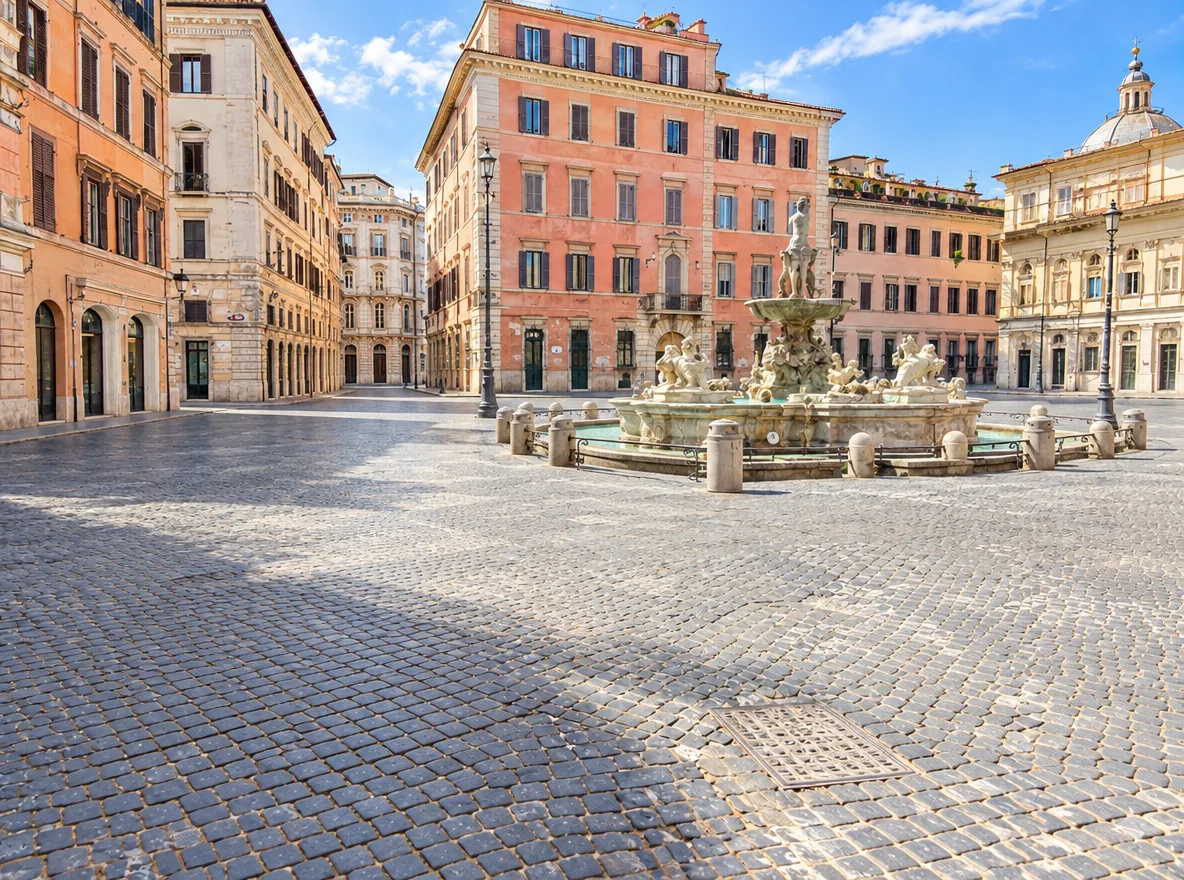
Printing small images
Enlarge a web image or an older digital photo so it holds up better on paper, posters and canvas.
Upload a low-resolution or slightly blurry image and the AI rebuilds detail as it enlarges it, so edges, text and textures come out crisp instead of soft.
Example
 BeforeAfter
Your result will appear here
How it works
Drop, paste or choose a JPG, PNG or WebP up to 10 MB. Small web images, older digital photos and screenshots all work.
Press Generate. The AI enlarges the image and sharpens edges and textures as it goes.
Drag the slider to see the difference in detail, then download the larger image.
Ordinary resizing stretches pixels. AI upscaling predicts the detail that is missing.
Instead of blurring as it enlarges, the model reconstructs edges and textures that fit the image.
Mild blur and compression artifacts are reduced, which makes faces, products and text easier to read.
There are no scale factors or sliders to fiddle with. Upload, press Generate and download.
Upscaling costs very few credits per image, and the exact cost is shown on the button before you start.
Upscale first, then remove the background or restore the photo: the other AI tools work better with more pixels.
If a run fails, the credits go back to your balance automatically.
Enlarge a web image or an older digital photo so it holds up better on paper, posters and canvas.
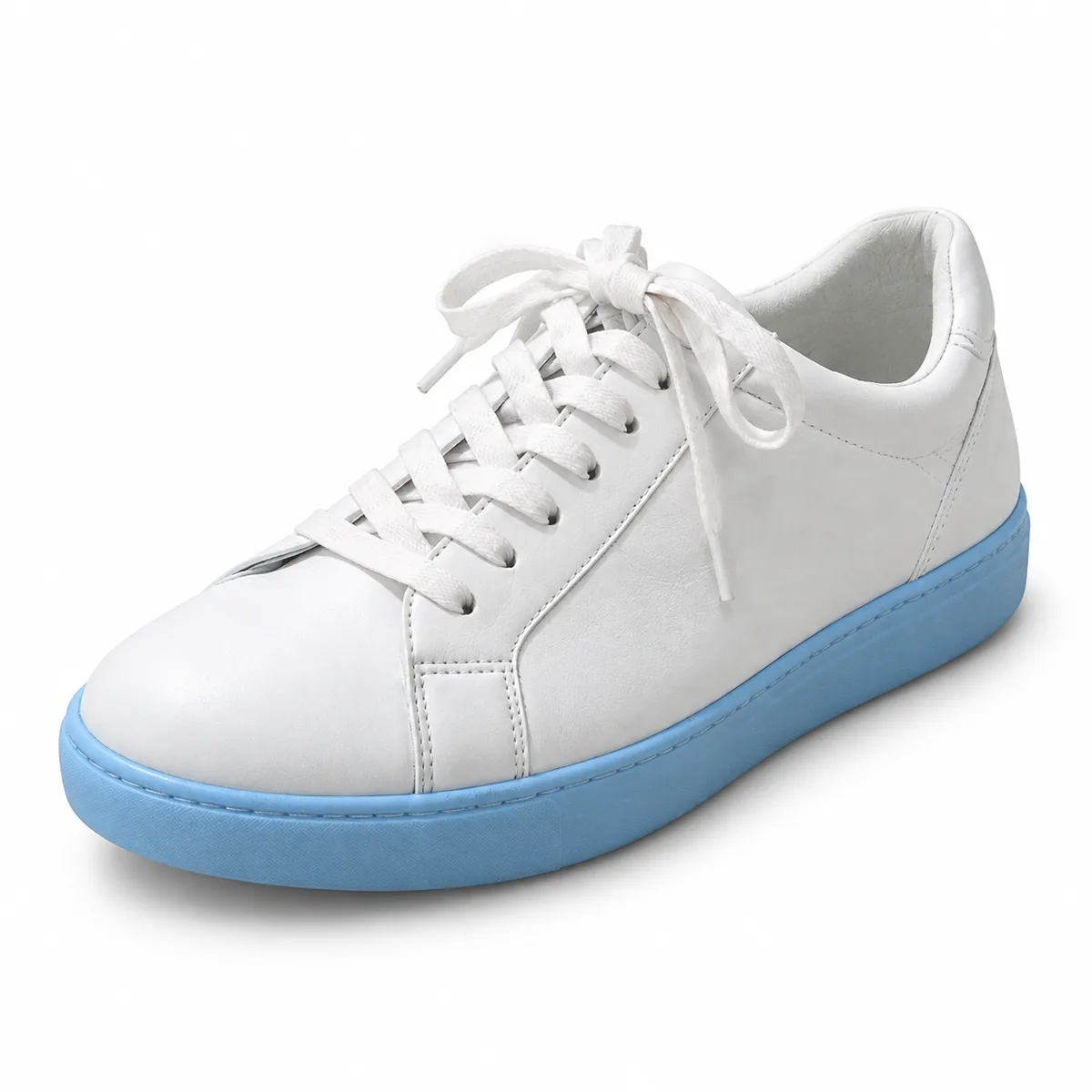
Give marketplace and shop images the resolution that zoom views and large screens need.
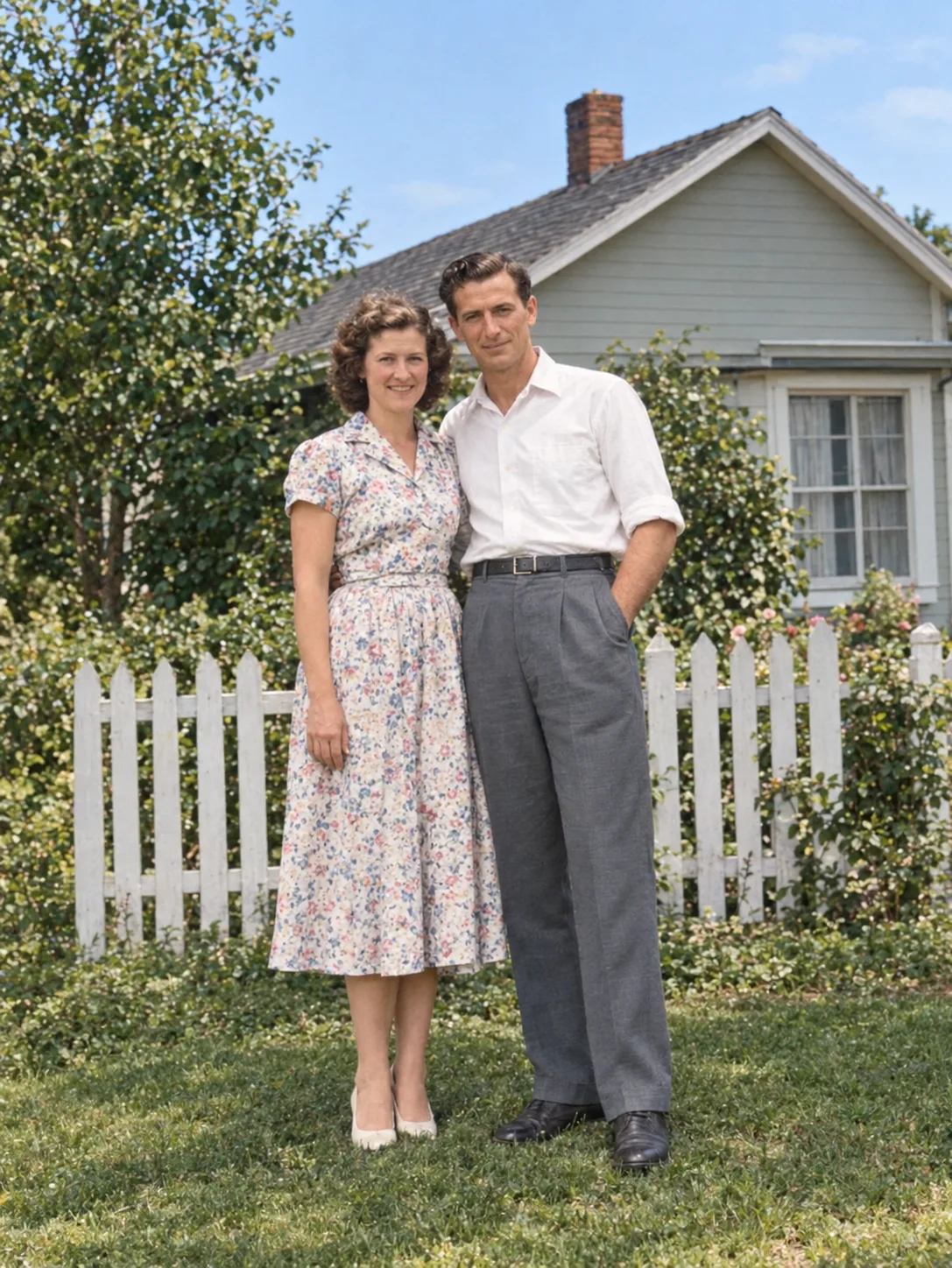
Upscale a restored portrait for framing, or for sharing at full-screen size.
FAQ
Upload it to the AI image upscaler above and press Generate. The model enlarges the image while rebuilding detail, so it stays sharp instead of turning blurry like a normal resize.
The upscaler chooses the enlargement automatically, so there is nothing to set. Check the pixel size of the downloaded file to see exactly how large your result is.
It reduces mild blur and compression artifacts well. Heavy motion blur or an out-of-focus subject can't be fully recovered; for old prints, try Photo Restoration first.
Photos, product shots, illustrations and screenshots with a clear subject. Very tiny images of a few dozen pixels contain too little information for a faithful result.
Upscaling uses credits because it runs on an AI model in the cloud, but it is one of our cheapest tools. The cost is shown before you start, and failed runs are refunded.
Your image is uploaded to our storage and processed by our AI provider. The result is saved to My Creations in your account; files are not listed publicly.
Keep going with the same photo. Every AI tool shares one credit balance.
Upload a small or soft image and download a larger, sharper version.