

Personal gifts
Turn a family photo, a wedding picture or a pet portrait into a painting for a card, a print or a framed gift.
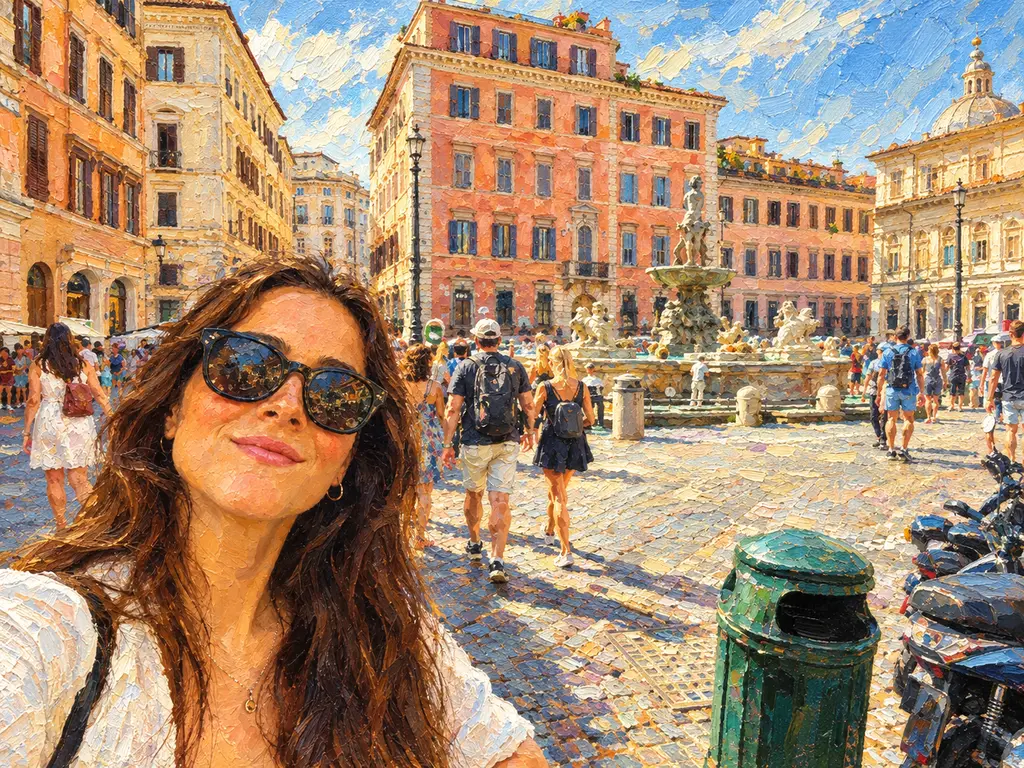
Pick a style and the AI repaints your photo as an oil painting, a watercolor, an anime illustration, a pencil sketch and more, keeping the same composition, subjects and pose.
Example
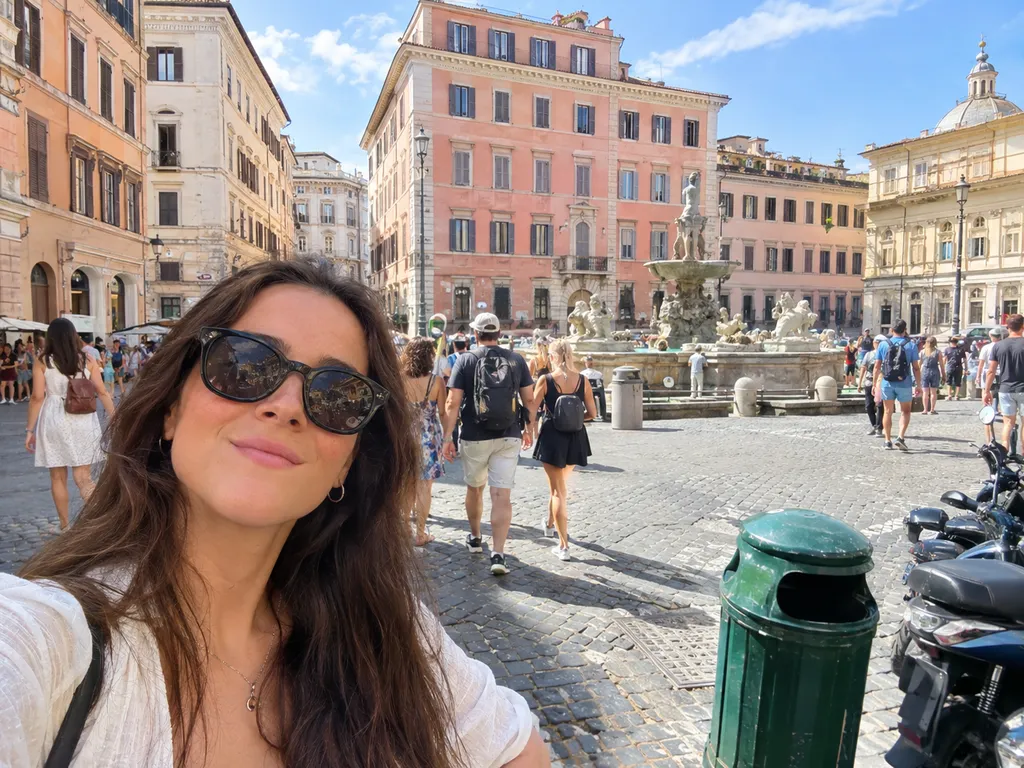 BeforeAfter
Your result will appear here
How it works
Portraits, pets, landscapes and city scenes all work. A sharp, well-lit photo gives the best result.
Choose oil painting, watercolor, anime, 3D cartoon, pencil sketch, pixel art, pop art or impressionist, and add extra details if you like.
Compare it with the original, download it, or open it in the free online editor to add text or a frame.
Many looks, one upload, no drawing skills needed.
From classical oil and soft watercolor to anime, 3D cartoon, pencil sketch, pixel art, pop art and impressionist.
The AI keeps the subjects, pose and layout of your photo, so the painting is clearly your picture.
Brush strokes, paper grain, line art and halftone dots are painted into the image, not laid on top like a filter.
Add a palette, a mood or a detail in the text box to make the style your own.
Choose a higher resolution when the art is headed for print or a large screen; the credit cost is shown before you run.
Add text, crop for a frame or layer several styles together in the free online editor.
Turn a family photo, a wedding picture or a pet portrait into a painting for a card, a print or a framed gift.
Create an anime or 3D cartoon version of yourself for social media, gaming or community profiles.
Give blog headers, posters and social posts a hand-painted look without commissioning an illustration.
FAQ
Upload the photo, choose a style such as oil painting or watercolor, and click generate. The AI repaints the picture in that style while keeping the same composition.
Oil painting, watercolor, anime, 3D cartoon, pencil sketch, pixel art, pop art and impressionist. You can add extra style details in the text box.
The AI keeps the same subjects and pose, but every style stylizes faces on purpose, especially anime, cartoon and pixel art. Painting and sketch styles usually stay closest to the original likeness.
Pick a higher resolution before you generate for sharper prints. You can use the artwork in personal and commercial projects as long as you have the rights to the original photo; see our Terms of Service.
Each conversion uses credits because it runs on a cloud AI model, and the exact cost is shown on the button before you run. The online photo editor on this site is free.
Your photo is uploaded to our storage and processed by our AI model provider to create the painting. Results are saved in My Creations so you can download them later.
Keep going with the same photo. Every AI tool shares one credit balance.
Upload a picture, pick a style and download your painting.