

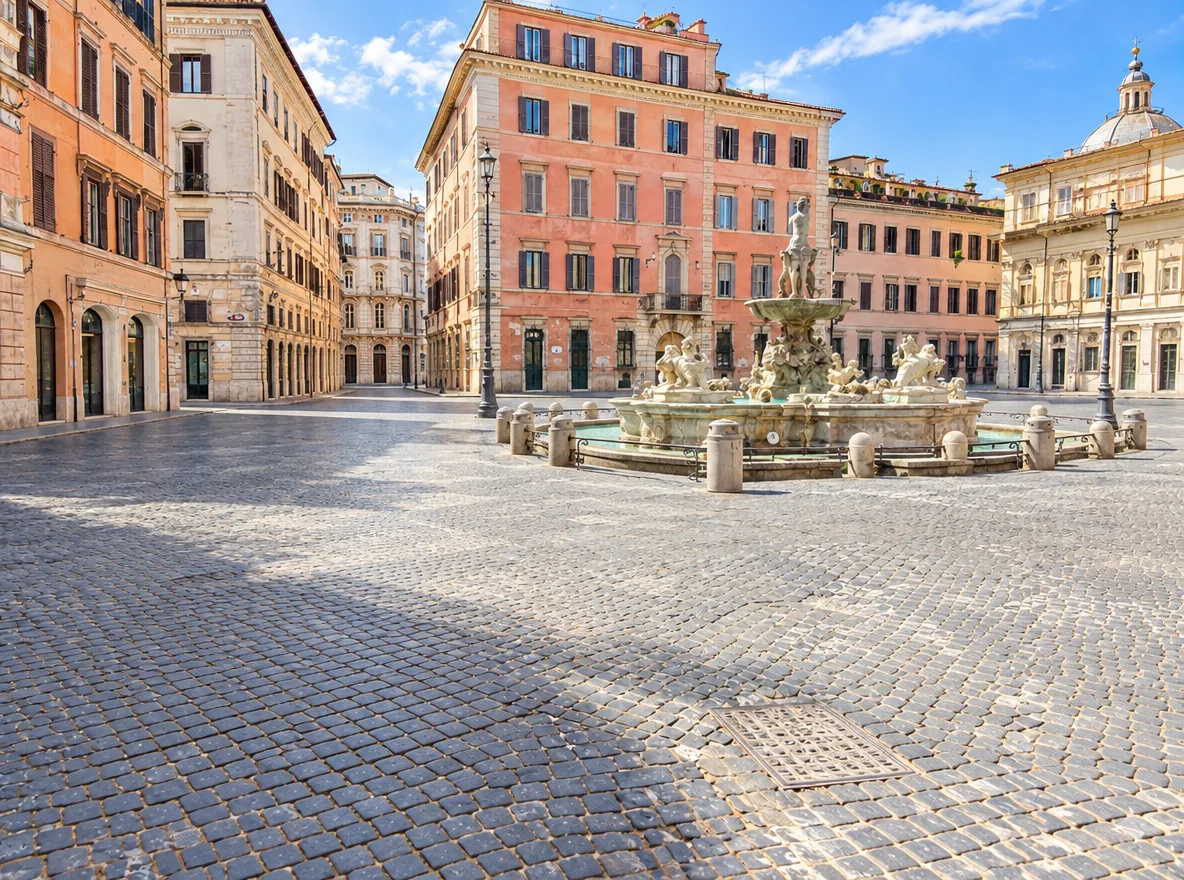
Travel photos without crowds
Erase tourists, cars and passers-by from landmarks and streets so the place itself is the subject.
Type what should disappear, such as tourists, a trash can or power lines, and the AI erases it and rebuilds the background with matching texture, light and perspective.
Example
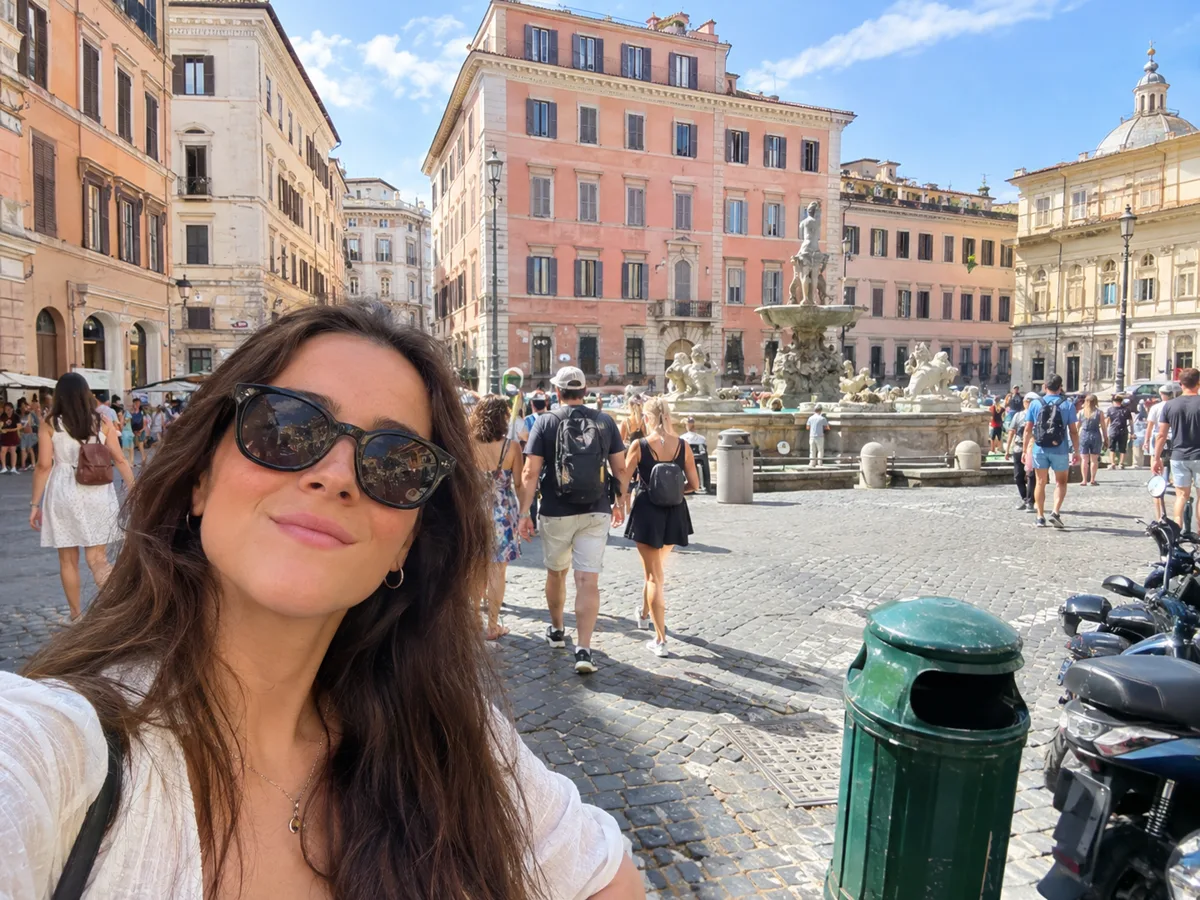 BeforeAfter
Your result will appear here
How it works
Drop, paste or choose a JPG, PNG or WebP up to 10 MB.
Name the objects in plain words and say where they are, for example "the man in the red jacket on the left". The more specific you are, the better.
Drag the slider to check the fill, then download it, run it again for another version or keep editing.
No brushing over every pixel: describe it once and the AI handles the selection and the fill together.
Describe the object instead of painting over it. This is especially handy for many small things, such as a crowd or scattered litter.
The removed area is rebuilt to continue the surrounding texture, lighting and perspective, so the patch doesn't stand out.
The model is told to keep everything else the same: the people you keep, their faces, the composition and the framing.
List everything in one prompt, such as "the tourists, the sign and the scooter", instead of fixing them one by one.
Nano Banana 2 for faithful fills, GPT Image 2.5 for fine texture, or Nano Banana 2 Lite for a lower price.
The credit cost is shown before you start, and if a run fails the credits return to your balance automatically.
Erase tourists, cars and passers-by from landmarks and streets so the place itself is the subject.
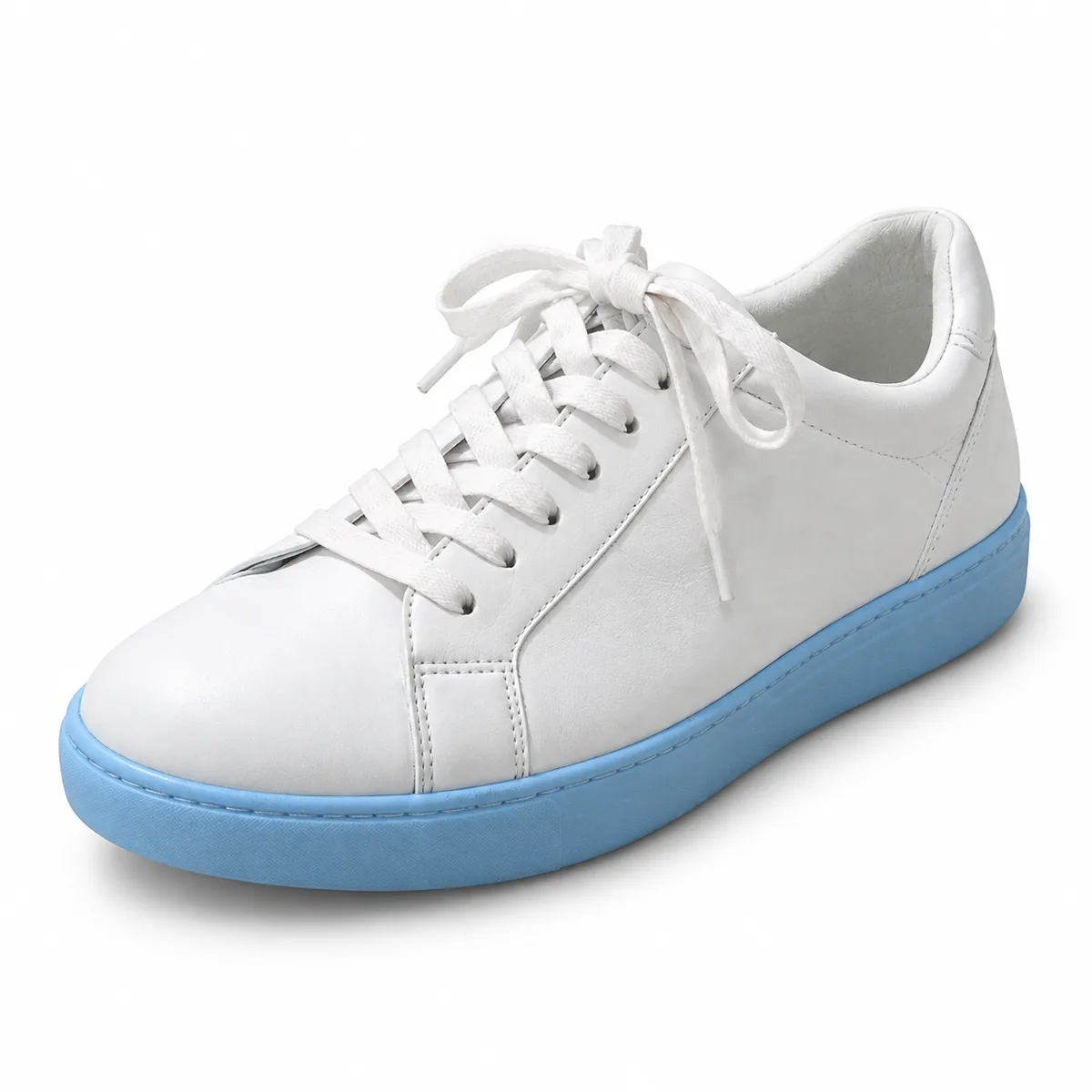
Remove cables, cups and clutter around a product or in a room before it goes on a store page or a rental listing.
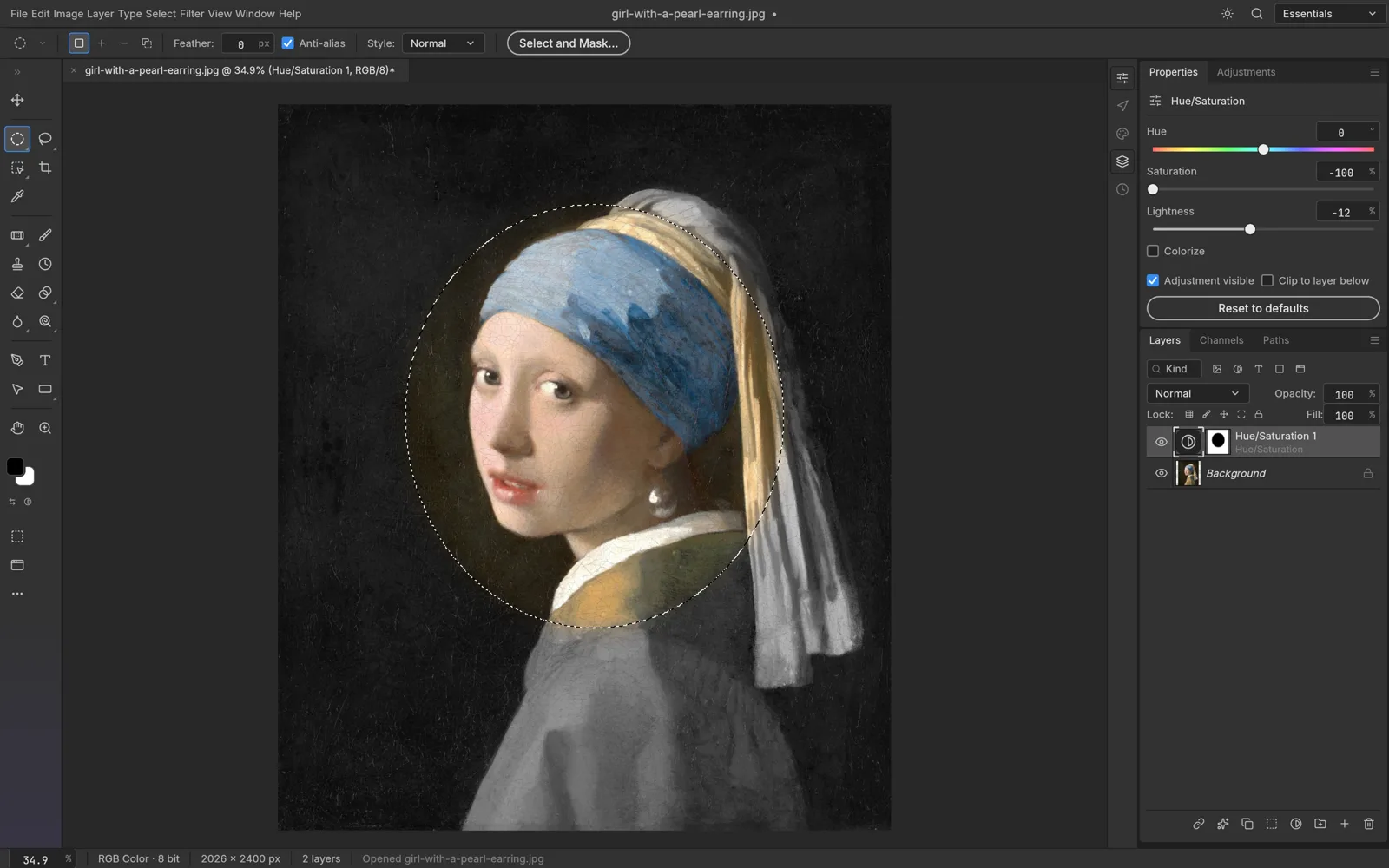
Want pixel-level control after the AI pass? Open the result in the free online editor and touch it up with layers and masks.
FAQ
Upload the photo, type what you want removed and press Generate. The AI erases those objects and fills the space so it matches the rest of the picture.
Yes. Describe them, for example "the two people walking behind her" or "all the tourists". Photos where the background behind them is visible elsewhere give the most convincing results.
No. This tool works from your description. If you would rather mark the exact area by hand, use the free online photo editor.
Generative fills can occasionally alter nearby details. Be specific about what to remove and where it is, and run it again if needed; each run shows its credit cost first.
You choose the output resolution, up to 4K with Nano Banana 2 and GPT Image 2.5. Pick a resolution close to your original for the sharpest result.
It uses credits per run because it runs on AI models in the cloud. The price is shown on the button, and failed runs are refunded automatically.
Keep going with the same photo. Every AI tool shares one credit balance.
Upload a photo, describe what to remove and get a clean result in moments.