

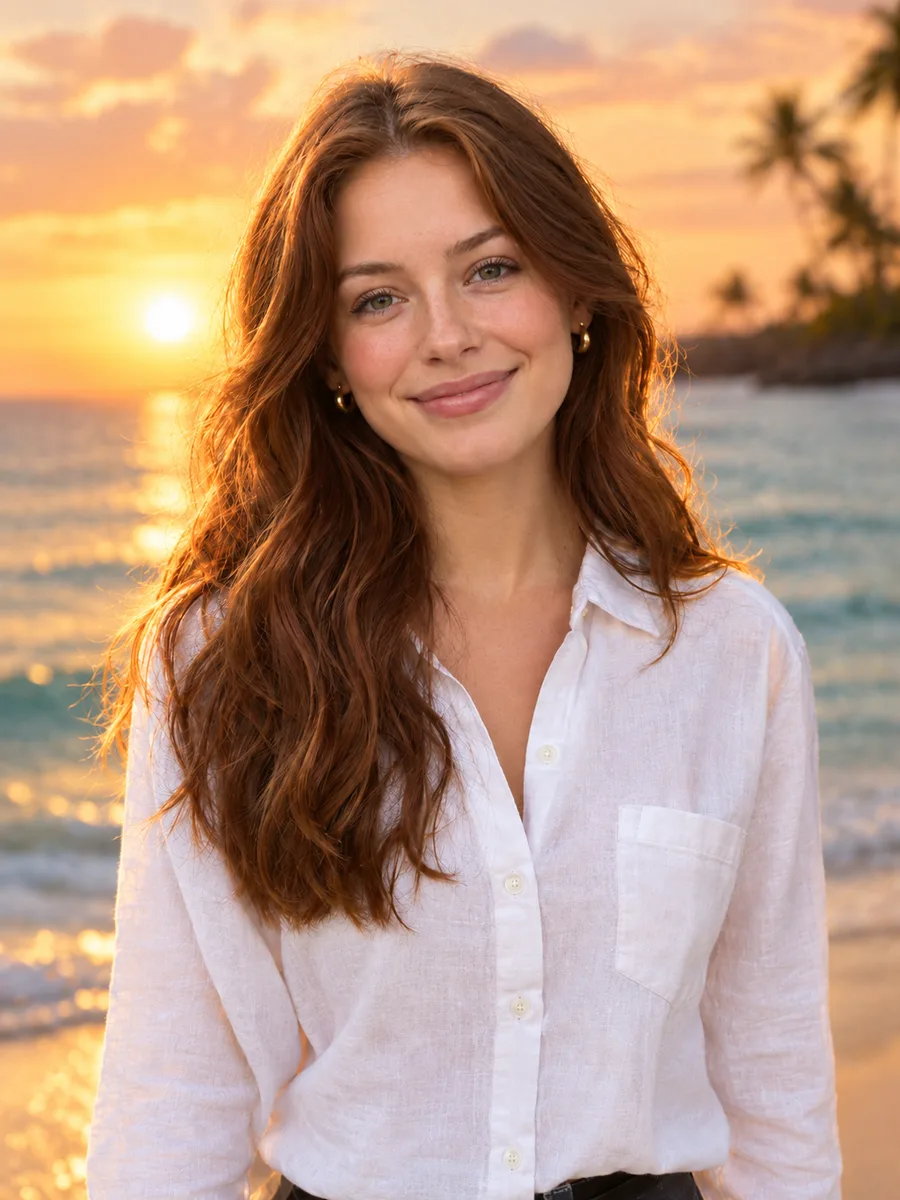
Product photos
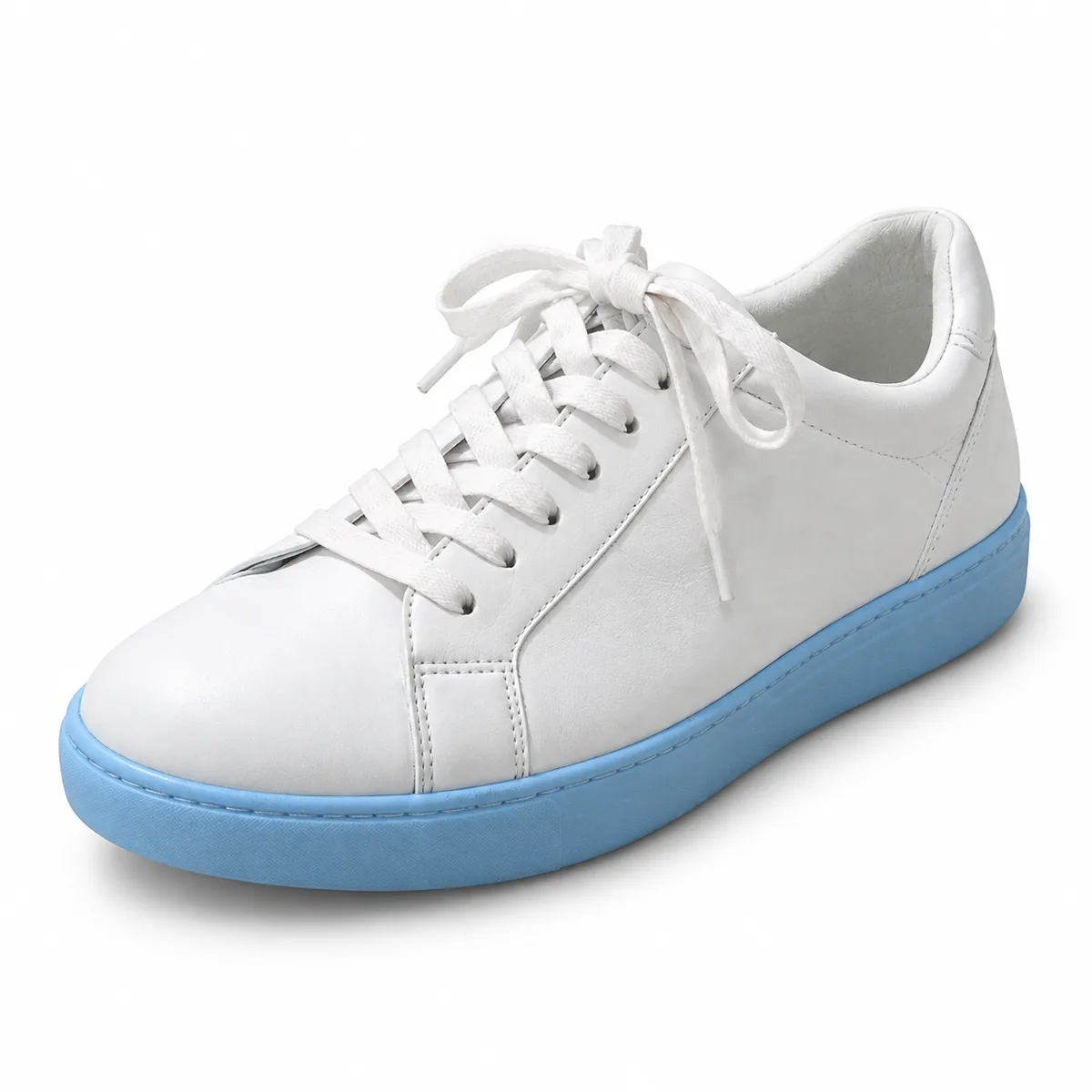
Place products on clean studio or lifestyle backgrounds for online stores, listings and ads.
Upload a photo, choose a new backdrop and the AI replaces the background while keeping your subject's face, pose and clothing, then matches the light so the result looks natural.
Example
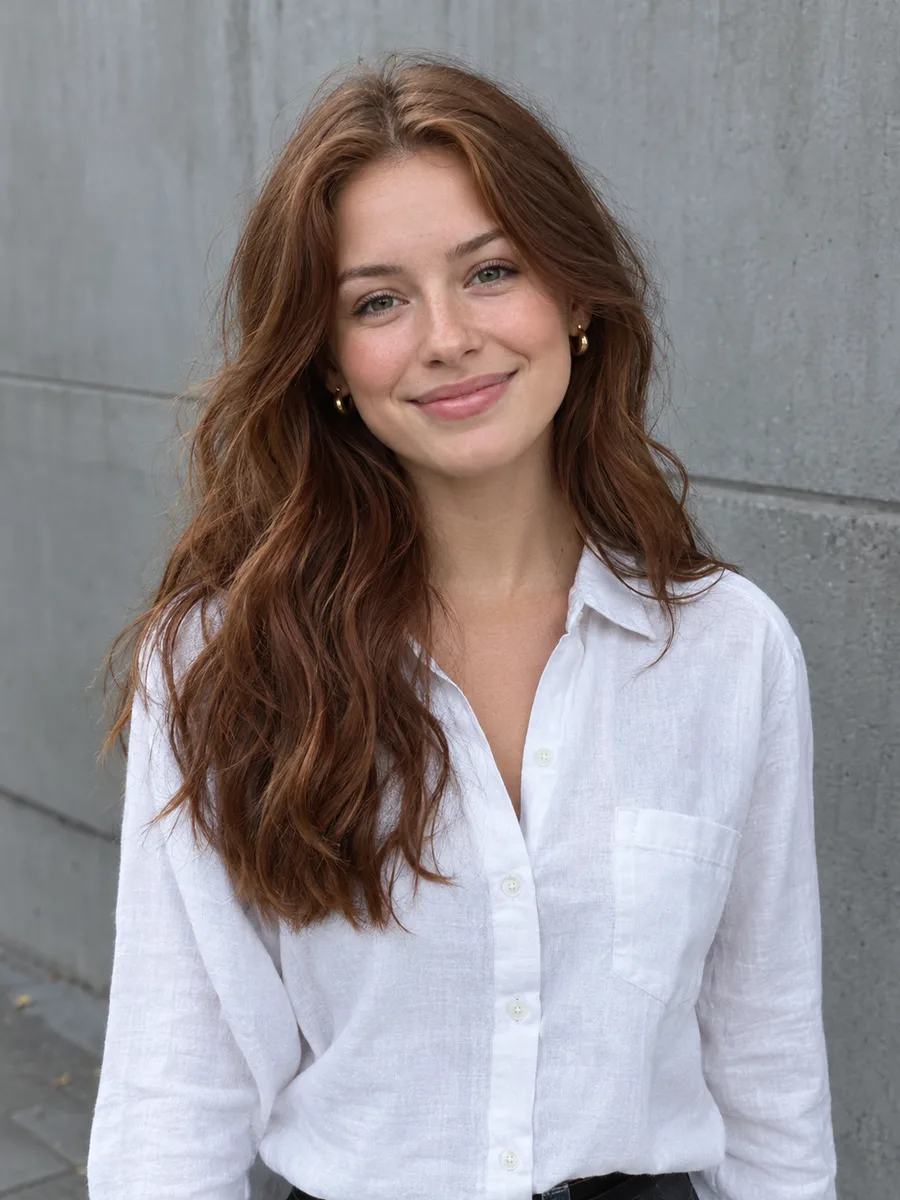 BeforeAfter
Your result will appear here
How it works
Use a picture with a clear main subject: a person, a pet or a product.
Pick a scene such as white studio, beach at sunset or city at night, and add any extra details you want.
The AI swaps the background and relights the subject to match. Compare, download, or refine the result in the free online editor.
Skip the masking, the stock photo hunt and the color matching.
You don't have to trace hair or edges. The AI separates the subject and builds the new scene in one step.
The subject is relit to fit the new background, so it doesn't look cut out and pasted in.
Start from studio, outdoor, city, office and gradient backdrops that suit portraits and products.
Identity, face, pose and clothing are kept, with clean edges around hair and outlines.
Describe extra touches like fog, warmer light or a softer blur to fine-tune the scene.
For a transparent PNG rather than a new scene, use the background remover, then place the cut-out on any backdrop in the editor.
Place products on clean studio or lifestyle backgrounds for online stores, listings and ads.
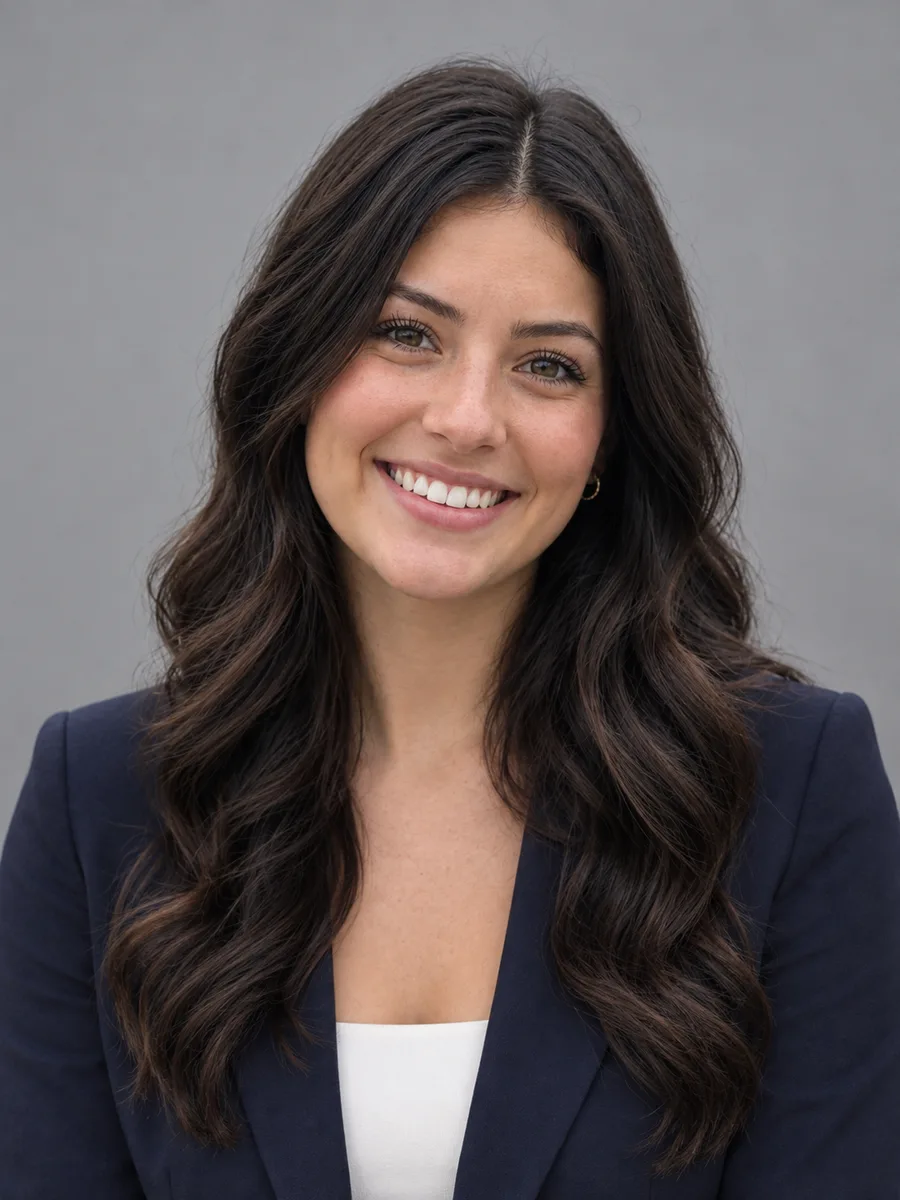
Replace a cluttered room or a plain wall with a neutral or professional backdrop for profiles and team pages.
Move a casual snapshot to a sunset beach or a city at night for eye-catching posts.
FAQ
You upload a photo and choose a scene. The AI keeps the main subject, generates the new background around it and adjusts the light on the subject so both fit together.
Pick the scene closest to what you want, then add details in the text box, such as “with soft fog” or “warmer evening light”, to steer the result.
The model is instructed to keep identity, face, pose, clothing and edges the same. Small details can still shift with generative AI, so compare before and after and run it again if needed.
The background remover cuts the subject out and leaves a transparent background. The background changer replaces it with a new, fully lit scene in one step.
Each run uses credits, shown on the button before you generate. The online photo editor on this site is free to use.
Your photo is uploaded to our storage and processed by our AI model provider to create the result. Results are saved in My Creations so you can download them later. Only upload photos you have the right to edit.
Keep going with the same photo. Every AI tool shares one credit balance.
Choose a scene, let the AI swap and relight the background, and download the result.