


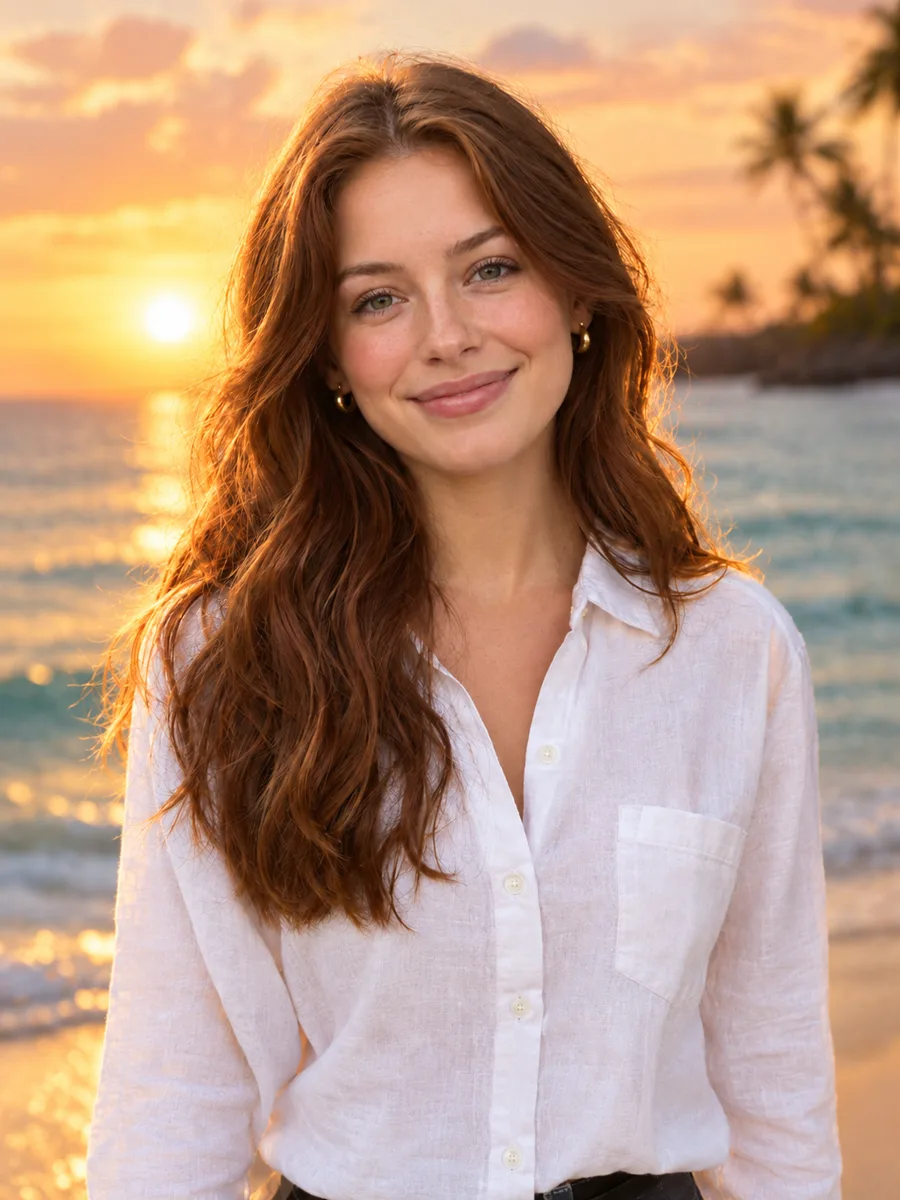
Portraits and social posts
Swap a dull backdrop for a beach, a city street or a studio, fix the light and keep the person exactly as they are.
Upload up to four images, write what should change and let the AI handle the selecting, masking and blending. Choose Nano Banana 2, GPT Image 2.5 or Seedream 4.5, then compare, download or keep editing.
Example
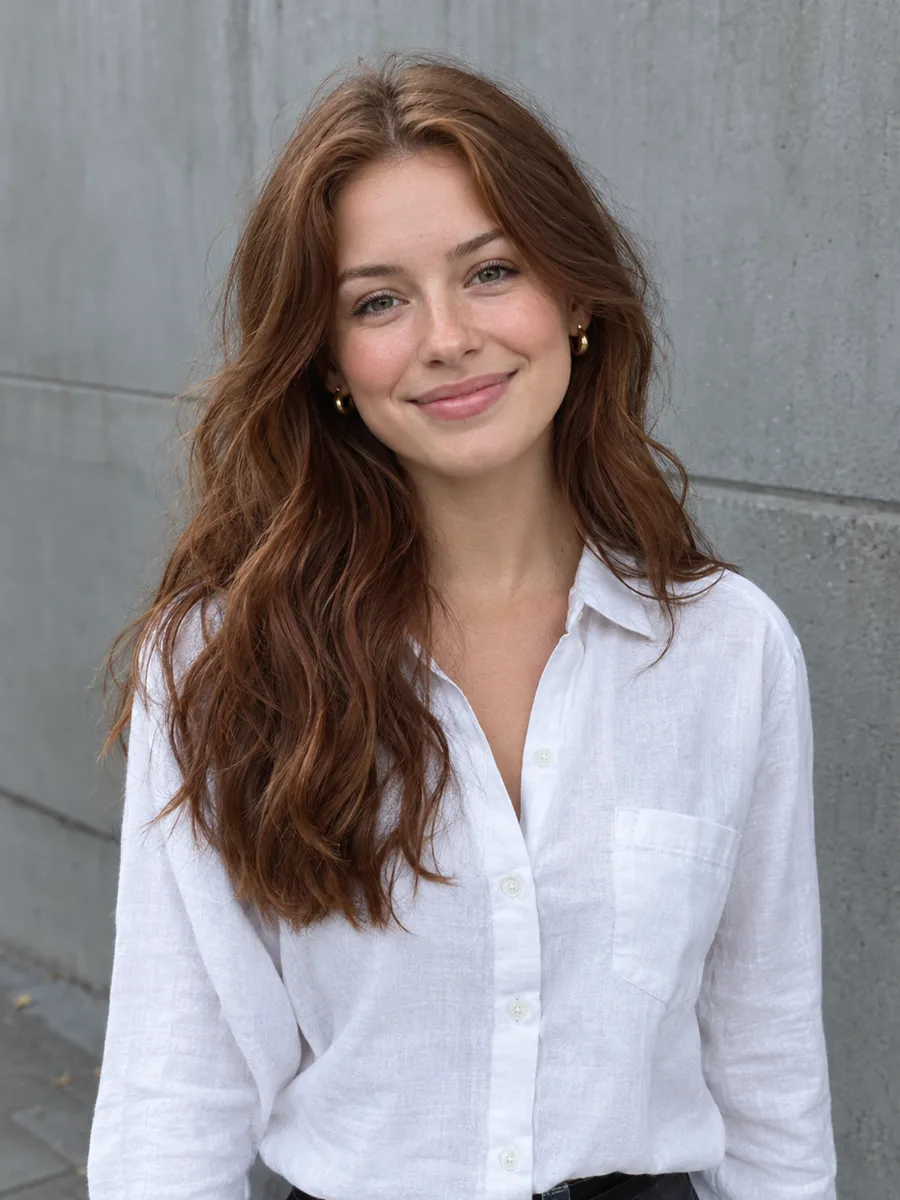 BeforeAfter
Your result will appear here
How it works
Drop, paste or choose a JPG, PNG or WebP up to 10 MB. Add extra reference images if your edit needs them, such as a product or a style to copy.
Write the edit in plain language: what to change and what must stay the same. Pick a model and output size; the credit cost is shown before you start.
Drag the slider to compare before and after, then download the image, run it again for another take or send it to the next tool.
Photoshop-style edits without layers, masks or selections: you write the instruction and the model does the pixel work.
Change a background, an outfit, the lighting or the season by typing a sentence. There are no brushes, lassos or masks to learn.
The models are asked to keep faces, identity, pose and framing unless you say otherwise, so the edit still looks like your photo.
Switch between Nano Banana 2, GPT Image 2.5, Seedream 4.5 and Nano Banana 2 Lite to balance speed, price and detail for each job.
Use extra images as references: place a product in a scene, borrow a style or merge elements from several photos into one.
Choose the resolution and aspect ratio that fit your post, print or product page. The price on the button updates as you change them.
Every edit shows its credit cost before you start. If a generation fails, the credits go straight back to your balance.
Swap a dull backdrop for a beach, a city street or a studio, fix the light and keep the person exactly as they are.
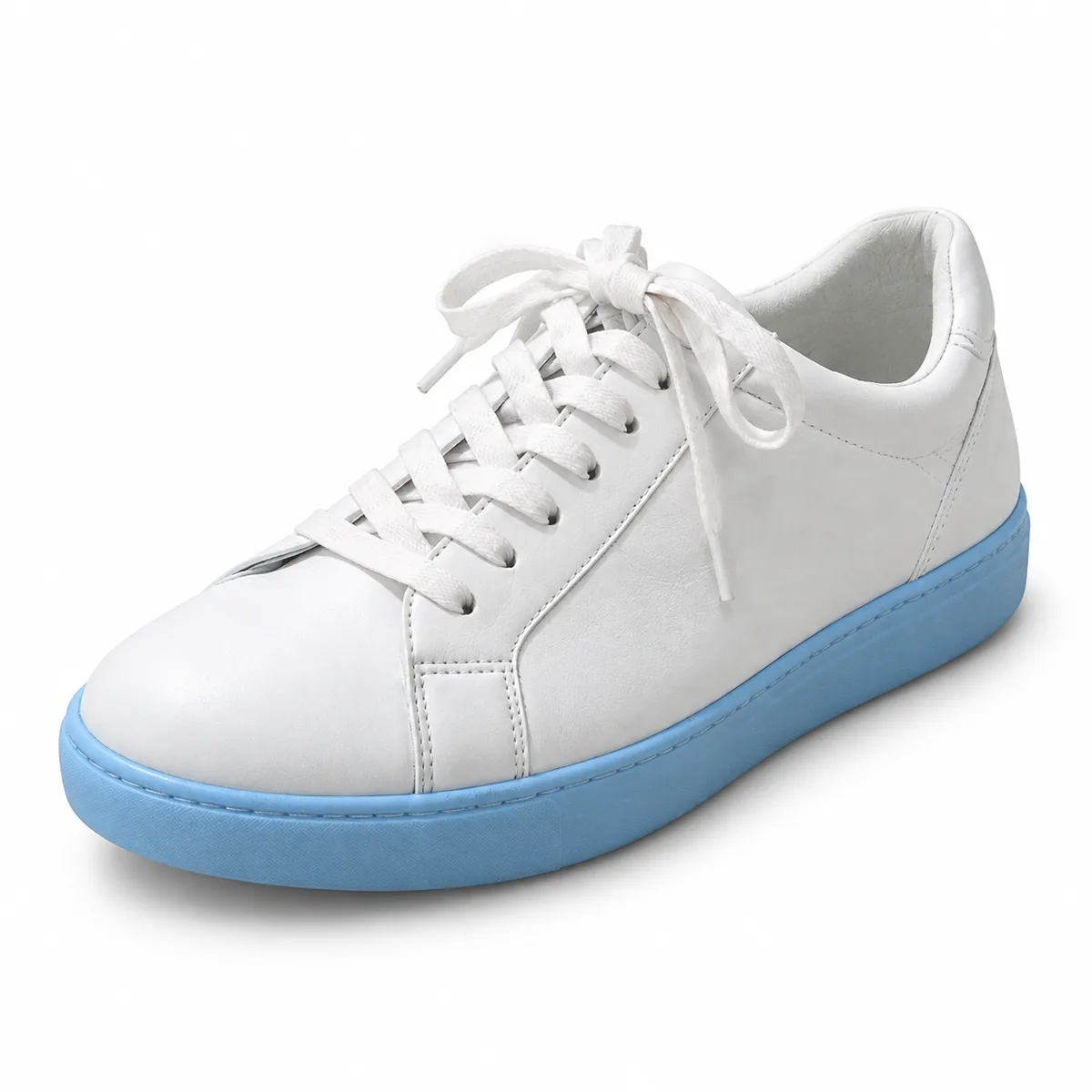
Put a product on a clean backdrop or in a styled scene, then reuse the same instruction across the rest of your catalog.
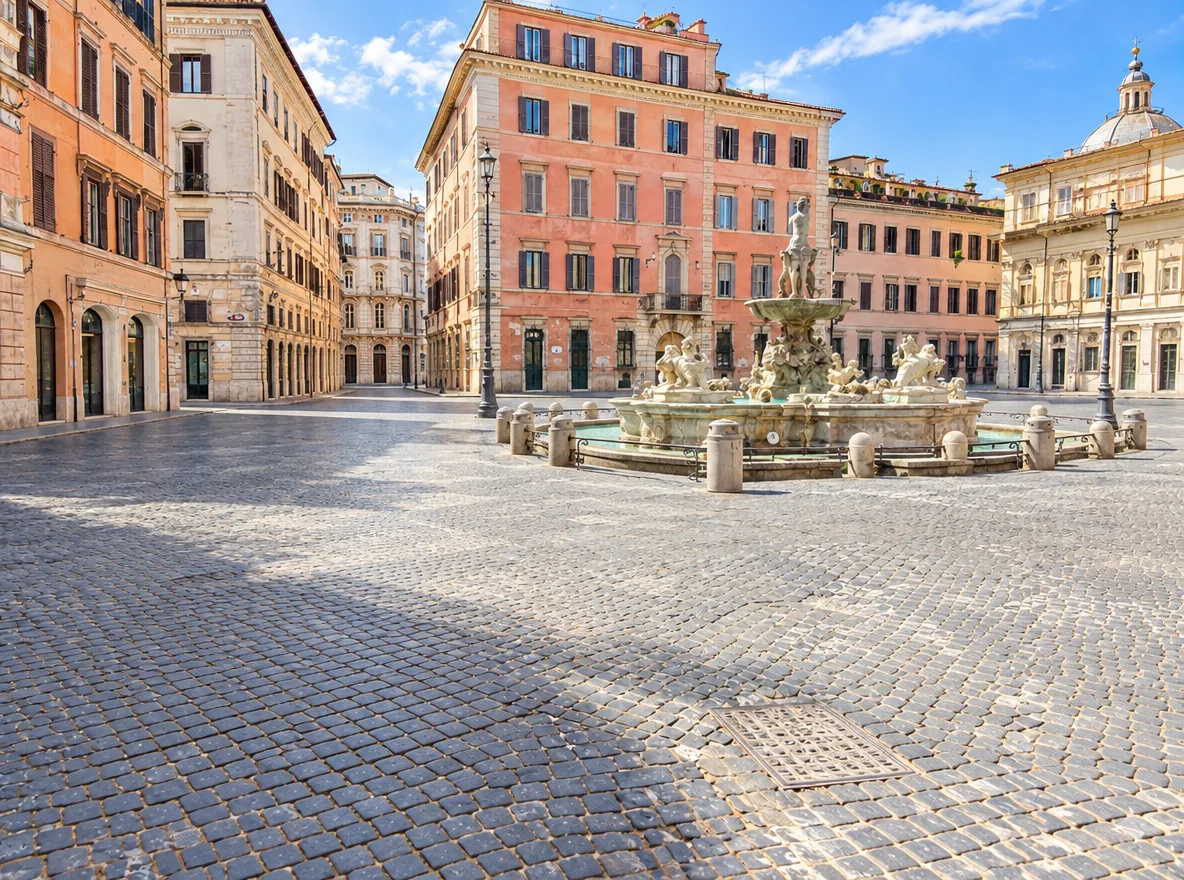
Remove crowds, change the weather or the time of day, and turn a quick snapshot into the photo you remember.
FAQ
Almost anything you can describe: backgrounds, objects, clothing, lighting, colors, weather and style. For the best results, say clearly what to change and what to keep, for example "replace the background with a sunny park and keep the person unchanged".
AI edits use credits because every run is processed on cloud GPUs. The price is shown on the Generate button before you start, and failed runs are refunded automatically. Our browser-based photo editor, with layers, masks and filters, is free to use.
GPT Image 2.5 is the default and is strong at keeping fine detail and texture. Nano Banana 2 is a fast, faithful all-rounder. Seedream 4.5 is precise when you edit from reference images. Nano Banana 2 Lite costs less for everyday edits.
Yes. Add up to four images and refer to them in your prompt as image 1, image 2 and so on, for example "put the bag from image 2 in the hand of the woman in image 1".
The editor asks the model to keep identity, pose and composition unless your prompt says otherwise. Results can still vary between runs; if a face drifts, run it again or be more specific about what must stay the same.
Your images are uploaded to our storage and sent to our AI provider to create the result. Results are saved to My Creations in your account so you can download them later. Your files are not listed publicly or shown to other users.
Keep going with the same photo. Every AI tool shares one credit balance.
Upload a photo, describe the change and compare the result side by side with the original.