
GPT Image 2.5 AI Image Editor
OpenAI's GPT Image 2.5 for detail-preserving photo edits and natural-looking new images. Add reference pictures, describe the change and choose the resolution and aspect ratio.
Example
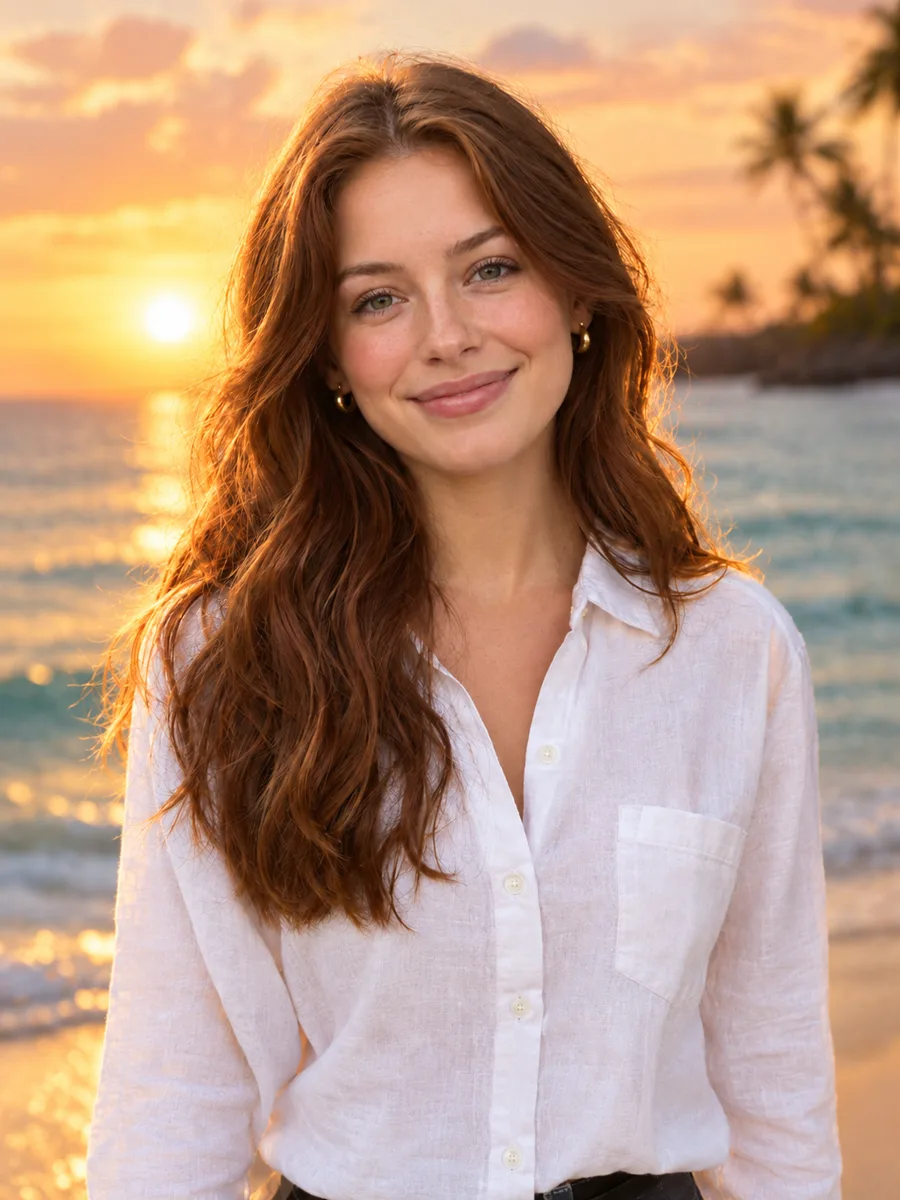
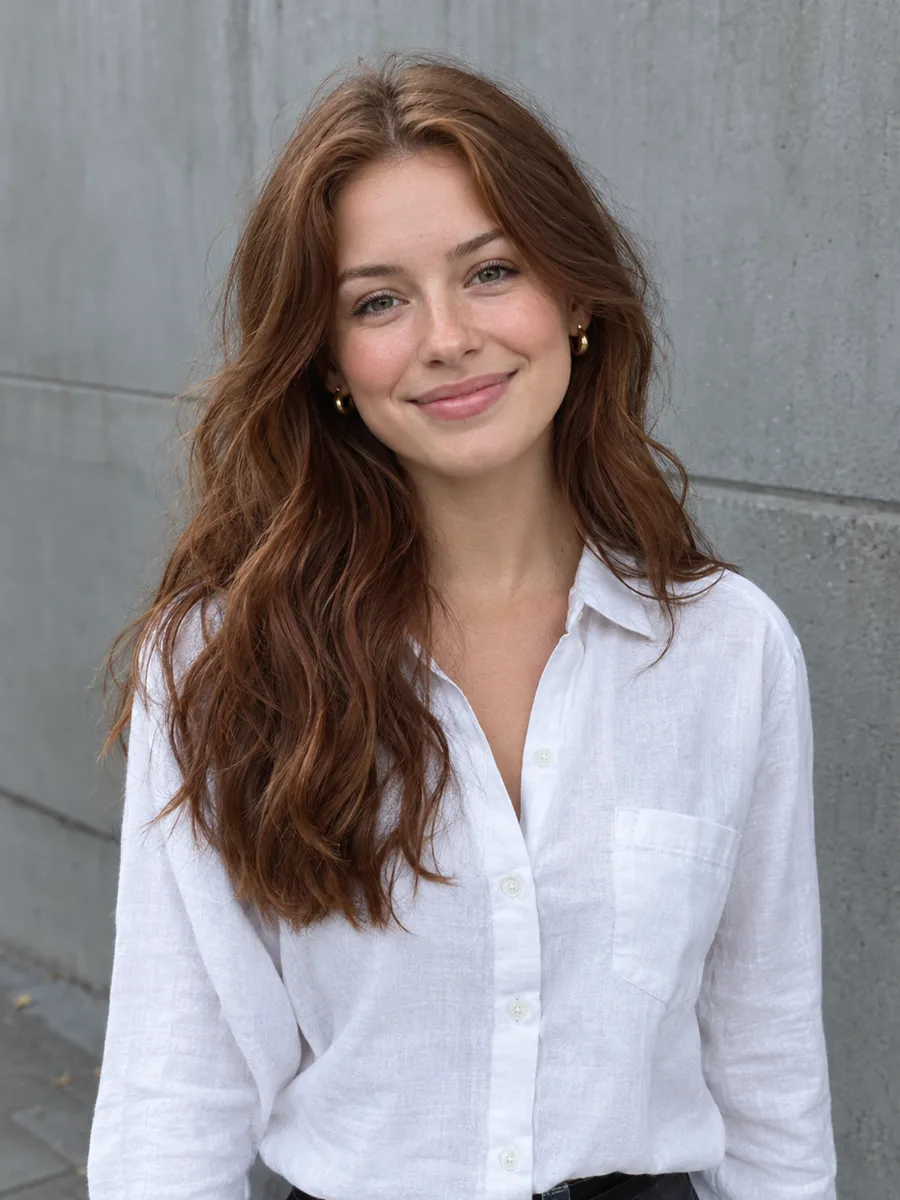 BeforeAfter
Your result will appear here
Credits are only used when you generate, and a failed generation is refunded automatically.
About GPT Image 2.5
GPT Image 2.5 is an image model from OpenAI, offered here in two variants: Sunburst, tuned for editing an existing picture while preserving its detail, and Flare, used for text-to-image with natural lighting and rich texture. It reads detailed instructions well, which makes it a strong choice when an edit has several parts, or when fine detail such as fabric, hair and small product features has to survive the edit.
- Developer
- OpenAI
- Modes
- Text to image · Image to image
- Reference images
- Up to 16
- Credits per image
- From 12 credits
What GPT Image 2.5 is good at
Detail-preserving edits
The Sunburst variant is tuned to keep texture and small details intact while it edits.
Follows long instructions
Handles prompts that describe several changes, a style and a mood at once.
Natural light and texture
The Flare variant creates new images with natural lighting and rich surface texture.
Many references
Add several reference images to guide an edit, a composition or a consistent look.
GPT Image 2.5 specs and credits
Read from the live model catalog, so these numbers match what the generate button charges.
| Modes | Image to image | Text to image |
|---|---|---|
| Developer | OpenAI | OpenAI |
| Reference images | Up to 16 | — |
| Resolution | 1K · 2K · 4K | 1K · 2K · 4K |
| Aspect ratios | 1:1 · 3:2 · 2:3 · 4:3 · 3:4 · 16:9 · 9:16 · 21:9 | 1:1 · 3:2 · 2:3 · 4:3 · 3:4 · 16:9 · 9:16 · 21:9 |
| Credits per image | 1K: 12 · 2K: 20 · 4K: 32 | 1K: 12 · 2K: 20 · 4K: 32 |
GPT Image 2.5 FAQ
GPT Image 2.5 is OpenAI's image model. Here you can use its Sunburst variant to edit photos and its Flare variant to create images from text.
Sunburst is used for image-to-image editing and focuses on keeping detail. Flare is used for text-to-image and focuses on natural lighting and texture. The specs table above lists both, under Image to image and Text to image.
It depends on the resolution; the specs table lists the credits for each one. The generate button always shows the exact cost before you run.
The aspect ratios available for GPT Image 2.5 are listed in the specs table and in the model settings of the tool, from square to widescreen and tall formats.
Other AI image models
Compare the models and pick the one that suits your image.

Try GPT Image 2.5 on your photo
Upload an image, describe your edit and choose the resolution.